

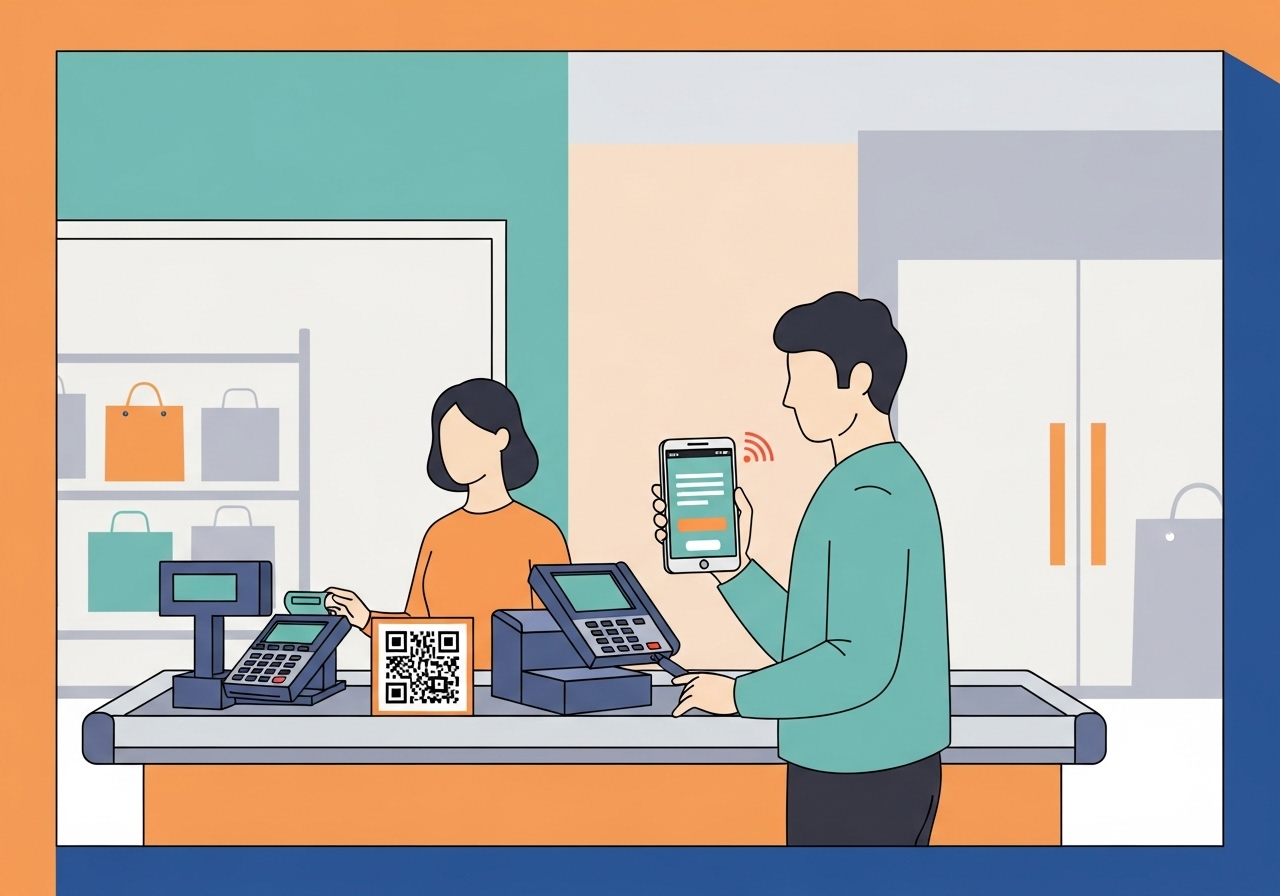
UPI offers a simple, secure way to pay at shopping malls using just your mobile phone. Link your bank account to a chosen application, create a UPI PIN, and you're ready. Pay effortlessly by scanning QR codes or entering a merchant's UPI ID. This digital method provides quick transactions, eliminates the need for physical cash or cards, and helps track spending. Always double-check details and keep your PIN private for a seamless, safe shopping experience.
Imagine a world where you can pay for your favourite items at the shopping mall without needing to carry a wallet full of cash or a stack of cards. This modern convenience is now a reality thanks to a brilliant system called UPI, or Unified Payments Interface. It’s a simple, secure, and incredibly fast way to handle your money directly from your bank account using just your mobile phone. Let’s explore how you can use UPI to make your shopping trips even easier and more enjoyable.
Understanding UPI for Your Shopping
Before we dive into the practical steps, it’s helpful to understand why UPI has become such a popular choice for many people across the country.Why UPI is a clever way to pay
UPI is a payment system that allows you to send or receive money instantly between different bank accounts using a mobile application. It’s like having your bank account readily available on your phone, ready to make payments whenever you need to. The clever part is how it connects directly to your bank, making transactions quick and very secure. It’s designed to be straightforward, so you don’t need to be a technology expert to use it. Think of it as a smart digital bridge between your money and where you want to spend it.The convenience of Digital payments at shops
Picture this: you’re at the checkout, your hands full with shopping bags, and you realise you’ve left your wallet at home. With UPI, this isn’t a problem! All you need is your smartphone. Digital payments offer incredible convenience, saving you time and effort. There’s no need to count out change, search for the right card, or worry about carrying large amounts of cash. It makes shopping feel much smoother and more modern.Preparing to Use UPI
Getting ready to use UPI is quite simple. A few quick steps will ensure you’re all set for your next shopping adventure.What exactly is a UPI ID?
A UPI ID is like your unique address for receiving or sending money through UPI. It’s a special identifier that links directly to your bank account. Often, it looks a bit like an email address, such as ‘yourname@yourbank’ or ‘yourphonenumber@anotherbank’. This ID makes it easy for others to send money to you without needing your bank account number or other sensitive details. Similarly, you can use a merchant’s UPI ID to send them money directly.Setting up your chosen UPI application
To start using UPI, you’ll need a smartphone and an active bank account. Here’s what you generally need to do:- Download an application: Choose a trusted UPI-enabled application from your phone’s app store. There are several reliable options available.
- Link your bank account: Open the application and follow the steps to link your bank account. You will usually need to verify your mobile number, which must be the same number registered with your bank account.
- Create a UPI PIN: This is a secret four or six-digit number, much like your ATM PIN. You will use this PIN to approve every transaction you make. Remember, your UPI PIN is very important for keeping your money safe.
Making Payments at the Shopping Mall
Using UPI at the shopping mall is usually a quick and straightforward process. You have a couple of common ways to pay.Finding UPI payment options in stores
As you walk through the shopping mall, you’ll notice more and more shops displaying signs that say “UPI accepted here” or showing a QR code. From large department stores to smaller boutiques and even food stalls, many places now embrace UPI payments. Keep an eye out for these signs at the checkout counter.Paying with a QR code
Paying with a QR code is the most popular and easiest method:- Open your UPI application: Launch your chosen UPI application on your smartphone.
- Select ‘Scan & Pay‘: Look for an option like ‘Scan & Pay’, ‘Scan QR’, or a camera icon within the app.
- Scan the QR code: Point your phone’s camera at the QR code displayed by the merchant. The app will automatically read the shop’s details.
- Enter the amount: Carefully type in the exact amount you need to pay.
- Enter your UPI PIN: Input your secret UPI PIN to authorise the payment.
- Confirm the payment: Once confirmed, you’ll usually see a ‘Payment Successful’ message, and the merchant will also receive a confirmation. It’s that simple!
Paying using a merchant’s UPI ID
Sometimes, a merchant might not have a QR code readily available, but they will have a UPI ID. Here’s how to pay using their ID:- Ask for their UPI ID: Politely ask the shop assistant for their UPI ID.
- Open your UPI application: Go to your UPI app and look for an option like ‘Send to UPI ID’, ‘Pay to Contact/ID’, or ‘Pay to VPA (Virtual Payment Address)’.
- Enter the UPI ID: Type in the merchant’s UPI ID accurately.
- Enter the amount: Input the correct payment amount.
- Enter your UPI PIN: Enter your UPI PIN to authorise the transaction.
- Confirm the payment: Check the details one last time and confirm.
Important Safety Tips for UPI Payments
While UPI is very secure, it’s always wise to follow a few simple safety rules to protect your money and personal information.Always double-check merchant information
Before you confirm any payment, always pause for a moment to double-check two things: the name of the merchant and the amount you are paying. Mistakes can happen, and ensuring you’re sending money to the right shop for the correct amount will save you a lot of hassle. It’s a small step that makes a big difference.Keeping your UPI PIN private
Your UPI PIN is the key to your money. It’s just like the PIN for your bank card. You should never share it with anyone, not your friends, family, or even bank representatives. No legitimate bank or UPI service will ever ask you for your PIN. Always enter it discreetly and avoid writing it down where others might see it.What to do if a payment doesn’t go through
Occasionally, a payment might not complete successfully, or your money might seem to be stuck. If this happens, don’t worry.- First, check your bank account statement to see if the amount has actually been deducted.
- If the money has been debited but the payment failed, it often reverses automatically back into your account within a short period.
- If the issue persists, contact your bank or the customer support of your chosen UPI application. They can help you investigate and resolve the problem. Always keep a record of your transaction ID for reference.
The Advantages of Using UPI for Shopping
Using UPI offers several fantastic benefits that make shopping a much more pleasant experience.Quick and effortless transactions
One of the biggest advantages is how fast and easy transactions are. You can complete a payment in mere seconds, which means less waiting in queues and more time for enjoying your shopping. It truly makes spending money feel effortless.No need for physical cash or cards
With UPI, your smartphone becomes your wallet. You don’t need to carry bundles of cash or worry about losing your debit or credit cards. This not only lightens your load but also adds a layer of security, as your phone is usually much harder to misplace or steal without you noticing.Easy tracking of your spending
Every UPI transaction is recorded within your application and on your bank statement. This makes it incredibly easy to keep track of where your money is going. You can quickly review your spending history, which is a great tool for managing your budget and understanding your shopping habits.Enjoying a Seamless Shopping Experience with UPI
UPI has truly transformed the way we handle money, especially when it comes to shopping. By understanding how it works, preparing your application, and following simple safety tips, you can enjoy a seamless, secure, and incredibly convenient way to pay at the shopping mall. So, next time you head out for some retail therapy, remember that your smartphone and UPI are all you need for a smart and modern shopping experience.Author

FAQs
What is UPI?
UPI, or Unified Payments Interface, is a system that lets you send or receive money instantly between different bank accounts using a mobile application on your phone. It's a quick and secure way to manage your money.
Why should I use UPI for shopping?
UPI offers great convenience for shopping. You don't need to carry cash or cards, payments are very fast, and you can easily track your spending directly from your phone.
What is a UPI ID?
A UPI ID is a unique address linked to your bank account, used for sending or receiving money through the system. It often looks like 'yourname@yourbank' or 'yourphonenumber@anotherbank'.
How do I set up UPI on my phone?
First, download a trusted application from your phone's app store. Then, link your bank account by verifying your mobile number, which must be registered with your bank. Finally, create a secret UPI PIN.
How do I pay with UPI using a QR code at a shop?
Open your application and choose 'Scan & Pay'. Point your phone camera at the shop's QR code, enter the payment amount, and then input your secret UPI PIN to confirm.
What if a shop doesn't have a QR code?
If there's no QR code, you can ask the shop assistant for their UPI ID. Then, in your application, select 'Send to UPI ID', type in their ID and the amount, and confirm with your UPI PIN.
What should I do if my payment doesn't go through?
Don't worry if a payment fails. First, check your bank account to see if the money was taken. Often, it will return to your account automatically. If not, contact your bank or the application's customer support.
How can I keep my money safe when using UPI?
Always double-check the shop's name and the amount before confirming payment. Most importantly, never share your secret UPI PIN with anyone, as it's the key to your money.
