

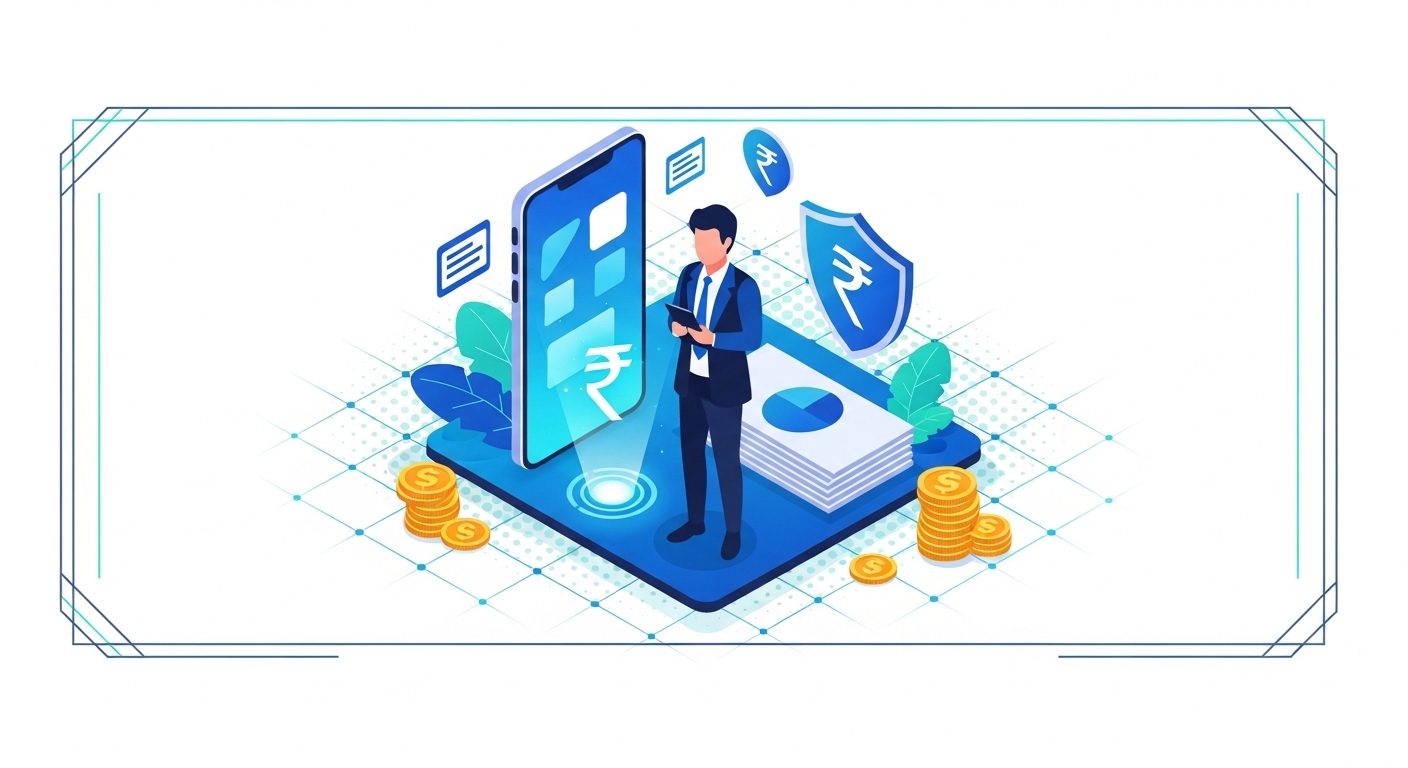
Accessing your digital voter ID is like having a crucial key to your home, but it’s stored in a digital locker. If you don’t know how to find it, or how to keep it safe, you might miss out on important opportunities or even risk your personal belongings. It’s about ensuring your voice is heard and your identity is protected.
This guide will show you exactly how to get your digital voter ID, understand its importance, and take practical steps to secure your personal data online. You’ll learn simple yet effective ways to protect yourself, ensuring your digital presence is both active and secure in 2026.
Table of Contents
What Is Digital Voter ID?
Your Digital Voter ID, officially known as the e-EPIC (Electronic Electoral Photo Identity Card), is a secure, downloadable digital version of your physical voter ID card, issued by the Election Commission of India. It serves as a valid proof of identity and residence, allowing you to vote and open various government services.
This digital document is authenticated using a secure framework, often using India Stack components for verification. For instance, the Digital India Programme aims to ensure such services are widely accessible and secure, reaching even remote areas by 2026.
If you fail to secure your e-EPIC, you risk identity theft or unauthorised use of your personal data, potentially affecting your civic rights. You can open and manage your e-EPIC through the official portal of the Election Commission of India.
What Is Your Digital Voter ID?
Your Digital Voter ID is essentially an electronic copy of your traditional voter card. It’s a key part of India’s move towards digital governance, making it easier for you to prove your identity and participate in elections. This digital version holds the same legal standing as the physical card, ensuring your right to vote and open services remains intact.
This initiative also helps in reducing the burden of carrying physical documents and makes the process more efficient. It’s particularly useful in places where accessing physical documents might be difficult, offering a convenient alternative.
Understanding your digital identity
Your digital identity isn’t about your voter ID; it’s a collection of all your verifiable information online. Your e-EPIC is a significant part of this, linking your civic duties to your digital persona. It’s crucial to understand that this digital document uses advanced security features to prevent misuse.
The shift to digital IDs, supported by initiatives like Digital India, means you can open services faster and more securely. This modern approach helps streamline government interactions, making them more transparent for everyone.
Quick Context: What is e-EPIC?
The e-EPIC is the electronic version of your Electoral Photo Identity Card, accessible digitally. It’s a secure document that you can download and use as official proof of identity and residence, making civic participation easier.
Why it matters for voting
Your Digital Voter ID is essential for exercising your right to vote. It confirms who you are and that you’re registered in the correct constituency, ensuring a fair and transparent electoral process. Without it, you might face delays or difficulties at the polling booth.
Beyond voting, it’s also accepted as proof of identity for various other government schemes and services. This makes your e-EPIC a versatile document, simplifying many administrative tasks for you.
Key benefits of digital ID
Having a digital ID like the e-EPIC offers several advantages, especially in our increasingly connected world. It provides convenience, enhances security, and promotes efficiency in civic processes.
- Easy open: You can download and carry your ID on your smartphone or computer, eliminating the need for a physical card.
- Quick Verification: It speeds up identity verification processes at polling stations and for other official purposes.
- Enhanced Security: Digital versions often include QR codes and other features to prevent tampering and fraud.
- Environmental Friendly: It reduces the reliance on plastic cards and paper, supporting a greener approach.
- Updated Information: You can easily update your details digitally, ensuring your record is always current.
How to open Your Digital Voter ID
Getting your Digital Voter ID is a simple process, designed to be accessible to everyone. You’ll primarily use the official government portal, which guides you through each necessary step. This ensures that your application is processed securely and efficiently.
Before you begin, it’s wise to gather all the required documents. This preparation will help you complete the application without any interruptions, saving you time and effort.
Official government portal
The primary way to open your Digital Voter ID is through the official portal of the Election Commission of India. This website is specifically designed for voter services, including registration, corrections, and downloading your e-EPIC. Always ensure you’re on the correct, secure government website to protect your information.
Using the official portal guarantees that your data is handled according to government regulations. It also provides reliable support and information, should you need any assistance during the process.
Pro Tip: Verify the URL
Always double-check that the website address starts with “https://” and looks exactly like the official Election Commission of India portal. Phishing sites often mimic official pages, so staying vigilant is crucial.
Required documents needed
To register for a new voter ID or to download your e-EPIC if you’re already registered, you’ll need certain documents. These typically include proof of identity, proof of address, and proof of age. Having these ready will make the process much smoother.
| Document Type | Examples of Accepted Documents | Purpose |
| Proof of Identity | Aadhaar Card, PAN Card, Driving Licence, Passport | Confirms who you are |
| Proof of Address | Aadhaar Card, Bank Passbook, Utility Bills (electricity, water, gas), Rent Agreement | Verifies your residential location |
| Proof of Age | Birth Certificate, Mark Sheet of Class 10/12, Aadhaar Card | Establishes your eligibility based on age |
Simple registration process
If you’re registering for a new voter ID, the process involves filling out an online form and submitting your documents. The portal guides you through each section, making it easy to understand what information is required. After submission, your application will be reviewed by electoral officials.
Once your application is approved, your new voter ID number will be generated. You’ll then be able to download your e-EPIC from the same portal, usually within a few days of approval.
Verifying your details
After applying, it’s important to verify the status of your application and ensure all your details are correct. You can often track your application status using a reference number provided upon submission. This step helps catch any potential errors early on.
If you find any discrepancies, you should immediately initiate a correction request through the portal. Accurate information is vital for ensuring your vote counts and your identity is correctly recorded.
Downloading your e-Voter ID
Once your application is approved or if you’re an existing voter, downloading your e-EPIC is simple. You’ll log in to the official portal using your credentials and manage to the “Download e-EPIC” section. This process usually involves entering your EPIC number or application reference number.
Step 1: Visit the official Election Commission of India voter services portal using a secure web browser. Ensure you’re on the legitimate government site to avoid scams.
Step 2: Log in using your registered mobile number or email ID, along with the password you created during registration. If you’re a new user, you’ll need to register first.
Step 3: manage to the section labelled “Download e-EPIC” or “e-EPIC Download”. This option is typically found under the main menu or a dedicated services tab.
Step 4: Enter your EPIC number or the reference number you received after applying for your voter ID. The system will then fetch your digital voter ID.
Step 5: You may need to complete a one-time password (OTP) verification sent to your registered mobile number. This step ensures only you can open your e-EPIC.
Step 6: Once verified, your e-EPIC will be displayed, usually in PDF format. You can then download it to your device and save it securely.
Keeping Your Digital Voter ID Secure
Securing your Digital Voter ID is as important as protecting your physical documents. In 2026, with more services moving online, safeguarding your digital identity is paramount to preventing fraud and misuse. You have a crucial role to play in maintaining this security.
Think of your digital ID as a valuable asset; you wouldn’t leave your wallet unattended, so you shouldn’t leave your digital credentials vulnerable either. Taking simple precautions can make a big difference.
Strong password creation
One of the most fundamental steps to securing any online account, including your voter ID portal open, is creating a strong, unique password. A strong password acts as the first line of defence against unauthorised open. Don’t use easily guessable information like your birth date or common words.
Instead, combine uppercase and lowercase letters, numbers, and special characters. Aim for a password that’s at least 12-14 characters long, as per the latest official guidelines for digital security.
Common Confusion: Style A – It is commonly assumed that using your name and birth year in a password is secure enough.
This is incorrect; such passwords are very easy for hackers to guess or crack using automated tools.
A strong password should be complex and unique.
Two-factor authentication
Enabling two-factor authentication (2FA) adds an extra layer of security to your accounts. Even if someone manages to guess your password, they won’t be able to open your account without the second factor, which is usually a code sent to your registered mobile phone or email. This makes it much harder for cybercriminals to compromise your account.
Many government portals and financial services now offer 2FA, and you should always enable it when available. It’s a small step that provides significant protection.
Avoiding public Wi-Fi
Public Wi-Fi networks, often found in cafes, airports, or railway stations, can be convenient but are generally less secure. They are often unencrypted, making it easier for malicious actors to intercept your data, including login credentials. When accessing sensitive information like your digital voter ID, it’s best to use a secure, private network.
If you must use public Wi-Fi, consider using a Virtual Private Network (VPN) to encrypt your internet connection. This adds a layer of privacy and security, even on less secure networks.
Spotting phishing attempts
Phishing is a common cybercrime where attackers try to trick you into revealing personal information by impersonating legitimate organisations. You might receive fake emails or SMS messages asking you to click on suspicious links or provide your login details. Always be suspicious of unexpected communications asking for personal data.
Check the sender’s email address carefully, look for spelling errors in the message, and hover over links to see their true destination before clicking. Remember, official government bodies will rarely ask for sensitive information via email.
Reporting suspicious activity
If you suspect that your digital voter ID account has been compromised, or if you encounter any suspicious activity, it’s crucial to report it immediately. Delaying action can lead to further misuse of your identity. Most official portals have a dedicated section for reporting security issues.
You should also change your password immediately and monitor any linked accounts for unusual activity. Reporting helps the authorities track down cybercriminals and protect other citizens.
Protecting Your Personal Information Online
Your Digital Voter ID is one piece of your overall digital footprint. Protecting all your personal information online is a broader responsibility that extends beyond one document.
As per the Ministry of Electronics & IT (MeitY) (2026), digital security awareness is key to a secure online experience. This is especially true for citizens in Tier-2 cities, where digital literacy programmes like PMGDISHA are actively working to bridge knowledge gaps.
Understanding how your data is collected, used, and shared is the first step towards better protection. You have rights over your data, and knowing them helps you make informed choices.
Understanding data privacy
Data privacy refers to your right to control who can open and use your personal information. Every time you sign up for a new service, download an app, or even browse the internet, you’re sharing data. It’s important to read privacy policies, even if they seem long, to understand what you’re agreeing to.
Many government initiatives, like those under the Digital India Programme, aim to build a strong framework for data protection. This framework helps ensure that your personal information is handled responsibly by official entities.
Pro Tip: Review App Permissions
Before installing any app, check what permissions it requests. Does a flashlight app really need open to your contacts or location? Only grant permissions that are necessary for the app to function.
Limiting data sharing
You can actively limit the amount of personal data you share online. When filling out forms or signing up for services, only provide the information that is strictly required. Often, optional fields are for marketing purposes and don’t need to be completed.
Review the privacy settings on your social media accounts and other online services regularly. You can often adjust these settings to control who sees your posts, photos, and personal details.
Regular software updates
Keeping your operating system, web browser, and all your applications updated is a simple yet effective security measure. Software updates often include patches for security vulnerabilities that have been discovered. Ignoring updates leaves your devices exposed to known threats.
Make sure your devices are set to update automatically, or schedule regular checks for updates. This proactive approach helps protect your information from the latest cyber threats.
Secure browsing habits
Developing secure browsing habits is crucial for protecting your data. Always look for “https://” in the website address, indicating a secure connection. Be wary of clicking on pop-up ads or suspicious links, even if they appear on legitimate websites.
Using a reputable antivirus and anti-malware software on your computer and smartphone provides an additional layer of protection. These tools can detect and block malicious software before it harms your device or steals your data.
Rights over your data
In India, you have certain rights regarding your personal data, which are continuously evolving with new regulations. These rights generally include the right to know what data is being collected about you, the right to open that data, and the right to request corrections or deletion of inaccurate information. You also have the right to withdraw consent for data processing in certain circumstances.
These rights help you to have more control over your digital identity. If you believe your data privacy rights have been violated, you can seek redress through official channels, typically starting with the organisation concerned or relevant government authorities.
What If You Face an Issue?
Even with the best precautions, you might encounter issues with your Digital Voter ID or face concerns about your personal data. It’s important not to panic and to know the correct steps to take. The government has established various channels to assist citizens, ensuring you’re not left without support.
Knowing where to turn for help can resolve problems quickly and effectively, protecting your rights and your digital identity. Don’t hesitate to use these official resources.
Common problems and solutions
You might face issues like difficulty downloading your e-EPIC, incorrect details on your card, or problems logging into the portal. For minor issues, the official portal often has a section or troubleshooting guides that can provide immediate solutions.
For incorrect details, you can usually submit an online correction request using a specific form on the Election Commission’s website. Ensure you have supporting documents for any changes you wish to make.
Common Confusion: Style C – The misunderstanding here is that you need to visit a government office for every small issue with your digital ID.
This is not always true; many common problems can be resolved directly through the official online portal, saving you time and travel.
Contacting official support
If you can’t resolve an issue yourself, the next step is to contact the official support channels. The Election Commission of India provides helplines and email support specifically for voter services. You can usually find these contact details on their official website.
When contacting support, be prepared to provide your EPIC number, application reference number, and a clear description of the problem you’re facing. This helps the support team assist you more efficiently.
- National Voter Helpline: Dial 1950 (available in all states and union territories) for direct assistance with voter-related queries.
- Official Website Support: Look for a “Contact Us” or “Grievance Redressal” section on the Election Commission of India’s portal.
- Common Service Centres (CSCs): In many Tier-2 cities and rural areas, CSCs offer assistance with digital government services, including voter ID applications and corrections.
Reporting identity theft
Identity theft occurs when someone uses your personal information without your permission, often for fraudulent purposes. If you suspect your digital voter ID or other personal data has been used fraudulently, you must act swiftly. First, report the incident to the cybercrime cell of the police.
You can usually file a complaint online through the government’s dedicated cybercrime reporting portal. Keep all relevant evidence, such as suspicious emails or transaction details, to support your report.
Steps for data breach
A data breach means your personal information, including potentially your digital voter ID details, has been exposed to unauthorised individuals. If you receive a notification about a data breach from a service provider, or if you suspect one, take these steps:
Step 1: Immediately change the passwords for any accounts that might have been affected, especially those using the same password as the breached service. Use strong, unique passwords for each account.
Step 2: Enable two-factor authentication (2FA) on all your critical accounts, such as email, banking, and government portals. This adds an extra layer of security.
Step 3: Monitor your financial statements and credit reports for any unusual activity. Report any suspicious transactions to your bank or financial institution at once.
Step 4: Consider placing a fraud alert on your credit report, if applicable, to prevent new accounts from being opened in your name.
Step 5: Report the data breach to the relevant authorities, such as the cybercrime cell or the Indian Computer Emergency Response Team (CERT-In), as per official guidelines.
Conclusion
Securing your Digital Voter ID and protecting your personal data online is a continuous process, not a one-time task. By understanding what your e-EPIC is, how to obtain it, and the simple security measures you can implement, you’re taking crucial steps towards safeguarding your digital identity.
Regularly updating your passwords and enabling two-factor authentication will significantly reduce your risk. These efforts ensure your civic rights remain protected and your online presence stays secure in 2026.
Author

