

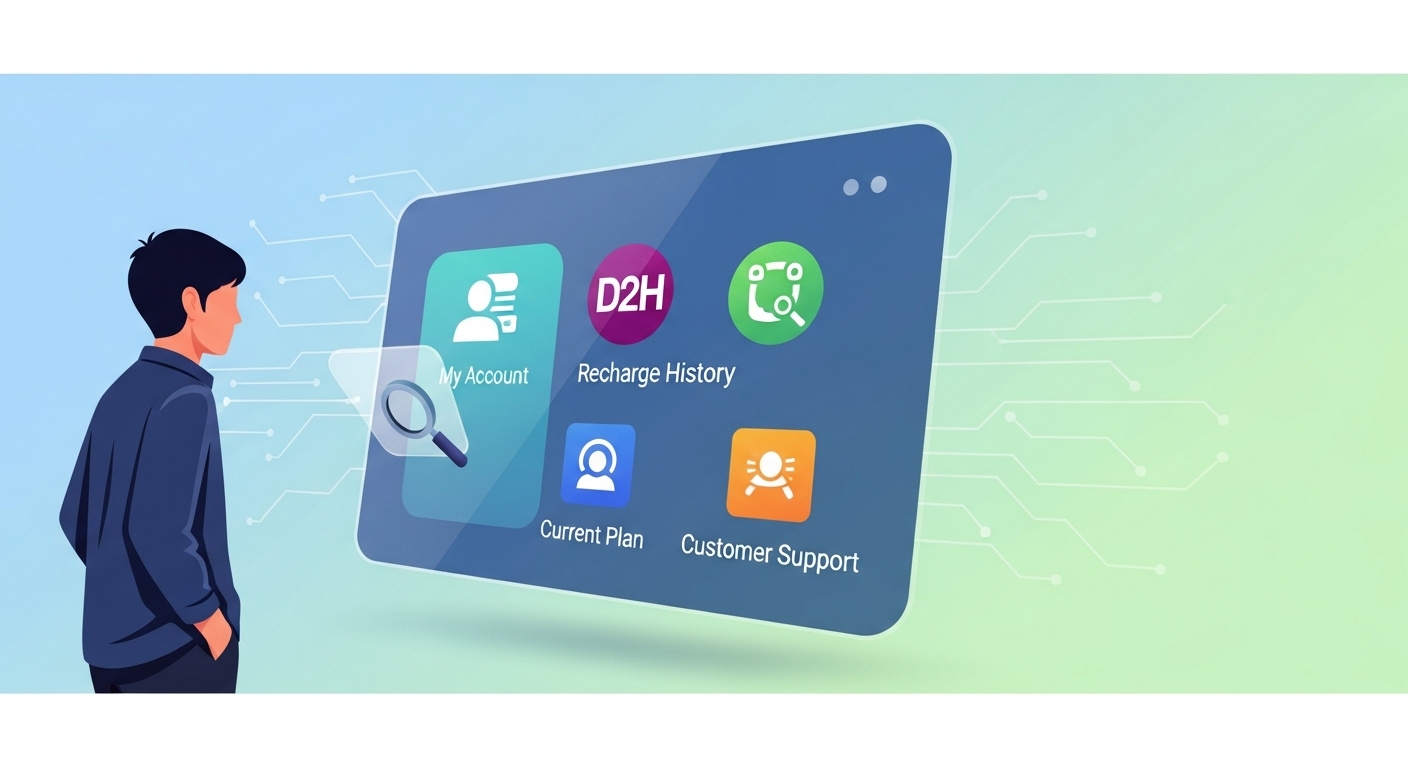
Ensure your d2h service is active by easily checking your recharge status. Confirm successful recharges via SMS, email, or on-screen messages. Utilise the official website or mobile app for detailed status and history. For quick updates, send a specific SMS. If issues arise, contact customer care with transaction details. Always note transaction IDs and use official channels for smooth future recharges and peace of mind.
It is always reassuring to know that your digital service recharge has been successful and your services are ready to use. Whether you are topping up your television service, mobile data, or any other digital subscription, being able to quickly check its status gives you peace of mind. This guide will walk you through the simple steps to confirm your recharge and understand what to do if you encounter any issues.
Understanding Your Recharge Confirmation
When you complete a digital recharge, you expect your service to be active straight away. Knowing what to look for can help you confirm everything has gone smoothly.What a Successful Recharge Looks Like
After a successful recharge, you should typically receive a confirmation. This often comes in a few helpful ways:- An SMS Message: You might get a text message on your registered mobile number confirming the recharge amount and the new validity period.
- An Email: An email might land in your inbox with a of your transaction, including a unique transaction ID.
- On-Screen Confirmation: Immediately after paying, the website or app you used usually displays a “Recharge Successful” message.
- Updated Service Status: Your service provider’s official app or website will show your updated balance or extended service validity.
How Long Until Your Service is Active?
Most digital recharges are processed very quickly, often within a few seconds or minutes. You might find your service becomes active almost instantly. However, sometimes it can take a little longer, perhaps up to an hour or two, especially during busy periods or due to network processing times. It is always a good idea to wait for a short while after recharging before checking again.Checking Your Status Online
One of the easiest ways to check your recharge status is by using online tools provided by your service provider.Visiting the Official Website
To check your recharge status using your service provider’s official website, you will usually follow these steps:- Go to the Official Website: Type the correct web address into your browser. Be careful to use the official site to protect your personal information.
- Log In: Enter your user ID and password to access your account.
- Find Recharge Status/History: Look for sections like “My Account,” “Recharge History,” “Transaction Status,” or “Service Status.” Here, you should see a list of your past recharges and their current status.
Using the Official Mobile App
Many service providers offer a convenient mobile app that allows you to manage your account on the go.- Open the App: Launch the official app on your smartphone or tablet.
- Log In: Enter your login details.
- Check Status: Navigate to the “My Account,” “Recharge,” or “Dashboard” section. You will usually find your current service status, remaining balance, and recharge history displayed clearly.
Checking Your Status with a Simple SMS
If you prefer a quick check without needing internet access, many service providers offer an SMS service.Sending a Quick Message for Updates
You can often send a specific text message to a dedicated number to get updates. For example, you might need to send a message like “STATUS” or “BALANCE” to a short code provided by your service. Always check your service provider’s official website or app for the correct SMS format and number to use.What Information You Will Receive
Once you send the correct SMS, you will typically receive a reply message that includes:- Your current service balance or remaining credit.
- The validity period of your service.
- Details of your last recharge, including the amount and date.
- The current status of your service.
Getting Help from Customer Care
Sometimes, despite your best efforts, your recharge might not appear as expected. In such cases, customer care is there to help.When to Reach Out for Support
You should contact customer care if:- Your service has not become active after a reasonable waiting period.
- Your money has been deducted, but you have not received any confirmation.
- The recharge amount or service validity shown is incorrect.
- You are unable to check your status through online or SMS methods.
What Information to Share with Them
To help customer care resolve your issue quickly, have the following details ready:- Your service ID or account number.
- The exact date and time of the recharge.
- The amount you recharged.
- The payment method you used (e.g., debit card, net banking, other digital payment services).
- The transaction ID or reference number you received.
Finding the Official Contact Details
Always find the customer care contact details (phone number, email, or chat support) from your service provider’s official website or mobile app. Avoid using numbers found on unofficial websites or social media, as these might not be legitimate.What to Do If Your Recharge Isn’t Showing Up
It can be frustrating when your recharge doesn’t appear immediately. Here’s what you can do.When Your Recharge is Still Pending
Sometimes, a recharge might show as ‘pending’. This means the payment process has started but has not yet been fully confirmed by your service provider. It is usually best to wait for a short period, perhaps 30 minutes to a few hours, as the system might just be catching up.Money Taken, But Service Not Active Yet
If you see that the money has been deducted from your bank account or digital payment service, but your service is still not active, it indicates a delay in communication between the payment system and your service provider.Steps for Delayed Recharges
- Wait a Little Longer: Give it some time, as mentioned earlier.
- Re-check Status: Use the official website, app, or SMS service to check your status again after waiting.
- Check Bank Statement: Confirm that the money has indeed left your account.
- Contact Customer Care: If the issue persists after a reasonable wait, contact your service provider’s customer care with all your transaction details.
Understanding How Refunds Work
If a recharge fails completely and your service is not activated, your money will usually be refunded. This process can sometimes be automatic, with the funds returning to your original payment method within a few business days (often 3-7 working days, but this can vary). If you do not receive a refund within the expected timeframe, you should contact both your service provider and your bank or payment service for assistance.Keeping an Eye on Your Digital Service Recharge History
Keeping track of your past recharges is a smart habit that can save you time and trouble.Why Your Recharge Records Are Important
Your recharge history is a valuable record. It helps you:- Manage Your Spending: You can see how much you spend on your service over time.
- Troubleshoot Issues: If there is a problem, having a history makes it easier to refer back to previous successful transactions.
- Proof of Payment: It serves as evidence that you have paid for your service.
- Track Usage: You can monitor your service usage patterns.
Simple Tips for Smooth Future Recharges
To make your future recharges as smooth as possible, consider these tips:- Double-Check Details: Always confirm your account number, recharge amount, and payment method before finalising any transaction.
- Use Official Channels: Stick to the official website or app for all your recharges and status checks to ensure security and reliability.
- Keep Confirmations: Save any SMS messages or emails confirming your recharge.
- Note Transaction IDs: Always make a record of the transaction ID for every recharge.
Author

FAQs
How can I tell if my digital service recharge was successful?
You should get a text message or email confirmation, see an on-screen message, or find your service status updated on the official app or website.
How long does it usually take for my service to become active after a recharge?
Most recharges are quick, often taking seconds or minutes. Sometimes it can take up to an hour or two, so it's good to wait a bit.
How can I check my recharge status using the internet?
You can visit your service provider's official website or use their mobile app. Log in and look for sections like "My Account" or "Recharge History."
Can I check my service recharge status without using the internet?
Yes, many service providers let you send a specific text message, like "STATUS" or "BALANCE," to a special number to get updates.
What should I do if my money was taken but my service isn't active?
First, wait a little longer and re-check the status. If it's still not active, confirm the money left your bank, then contact customer care with your transaction details.
When should I contact customer care about a recharge issue?
You should contact them if your service isn't active after waiting, your money was taken without confirmation, the recharge amount is wrong, or you can't check the status yourself.
What information do I need when I contact customer care for help?
Have your service ID, the exact date and time of the recharge, the amount, the payment method you used, and the transaction ID ready.