

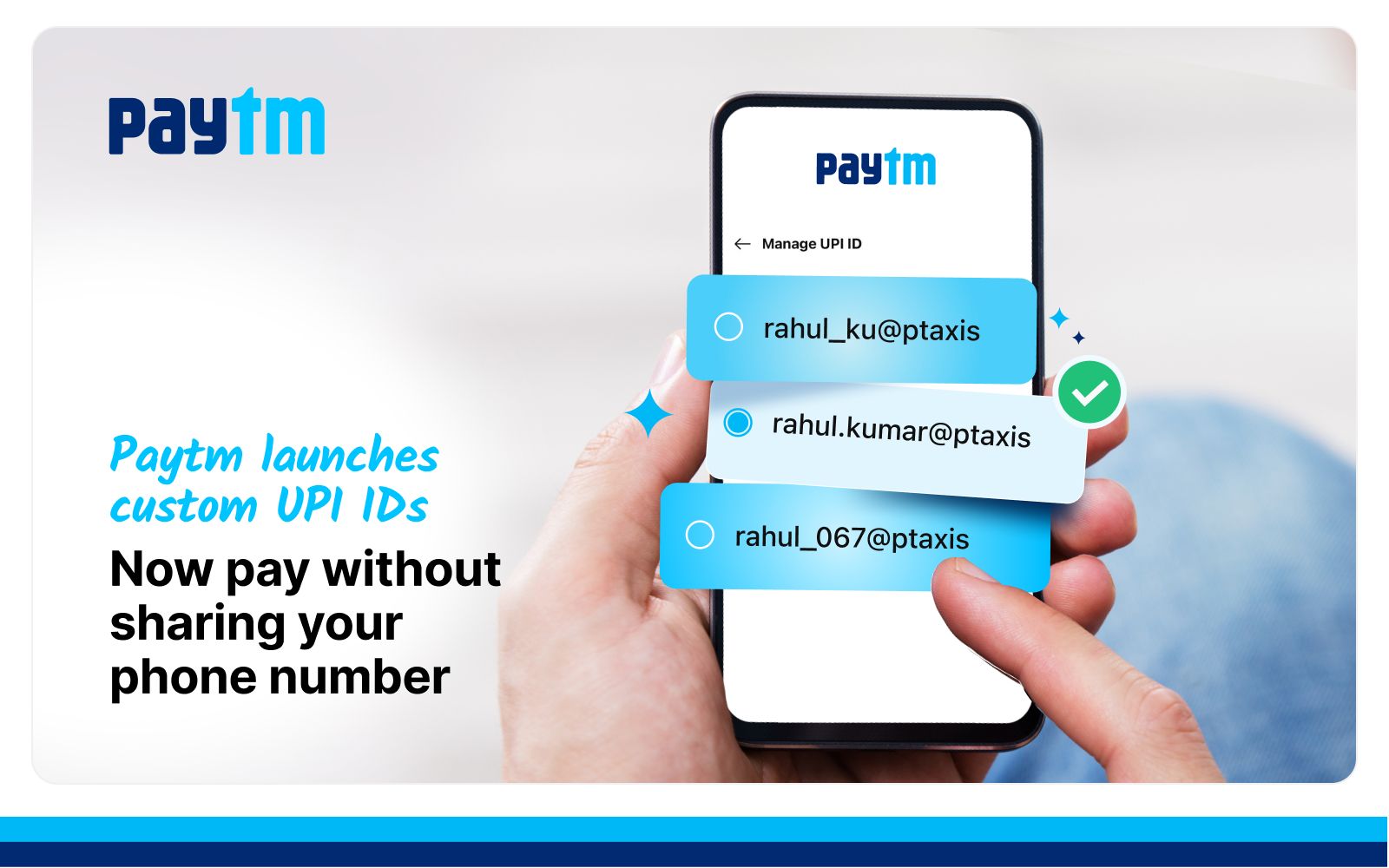
Concerned about your privacy during UPI transactions? Paytm’s new feature lets you hide your mobile number by creating a personalized UPI handle. You can now avoid displaying your phone number, ensuring a more secure payment experience.
Hide Phone Number with Personalized UPI ID in Paytm
Typically, UPI IDs are based on your phone number, such as mobilenumber@bankname, exposing your contact during transactions. With Paytm’s update, you can now hide your phone number using a personalized UPI ID by choosing a custom handle like yourname@ptyes or yourname@ptaxis, keeping your personal information safe.
Paytm Personalized UPI ID to Hide Mobile Number
Creating a personalized UPI ID on Paytm offers privacy and flexibility during payments. These custom handles are currently supported through Yes Bank and Axis Bank on Paytm, with more banks expected to join soon. You can send and receive payments without revealing your phone number.
Hide Mobile Number from UPI ID
When you switch to a personalized UPI handle, your default ID (like 987xxxx210@bank) will no longer be shared. You now have a UPI ID that keeps your mobile number private across all transactions. This adds a layer of security while keeping your experience user-friendly.
Use Custom UPI ID to Protect Mobile Number
To take full control of your payment identity, use a custom UPI ID to protect your mobile number. You can choose a name that reflects your identity or business (e.g., shopwithme@ptyes). This helps you keep things professional and private—especially when sharing your UPI ID publicly.
How to Set Up Personalized UPI ID to Protect Your Phone Number in Paytm App?
Looking for a UPI ID that protects your phone number? Personalized UPI handles offer exactly that. This eliminates the concern of sharing your contact details when sending or receiving money. It’s a small change with big privacy benefits.
Setting up a UPI handle to protect your mobile number is simple:
- Open the Paytm app
- Tap your profile icon and go to UPI Settings
- Select Manage UPI ID and choose a personalized ID (e.g., yourname@ptyes)
- Confirm and activate the new UPI ID as your primary ID for payments
Once activated, all your future UPI transactions will be routed through this ID, without revealing your mobile number.
Also Read: Personalized UPI ID vs Default UPI ID
Concealed Mobile Number UPI ID: Privacy and Professionalism Combined
With a UPI ID that conceals your mobile number, you gain both privacy and a personalized identity. Whether for personal use or business branding, it’s a smart way to secure your payments without compromising ease of use.
What is a Personalized UPI ID in Paytm?
- Keeps your mobile number private
- Allows business users or professionals to create branded UPI handles like myshop@ptaxis
- Adds a layer of security and credibility when sharing your UPI ID with customers, friends, or vendors
Author

