

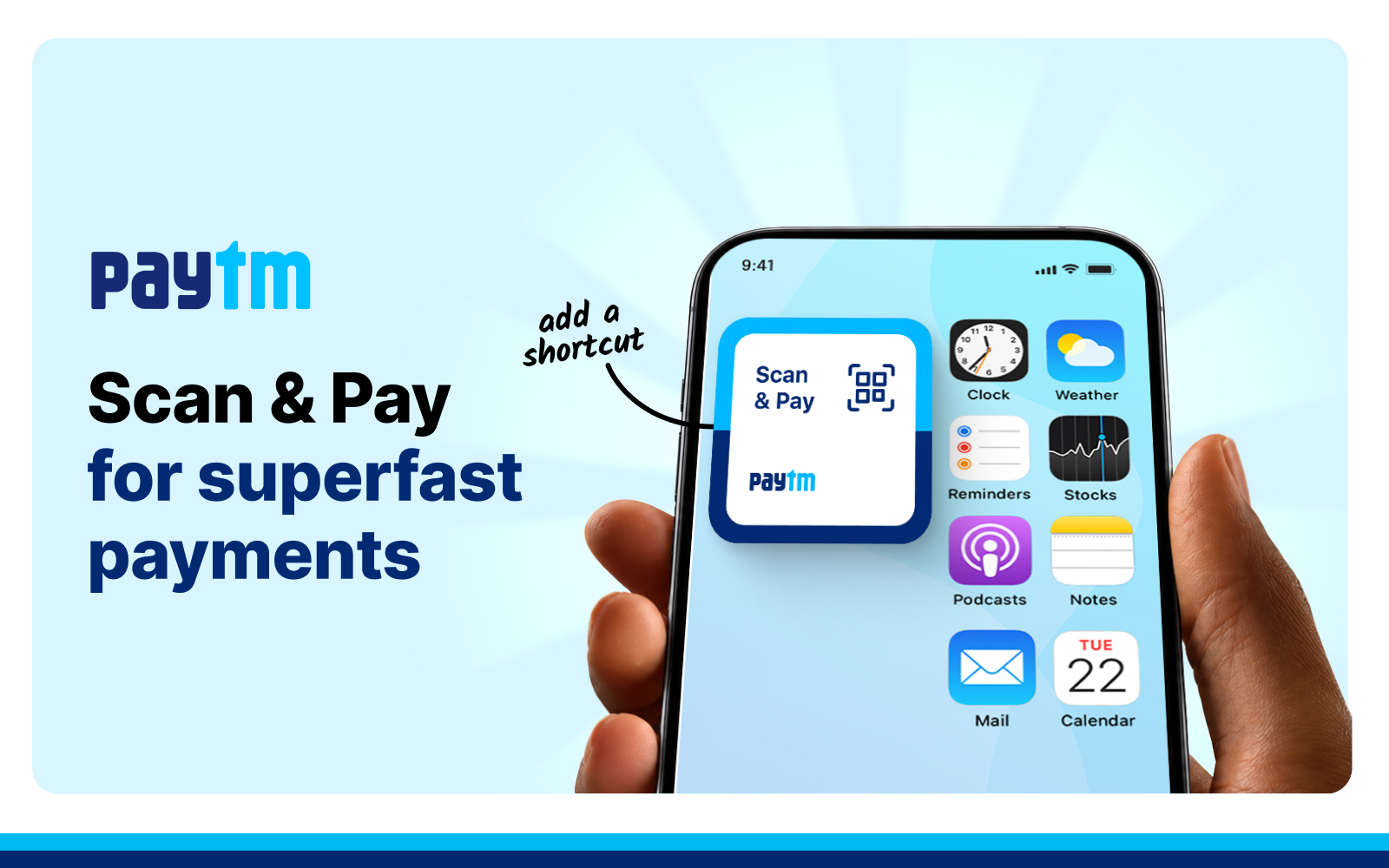
The Paytm Scan and Pay Widget: a home screen shortcut that brings the QR scanner directly to your fingertips. It’s a small change with a big impact on how India pays every day.
One Tap From Home Screen. That’s It.
The Scan & Pay Widget lives on your smartphone home screen: Android or iOS. Tap it once, and the QR scanner opens instantly. You go from the home screen to the live scanner in a single motion.
For users who pay multiple times a day, this isn’t just convenient, it’s a fundamentally different experience.
Where the Scan & Pay Widget Changes Everything
Grocery stores and supermarkets: Queues don’t wait. When you’re at the checkout counter with people behind you, the Scan & Pay Widget makes scanning a reflex, tap, point, pay, move on.
Fuel stations: Filling up and paying shouldn’t slow you down. The Scan and Pay Widget keeps the experience as quick as the transaction itself.
Cabs and autos: Payments happen at the end of a ride, often mid-conversation, with one hand on a bag. The Scan & Pay Widget is accessible from the home screen without switching apps or navigating menus, exactly what a moving, distracted moment demands.
Restaurants and food counters: High-footfall, fast-moving environments where speed at the counter directly affects how many customers a merchant can serve. Faster payment from the customer side means faster throughput for the business.
Shopping malls, metro stations, parking facilities, and airport kiosks: High-volume, time-sensitive environments where every second counts. The Scan & Pay Widget reduces the time from intent to payment to nearly zero.
It Works While You Multitask
The Scan & Pay Widget works without requiring you to switch away from whatever you’re already doing on your phone. Whether you’re mid-message, mid-scroll, or mid-call, it sits on the home screen ready to go, no context-switching required.
For anyone juggling tasks through a busy day, that kind of always-on accessibility makes a real difference. The scanner is there when you need it, exactly where you’d expect it.
Better for Merchants Too
When consumers pay faster, merchants serve faster. For offline businesses, from neighbourhood kirana stores to large retail chains and delivery personnel, checkout speed directly affects revenue. A shorter payment queue means more customers served per hour, fewer abandoned payments, and a smoother experience at the counter.
The Scan & Pay Widget is as much a merchant tool as it is a consumer feature. Paytm, as India’s leading full-stack merchant payments platform serving MSMEs and enterprises, built it with both sides of the payments in mind.
Step By Step Process On Adding Paytm Scan and Pay Widget To Your Homescreen
On Android:
- Open the Paytm app
- Tap on “Scan QR” button on the bottom of the page
- Click on three dot menu bar on the top right of the scanner
- Tap on “Add Scan Shortcut to Homescreen” to add the widget
- Once the widget is added, you can tap on it anytime to open the QR scanner instantly — no need to open the app
- Scan the merchant’s QR code, enter the amount, and complete your payment in seconds
- You’ll hear a payment confirmation sound once the transaction is successful
On iOS:
- Touch and hold an empty area on Home Screen
- Tap the ‘Edit’ icon in the upper-left corner, then select ‘Add Widget’ from the menu
- Search for “Paytm,” choose the ‘Scan & Pay’ widget, and tap “Add Widget”
- Position the widget on the Home Screen as preferred, then tap “Done” to complete the setup
Faster Payments Begin Before You Even Open an App
At its core, the Paytm Scan & Pay Widget is about respect, for your time, and for the merchant waiting on the other side of the QR code. By putting the scanner on your home screen, Paytm makes sure the only thing standing between you and a completed payment is a single tap. Explore it on the Paytm app today
Author

