We’ve all been there.
The rent was due on the 1st. It’s the 4th. Your flatmate swears they’ll transfer it “tonight.” The maid’s salary has been pending since last Tuesday. And that ₹500 you lent your cousin at the wedding? That was two months ago.
Keeping track of who owes you, what you owe, and when it’s all due, it’s exhausting. And the moment you forget, it costs you. A late EMI hits your credit score. A missed subscription gets your account blocked. An unpaid bill turns into a fine.
The problem isn’t that people don’t want to pay. It’s that life gets in the way.
That’s exactly why we built Paytm Reminders.
What Are Paytm Reminders?
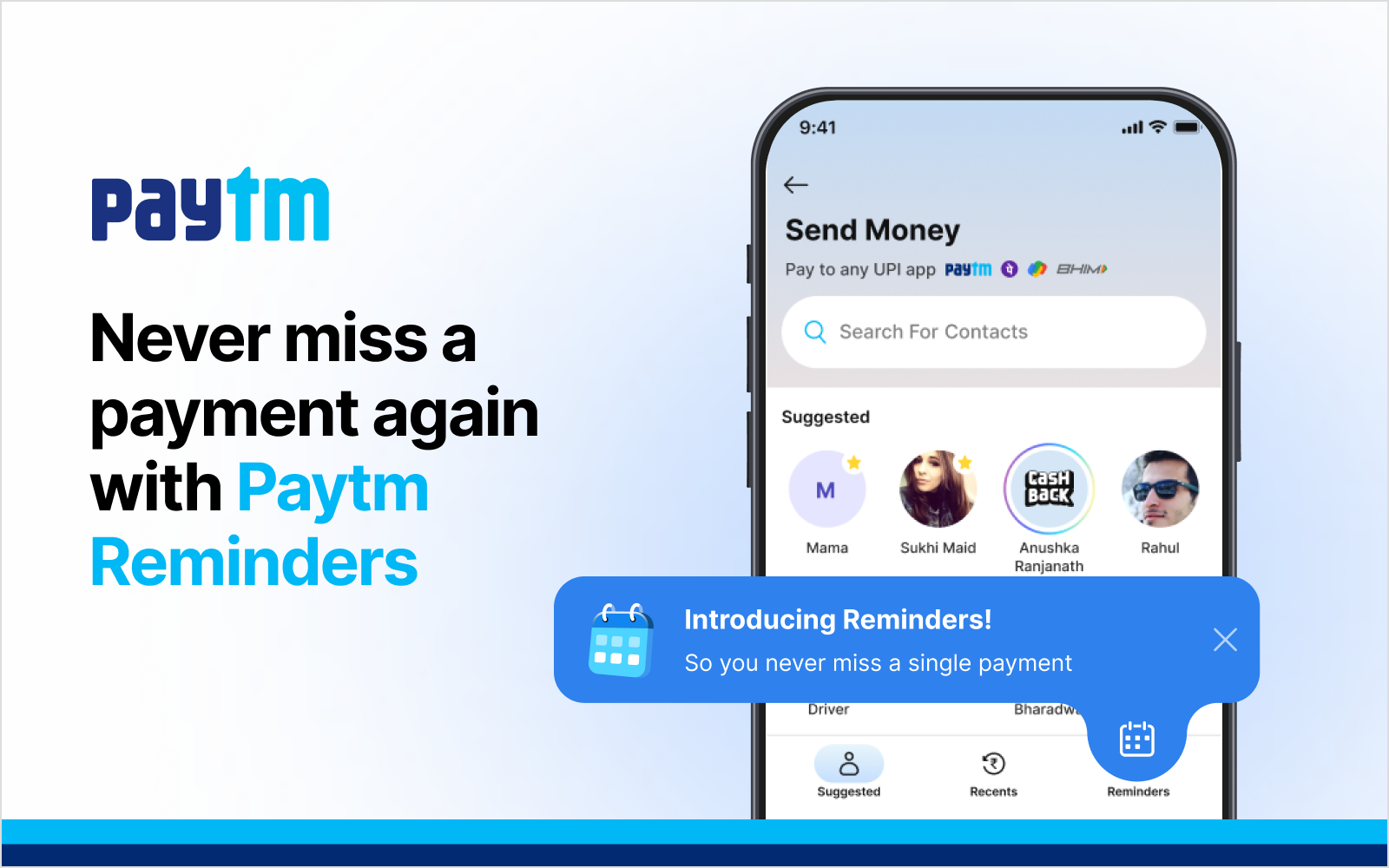
Paytm Reminders is a feature inside the Paytm app that helps you set payment reminders for anything, rent, EMIs, subscriptions, loans, or money owed between friends and family.
Set it once. Paytm nudges you (and the right person) before the due date. The payment gets done. No follow-ups. No awkward messages. No forgotten dues.
It’s the simplest fix to one of the most common money problems in everyday life.
The Situations Where Paytm Reminders Saves You
Rent every month: Your landlord doesn’t need to call. You don’t need to remember. Set a monthly reminder and it goes out automatically before the 1st.
EMIs and loan repayments:A missed EMI isn’t just embarrassing, it affects your CIBIL score. Set a reminder three days before your due date and never let that happen.
Splitting bills with friends:You paid for the group dinner. Reminders lets you nudge your friends to pay you back, without you having to send that awkward “hey, you still haven’t paid” message yourself.
Househelp, driver salaries:Monthly salaries are easy to delay when you’re busy. A reminder means the people who work for you get paid on time, every time.
Subscriptions and utility bills: OTT platforms, electricity, broadband,Reminders keeps your life running without the last-minute panic.
Why This Is Different From Setting a Calendar Alert
A calendar alert tells you to do something. Paytm Reminders actually helps get it done.
When the reminder fires, you’re already inside Paytm, one tap and the payment is complete. No switching apps. No copy-pasting UPI IDs. No “I’ll do it later” that turns into never.
It’s the difference between being reminded and actually paying.
How to Set Up Paytm Reminders in 30 Seconds
- Open the Paytm app
- Go to Send Money
- Tap the Reminders icon (bottom right)
- Choose who to pay, how much, and when
- Done. Paytm takes it from here
That’s it. No complicated setup. No forms to fill. Just set it and forget it. Download the latest version of Paytm and try Reminders today.
Author
