

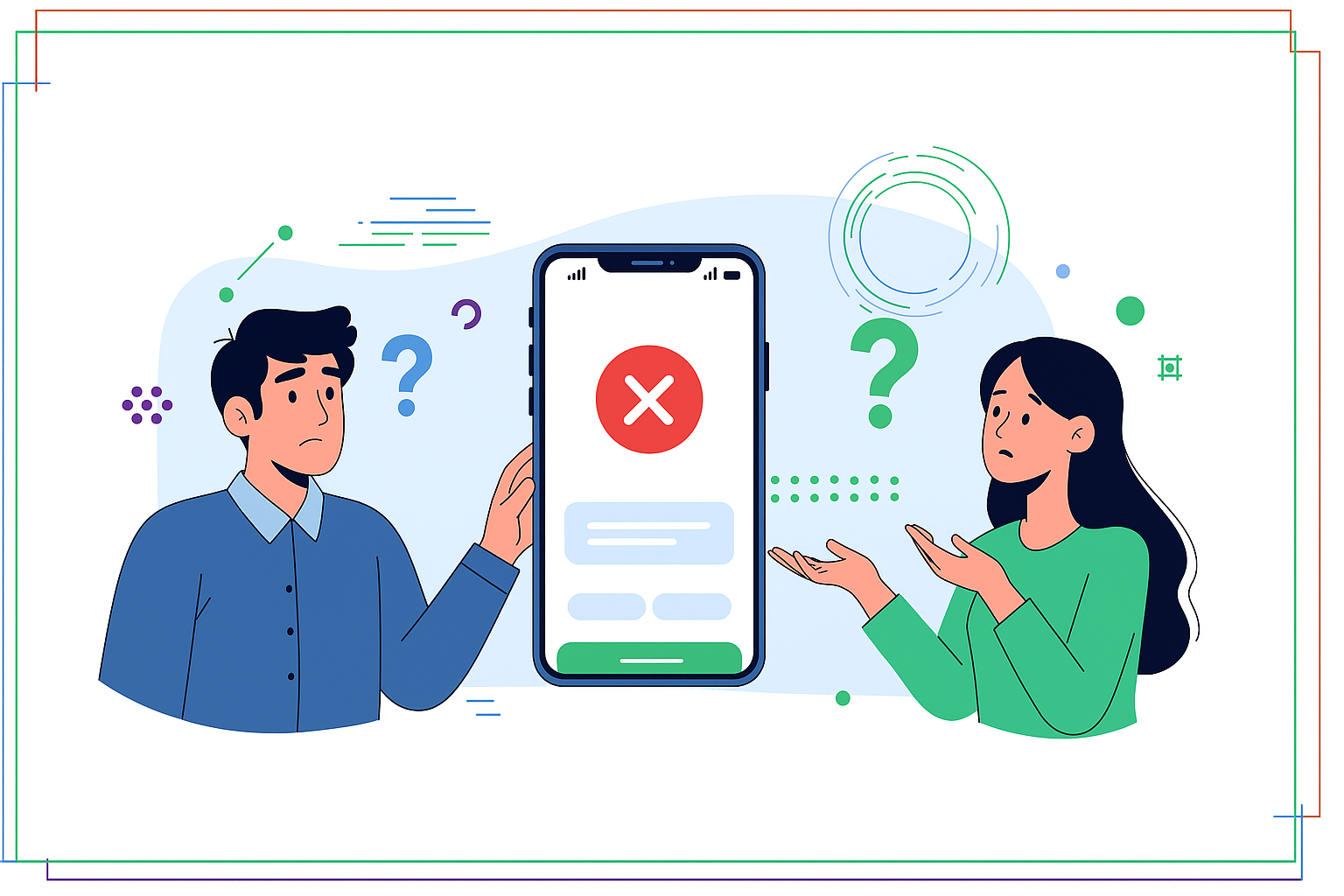
According to NPCI data (2026), UPI transactions surpassed 15 billion in January 2026, marking a 40% year-on-year growth compared to the previous year. This widespread adoption highlights UPI’s critical role in India’s digital economy, making everyday payments incredibly convenient for millions.
Here, we will explain what Error Code U30 means, its common causes, and provide clear steps to resolve it. This information helps you ensure smooth digital payments.
Table of Contents
Understanding UPI and Its Functionality
The Unified Payments Interface (UPI) has transformed how people in India handle money, offering a simple and immediate way to transfer funds. It allows you to send or receive money directly between bank accounts using just your mobile phone. This system was developed by the National Payments Corporation of India (NPCI), an initiative supported by the Reserve Bank of India.
UPI links your bank account to a mobile application, letting you use a unique Virtual Payment Address (VPA) or mobile number for transactions. This eliminates the need to share sensitive bank details like account numbers and IFSC codes for every payment. It has become an essential tool for daily financial activities, from paying bills to shopping.
Quick Context: What is a VPA?
A Virtual Payment Address (VPA) is a unique identifier, like ‘yourname@bank’, used to send or receive money via UPI without revealing your bank account number. It simplifies transactions and enhances security.
How UPI Works for You
Using UPI is quite straightforward once you have linked your bank account to a UPI-enabled app on your smartphone. You create a secure UPI PIN, which you use to authorise every transaction, ensuring your payments are protected. This PIN acts as your digital signature, confirming your consent for the transfer.
When you want to send money, you simply enter the recipient’s VPA or their registered mobile number, enter the amount, and then authorise the payment with your UPI PIN. The money moves instantly from your account to theirs, even on holidays or outside banking hours. Receiving money is equally simple, as you just share your VPA with the sender.
- Key Features of UPI
- Instant money transfers, 24/7.
- Single mobile application for multiple bank accounts.
- Use of a Virtual Payment Address (VPA) for privacy.
- Secure payments with a unique UPI PIN.
- Available on weekends and public holidays.
What Is Error Code U30 in UPI?
Even with UPI’s advanced design for smooth transactions, occasional errors can occur, leading to a failed payment and an error message. One such message you might encounter is “Error Code U30,” which indicates a specific issue during the transaction process. Understanding this code helps you identify the problem and take appropriate action.
When “Error Code U30” appears, it generally signifies that your transaction was declined by your bank. This decline is not usually due to insufficient funds, which typically has a different error code, but rather relates to the bank’s internal risk management or security protocols. Your bank’s system has flagged the transaction as potentially unusual or suspicious, leading to a temporary halt.
Common Confusion: U30 vs. Insufficient Funds
Misconception: Error Code U30 means you don’t have enough money. Correction: U30 usually indicates a bank security or risk management decline, not a lack of funds. Insufficient balance typically triggers a distinct error code, such as ‘Declined by Issuer – Insufficient Funds’.
The Bank’s Perspective on U30
Banks employ sophisticated systems to monitor transactions and protect customer accounts from fraud and unauthorised activities. These systems analyse various factors, including transaction amount, frequency, recipient, and your usual spending patterns. If a transaction deviates significantly from your typical behaviour, it might trigger an alert.
This proactive approach is designed to safeguard your financial interests, even if it occasionally causes a legitimate transaction to be temporarily blocked. The bank’s system prioritises security, choosing to err on the side of caution when a potential risk is detected. Therefore, U30 is primarily a security measure from your bank’s end.
Common Causes of Error Code U30
Several factors can lead your bank to decline a UPI transaction with an “Error Code U30.” Knowing these common causes can help you pinpoint why your payment failed. These reasons typically revolve around security, account status, or transaction limits set by your bank.
Understanding the underlying cause is the first step towards resolving the issue and completing your payment successfully. It allows you to address the specific problem rather than making repeated, unsuccessful attempts. Let’s look at the most frequent triggers for this error.
Pro Tip: Keep Your Bank Updated
Ensure your contact details, especially your mobile number and email, are current with your bank. Outdated information can sometimes trigger security alerts when the bank tries to verify unusual transactions.
- Security Concerns
- Your bank’s system might detect an unusual pattern, like a very large amount or a payment to a new recipient.
- Multiple rapid transactions or payments to high-risk categories could also trigger a security flag.
- Any activity that deviates from your normal transaction history can be seen as suspicious.
- Account Restrictions or Issues
- Your bank account might have temporary holds or restrictions due to KYC updates, dormant status, or other administrative reasons.
- While less common, certain internal bank issues or system maintenance could inadvertently lead to a security-related decline.
- If there are any pending verifications or security checks on your account, these might also cause transactions to be temporarily blocked.
- Daily or Transaction Limits
- Banks impose daily and per-transaction limits on UPI payments to enhance security and manage risk.
- Exceeding these limits, even by a small amount, will result in a declined transaction, sometimes appearing as a U30 error.
- According to RBI guidelines (2026), the general UPI transaction limit is INR 1 lakh per transaction, though specific categories like capital markets and IPOs may allow up to INR 5 lakh.
Troubleshooting Error Code U30
Encountering an error code can be frustrating, but there are practical steps you can take to try and resolve Error Code U30. Most issues can be addressed by following a systematic approach, starting with simple checks. Do not panic if your transaction fails, as many solutions are straightforward.
These troubleshooting steps aim to either resolve the immediate problem or gather more information if you need to contact your bank. Remember to remain calm and methodically work through the suggestions provided. Patience is key when dealing with transaction errors.
Step 1: Check Your Bank Balance. Always ensure you have sufficient funds in your bank account for the transaction. While U30 is primarily a security error, a very low balance might sometimes interact with risk management systems.
Step 2: Verify Transaction Details. Double-check the recipient’s UPI ID, mobile number, and the amount to ensure absolute accuracy. Even a minor typo can lead to transaction failure or incorrect transfers.
Step 3: Try a Smaller Amount. If you are attempting to send a large sum, try sending a smaller amount first, especially to a new recipient. This can help the bank’s system recognise it as a legitimate transaction.
Step 4: Wait and Retry. Sometimes, the issue is a temporary technical glitch on the bank’s side or with the UPI system. Waiting for 15-30 minutes or even an hour and then retrying the transaction can often resolve the problem.
Step 5: Check Your Bank’s Limits. Contact your bank or check their official website to understand your specific daily and per-transaction limits for UPI. If your transaction exceeds these, you might need to adjust the amount or make multiple smaller payments.
Step 6: Update Your UPI Application. Ensure you are using the latest version of your UPI-enabled application. Outdated apps can sometimes cause unexpected issues or compatibility problems.
Step 7: Restart Your Phone or App. A simple restart of your mobile phone or just the UPI application can often clear minor software glitches. This can refresh the connection and resolve temporary hang-ups.
When to Contact Your Bank
While many U30 errors can be resolved with the troubleshooting steps, there are specific situations where contacting your bank’s customer support is essential. Your bank has direct access to your account details and transaction logs, making them the best resource for complex issues. Do not hesitate to reach out if the problem persists.
When contacting customer support, have all relevant transaction details ready, including the date, time, amount, recipient’s ID, and the exact error message you received. This information will help the bank representative investigate the matter quickly and efficiently.
- Repeated Failures
- If you have tried all troubleshooting steps multiple times and the transaction consistently fails with Error Code U30, it is a clear sign to contact your bank.
- Persistent issues suggest a deeper problem with your account or the bank’s system that requires their intervention.
- Suspicion of Fraud
- If you suspect your account might have been compromised, or if you notice any other suspicious activity, contact your bank immediately.
- Do not attempt further transactions until you have spoken to your bank and secured your account.
- Unexplained Account Issues
- If you believe your account might be frozen, blocked, or has other restrictions you are unaware of, your bank can provide clarity.
- These underlying issues often manifest as transaction declines like U30.
- Inability to Identify the Cause
- If you have gone through all common causes and troubleshooting steps but still cannot figure out why the error is occurring, your bank’s customer support team is your best resource.
- They can access internal transaction logs and provide a precise reason for the decline.
| Contact Method | Best For | Typical Response Time (2026) |
| Mobile Banking App Chat | Quick queries, basic troubleshooting | Instant to 5 minutes |
| Bank Customer Service Hotline | Complex issues, account freezes, fraud | 5-15 minutes (may vary by bank) |
| Branch Visit | Significant account issues, document verification | Same day (during working hours) |
Preventing Error Code U30 in the Future
While knowing how to fix Error Code U30 is helpful, it is even better to avoid it altogether. By adopting some simple best practices, you can significantly reduce the chances of encountering this or other transaction errors. Proactive measures enhance your UPI experience and maintain the security of your funds.
These practices are not just about preventing U30 but also about ensuring overall smooth and secure digital payments. Incorporating them into your routine will make your UPI transactions more reliable. Always prioritise security and stay informed about your bank’s policies.
Pro Tip: Set Up Transaction Alerts
Enable SMS or email alerts for all your UPI transactions. This helps you monitor your account in real-time and quickly identify any unusual activity that might lead to a U30 error.
- Keep Your App Updated
- Always ensure your UPI application is the latest version available.
- Updates often include security enhancements and bug fixes that prevent issues and improve performance.
- Monitor Your Account Regularly
- Regularly check your bank statements and transaction history.
- This helps you spot any unusual activity quickly and understand your spending patterns, which can help avoid triggering bank security alerts.
- Be Aware of Limits
- Know your daily and per-transaction limits for UPI.
- These limits are in place for your protection, and staying within them helps prevent declines.
- Use Strong PINs and Keep Them Private
- Your UPI PIN is like the key to your digital wallet; create a strong, unique PIN.
- Never share your PIN with anyone, not even bank officials or customer support representatives.
- Verify Recipient Details Carefully
- Before confirming any payment, always double-check the recipient’s UPI ID or mobile number.
- A small mistake can send your money to the wrong person, which can be difficult to recover.
- Use Secure Internet Connections
- When making payments, try to use a secure Wi-Fi network or your mobile data.
- Public Wi-Fi networks can sometimes be less secure, increasing the risk of data interception.
Tips for Smooth UPI Transactions
Beyond general best practices, a few specific tips can help ensure your UPI transactions go through without a hitch. These small habits can make a big difference in your daily digital payment experience. They focus on optimising your environment and account settings for reliability.
Implementing these tips can minimise disruptions and enhance the overall efficiency of your UPI usage. A smooth transaction process saves you time and stress, allowing you to focus on your business or personal activities.
Quick Context: Digital Payment Security
In 2026, banks and NPCI continue to enhance security features for UPI. Always use official apps and be wary of phishing attempts or unsolicited requests for your PIN or OTP.
- Ensure a Stable Internet Connection
- A poor internet connection can interrupt a transaction, sometimes leading to errors.
- Make sure you have a strong and stable connection before initiating a payment.
- Avoid Peak Hours (If Possible)
- While UPI is designed for 24/7 use, during very busy times, systems can sometimes be under heavy load.
- If you have a very urgent or large transaction and it is not going through, trying again during off-peak hours might sometimes help.
- Keep Your Bank Details Updated
- Ensure your mobile number and other contact details linked to your bank account are current.
- This helps with security verifications and receiving important transaction alerts.
- Link Your Primary Bank Account
- For regular transactions, it is often best to link your primary bank account to UPI.
- This ensures you always have sufficient funds available and reduces the chance of declines due to low balances in secondary accounts.
Conclusion
Understanding error codes like U30 is a valuable part of navigating the world of digital payments in 2026. By being informed about its meaning and common causes, you can troubleshoot issues effectively and maintain confidence in your transactions. Adopting best practices such as keeping your app updated, monitoring your account, and being mindful of transaction limits will help you prevent such errors in the first place.
How to raise UPI complaint on Paytm
How to resolve Error Code U30 in UPI?
What does UPI Error Code U30 mean?
Can I prevent UPI Error Code U30 from happening again?
Why would my bank decline a UPI transaction with Error Code U30 even if I have enough funds?
What are the main differences between Error Code U30 and an 'insufficient funds' error in UPI transactions?
Is it safe to retry a UPI transaction immediately after encountering Error Code U30?
What should I do if my UPI transactions consistently fail with Error Code U30 despite troubleshooting?
How can I ensure my UPI transactions are secure and avoid issues like Error Code U30?
Author

