

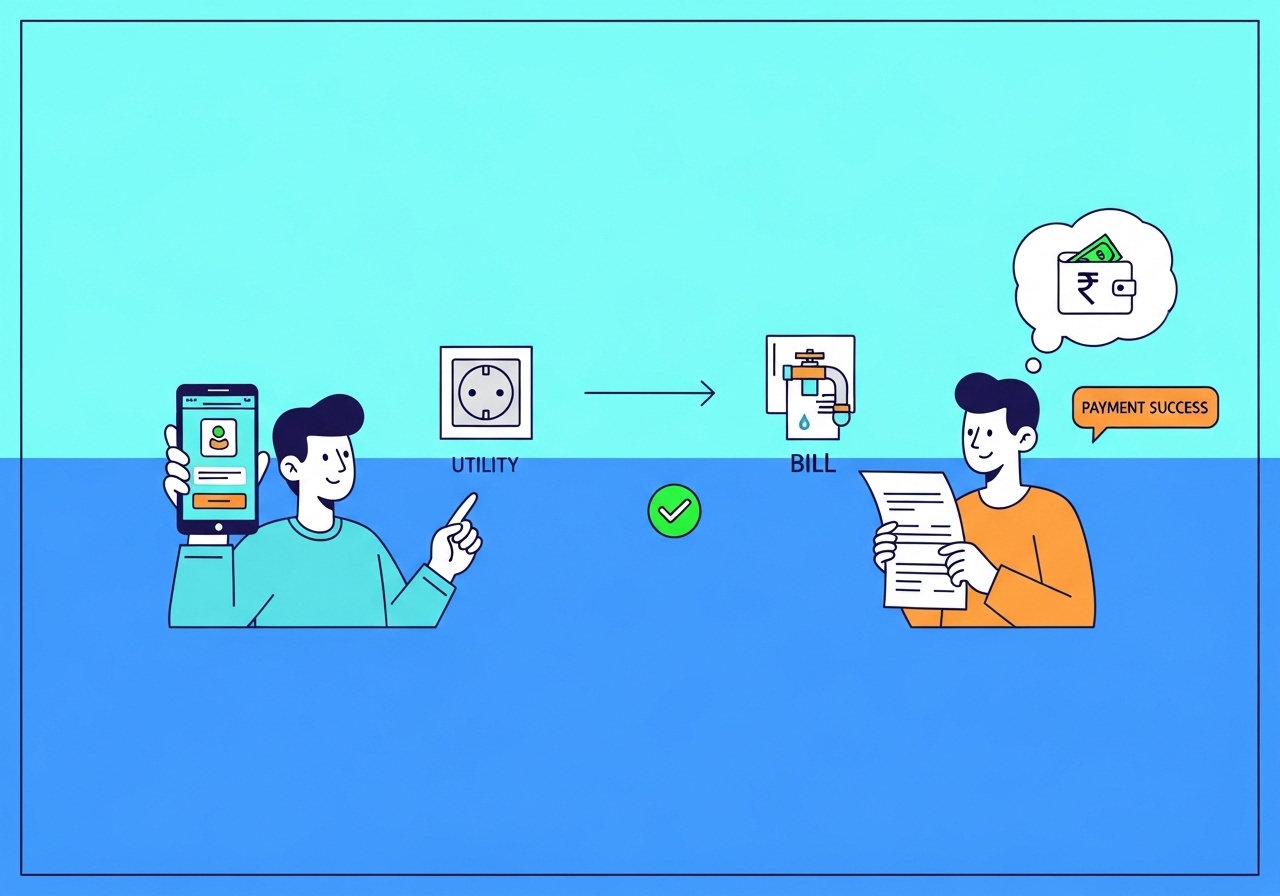
This guide explains how to effortlessly recharge your utilities using your UPI ID. Learn what a UPI ID is, its benefits like convenience and security, and how to set it up. We cover step-by-step instructions for paying electricity, water, gas, mobile, and DTH bills. Discover how to enter details, confirm payments, and keep your transactions safe. Simplify your bill payments today with this secure digital method.
Imagine a world where paying your household bills is as simple as a few taps on your phone, no matter where you are or what time it is. This convenient reality is here, thanks to a clever system called UPI. It has transformed how people in India manage their everyday payments, making tasks like recharging your electricity, water, or mobile phone incredibly straightforward and secure. This guide will walk you through everything you need to know to start using your UPI ID for all your utility payments, ensuring a smooth and hassle-free experience.
What Exactly is a UPI ID and Why Should You Use It?
Before diving into how to pay your bills, let’s first understand what a UPI ID is and why it’s such a valuable tool for you.Understanding digital payments Simply
A UPI ID, which stands for Unified Payments Interface ID, is like your unique address for sending and receiving money directly from your bank account. Think of it as a special email address for your money. It allows you to transfer funds instantly between different bank accounts using just this ID, without needing to know someone’s bank account number or IFSC code. This system was developed by the National Payments Corporation of India (NPCI) to make digital payments easy, fast, and very secure for everyone. You can use it through various digital payment applications offered by banks or other trusted providers.The Great Benefits of Using UPI for Your Bills
- Incredible Convenience: You can pay your bills anytime, anywhere, whether you are at home, at work, or even on holiday. There’s no need to visit payment centres or stand in queues.
- Speed and Efficiency: Payments are processed almost instantly, so you don’t have to worry about delays or missing due dates.
- Enhanced Security: All transactions are encrypted and protected, making it a very safe way to manage your money. You also don’t share sensitive bank details with every biller.
- Simplicity: You only need your UPI ID and a secret UPI PIN to complete a transaction, making the process much simpler than traditional methods.
- One App for Everything: You can usually manage all your different utility payments from a single digital payment application, saving you time and effort.
Getting Everything Ready for Your First UPI payment
To ensure your first UPI payment goes smoothly, there are a few simple steps to prepare.Setting Up Your Unique UPI ID
If you haven’t already, your first step is to set up your unique UPI ID. You can do this by downloading a digital payment application from your bank or a reputable third-party provider onto your smartphone. Once installed, the app will guide you through a simple registration process. You will need to link your mobile number, which must be the same number registered with your bank account. During this setup, you will also create a unique UPI ID and a secure UPI PIN.Connecting Your Bank Account Securely
After setting up your UPI ID, you will need to connect your bank account to the chosen digital payment application. The app will typically detect bank accounts linked to your registered mobile number. You simply select the account you wish to use for payments. For your very first transaction, you might be asked to verify your debit card details to set up your UPI PIN. This PIN is a secret number you will use to approve all your payments, so keep it safe and never share it with anyone.How to Find Your Utility Bills Online
Before you can pay a utility bill, you need to know the specific details for that bill. You can usually find these details on your physical bill statement, on the utility provider’s official website, or sometimes even within the payment section of your digital payment application. Key information you will need often includes your consumer number, account number, or customer ID, depending on the service. Make sure to have these handy.Your Simple Guide to Recharging Utilities with UPI
Now that you’re all set up, let’s walk through the easy steps to recharge your utilities using your UPI ID.Picking Your Preferred Digital Payment Application
Start by opening the digital payment application you chose and set up your UPI ID with. It could be your bank’s own application or another widely recognised and secure platform. Always ensure you are using a trusted app to protect your financial information.Finding the Right Utility Service on the App
Once inside the app, look for a section usually labelled “Bill Pay,” “Recharge,” or “Utilities.” Within this section, you will typically find various categories such as “Electricity,” “Water,” “Gas,” “Mobile Recharge,” or “DTH.” Select the specific utility service you wish to pay for, and then choose your particular service provider from the list (for example, “BSES Rajdhani” for electricity or “Indraprastha Gas” for gas).Carefully Entering Your Bill Details
This step is crucial. You will be asked to enter the specific details of your bill, such as your consumer ID, account number, or the mobile number for a phone recharge. It is very important to enter these details accurately. Often, once you enter the correct ID, the app will automatically fetch the outstanding bill amount for you to view.Reviewing and Confirming Your Payment
Before you proceed, the application will display a of your payment. This will include the service provider, your account details, and the amount to be paid. Take a moment to carefully review all the information. Double-checking at this stage can prevent any errors, like paying the wrong bill or sending money to the incorrect account.Completing Your Recharge with Your UPI PIN
Once you are satisfied that all the details are correct, the app will prompt you to enter your secret UPI PIN. This PIN is your authorisation to complete the transaction. Enter your PIN carefully. As soon as it’s entered correctly, your payment will be processed almost instantly, and you should receive a confirmation message.Keeping Your Digital Payments Safe and Sound
While UPI is incredibly secure, it’s always wise to follow best practices to protect your digital payments.The Importance of Protecting Your UPI PIN
Your UPI PIN is like the key to your digital wallet. Never share it with anyone, not even friends, family, or people claiming to be from your bank or the payment application. Always keep it confidential and avoid writing it down. If you suspect your PIN has been compromised, change it immediately through your digital payment application.Always Checking for Payment Confirmation
After every payment, make it a habit to check for confirmation. You should receive an in-app notification, an SMS from your bank confirming the debit, and often an SMS from the utility provider confirming receipt of payment. Keep a record of the transaction ID provided by the app, as this can be useful if you need to query anything later.What to Do If You Encounter a Problem
Occasionally, you might encounter a hiccup. If your payment fails but the money has been debited from your account, do not panic. In most cases, the amount is automatically reversed to your account within a few hours or a couple of working days. If the money is not reversed, contact your bank or the customer support of your digital payment application with your transaction ID. If your bill isn’t updated even after a successful payment, contact your utility provider with proof of your payment.Common Utility Services You Can Pay for with UPI
The range of services you can pay for using your UPI ID is constantly expanding, making it a truly versatile tool.Electricity Bills Made Easy
You can conveniently pay your electricity bills for various state electricity boards and private providers across the country, all from the comfort of your home.Water Bills, Right from Your Device
Paying your municipal water bills or charges from private water suppliers is simple and quick using your digital payment application and UPI ID.Gas Bills, Paid Instantly
Whether it’s your piped gas bill or booking and paying for an LPG cylinder, UPI makes these transactions instant and hassle-free.Topping Up Your Mobile Phone
Running low on talk time or data? You can instantly recharge your prepaid mobile phone service for all major network operators using your UPI ID.Recharging Your DTH Television Service
Keep your entertainment uninterrupted by easily recharging your DTH (Direct-to-Home) television service with just a few taps on your phone.Author

FAQs
What is a UPI ID?
A UPI ID is like your unique address for sending and receiving money directly from your bank account. It allows instant transfers between different bank accounts using just this ID.
What are the main benefits of using a UPI ID for bills?
It offers incredible convenience, speed, and enhanced security. You can pay bills anytime, anywhere, payments are instant, and your transactions are protected.
How do I set up my unique ID for digital payments?
Download a digital payment application from your bank or a trusted provider, link your mobile number (the same one registered with your bank), and then create your unique ID and a secure PIN.
How do I connect my bank account to a digital payment app?
After setting up your unique ID, the app will usually find bank accounts linked to your registered mobile number. Select the account you want to use for payments.
What details do I need to pay a utility bill using a digital payment app?
You will need key information like your consumer number, account number, or customer ID. You can find these on your physical bill or the utility provider's website.
How do I complete a bill payment using my digital payment app?
After entering your bill details and reviewing them, the app will ask you to enter your secret PIN. Once you enter it correctly, your payment will be processed instantly.
What should I do if my payment fails but money is taken from my account?
Do not worry. The amount is usually returned to your account automatically within a few hours or working days. If not, contact your bank or the app's customer support.
What types of utility bills can I pay using a digital payment app?
You can pay for electricity, water, and gas bills. You can also top up your mobile phone and recharge your DTH television service.
