

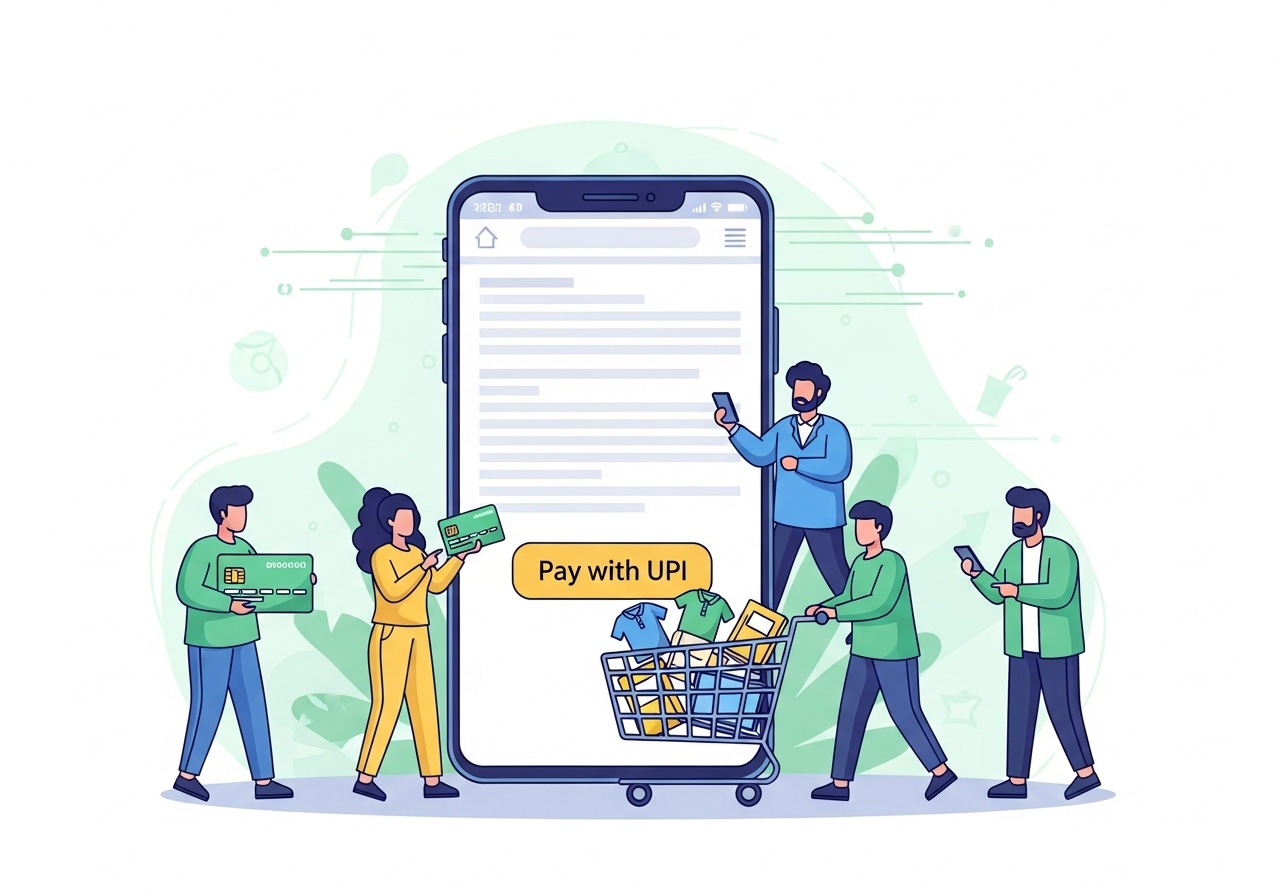
Unlock seamless online shopping using your UPI ID. This guide explains how this unique identifier facilitates instant, secure payments directly from your bank account. Learn to set up your payment application, link your bank, and create a crucial UPI PIN. We detail the simple steps for making online purchases: selecting the payment option at checkout, entering your ID, reviewing details, and securely authorising with your PIN. Enjoy super quick, safe, and 24/7 payment convenience, always remembering to double-check transactions and keep your PIN private.
Imagine a world where paying for things online is as simple as sending a message. That’s exactly what a UPI ID helps you do! It’s a fantastic way to handle your payments directly from your bank account, making online shopping much quicker and safer. This guide will walk you through everything you need to know about using your UPI ID for a smooth and secure shopping experience.
Understanding What UPI ID Is and Why It’s So Handy
At its heart, UPI stands for Unified Payments Interface. It’s a clever system that lets you link your bank accounts to a single mobile application, allowing you to send and receive money instantly. Think of your UPI ID as your unique address for these payments – much like an email address, but for money. It often looks something likeyourname@bankname or yourmobile@appname.
The National Payments Corporation of India (NPCI) developed this system to make digital payments easy for everyone. It’s incredibly handy because you don’t need to remember long bank account numbers or complicated card details every time you want to pay. With just your unique UPI ID and a secret code, you can complete transactions in a flash, whether you’re buying a new book, paying for a game, or ordering food.
Getting Ready to Pay with Your UPI ID
Before you can start enjoying the convenience of shopping with your UPI ID, there are a few simple steps to get set up. Don’t worry, it’s quite straightforward!How to Set Up Your UPI ID
First, you’ll need to download a payment application that supports the Unified Payments Interface system onto your smartphone. There are several reliable options available. Once installed, you’ll register using your mobile number. It’s very important that this mobile number is the same one you have registered with your bank account. The app will then guide you through creating your unique UPI ID. This ID is your personal identifier for all your digital transactions.Connecting Your Bank Account Smoothly
After setting up your payment application, the next step is to link your bank account. The app will usually show you a list of banks. You simply select your bank, and the app will automatically detect your account linked to your registered mobile number. You might need to verify your details, often by using a debit card or by receiving a one-time password (OTP) to your phone. This process ensures that only you can access and manage your funds.What Your UPI PIN Is and Why It’s Important
Your UPI PIN (Personal Identification Number) is a secret 4 or 6-digit code that you create when you first set up your UPI ID. This PIN is absolutely crucial because it acts like your digital signature, authorising every payment you make. Just like your ATM PIN, it keeps your money safe. You should never, ever share your UPI PIN with anyone, not even with family or friends, and certainly not with anyone who claims to be from your bank or the payment service. Keeping it private is your best defence against fraud.Making Online Purchases with Your UPI ID: A Simple Walkthrough
Shopping online with your UPI ID is designed to be very easy. Let’s go through the steps together.Finding the UPI Option at Checkout
When you’re ready to buy something online, proceed to the checkout page. Here, you’ll typically see various payment options. Look for the Unified Payments Interface logo or a clear “Pay with UPI ID” option. Sometimes, it might be listed under “Net Banking” or “Other Payment Methods.” Selecting this option tells the website or app that you want to pay using your unique identifier.Entering Your Unique UPI ID
Once you’ve chosen the Unified Payments Interface option, the website or app will ask you to enter your unique UPI ID. This is where you type in your personal identifier, likeyourname@bank or yourmobile@app. Double-check that you’ve entered it correctly to avoid any payment delays or errors. After you enter it, the system will send a payment request to your linked payment application.
Reviewing Your Purchase Details Carefully
Before you confirm anything, a very important step is to carefully review all the purchase details. This includes the amount you are paying, the name of the merchant (the shop you are buying from), and what you are buying. Make sure everything matches what you intended. This quick check can save you from accidental payments or misunderstandings.Securely Entering Your UPI PIN to Finish
After reviewing, open your payment application on your phone. You’ll see a payment request waiting for you, showing the merchant’s name and the amount. Take another moment to confirm these details. If everything looks correct, you’ll then be prompted to enter your secret UPI PIN. Once you key in your PIN, the payment will be processed instantly, and you’ll receive a confirmation message. Congratulations, your purchase is complete!The Great Advantages of Shopping with UPI
Using your UPI ID for online shopping comes with a host of benefits that make it a preferred choice for many.Enjoying Super Quick and Easy Payments
One of the biggest advantages is how incredibly fast and simple transactions are. There’s no need to fumble for your wallet, pull out a card, or type in long numbers. With just your UPI ID and PIN, payments happen in real-time, meaning your order gets processed almost instantly. This saves you valuable time and makes the checkout process a breeze.Keeping Your Money Safe and Secure
Security is a top priority with the Unified Payments Interface system. When you pay with your UPI ID, your bank account details are never shared with the merchant. Instead, a secure, encrypted connection handles the transaction. Your secret UPI PIN adds an extra layer of protection, ensuring that only you can authorise payments from your account. This robust security helps keep your money safe from potential online threats.Paying Any Time, Day or Night
Life doesn’t stop, and neither do your shopping needs! The Unified Payments Interface system operates 24 hours a day, 7 days a week, including weekends and public holidays. This means you can make payments whenever it’s convenient for you, without worrying about bank timings or service interruptions. It offers true flexibility for your online shopping habits.Top Tips for Safe and Smart UPI Shopping
While using your UPI ID is generally very safe, a few smart habits can make your experience even more secure and trouble-free.Always Double-Check Your Transaction
Before you enter your UPI PIN, always take a moment to double-check the details of the transaction on your payment application. Confirm the amount to be paid and the name of the recipient (the person or company you are paying). A quick check can prevent you from accidentally sending money to the wrong place or paying the wrong amount. Being vigilant is key.The Importance of Keeping Your UPI PIN Private
Your UPI PIN is the key to your digital wallet. Never, under any circumstances, share it with anyone. No bank employee, payment application representative, or government official will ever ask you for your UPI PIN. Be very cautious of messages, emails, or calls that ask for this sensitive information. If someone asks for your PIN, it’s likely a scam.What to Do If a Payment Doesn’t Go Through
Occasionally, a payment might seem to get stuck or not go through immediately. If this happens, first, check the transaction status within your payment application. Then, check your bank account statement to see if the money has been debited. Sometimes, there might be a slight delay, and the payment could be processed within a few hours or up to 48 hours. If the issue persists, contact the customer support of your payment application or your bank for assistance. They can help you track the transaction and resolve any problems.Wrapping Up Your UPI Online Shopping Journey
Embracing a Simple and Secure Way to Shop
Using your UPI ID for online shopping truly offers a simple, speedy, and secure way to manage your payments. It’s a modern solution that puts you in control, allowing you to enjoy the convenience of digital transactions without compromising on safety. By understanding how it works and following these practical tips, you can confidently embrace this excellent payment method for all your online shopping adventures. Happy and secure shopping!Author

FAQs
What is a UPI ID?
A UPI ID is a special address that links to your bank account through a mobile payment application. It lets you send and receive money instantly, acting like your unique address for digital payments.
How do I set up a UPI ID?
First, download a payment application that supports the Unified Payments Interface system. Register using your mobile number, which must be the same one linked to your bank account. The app will then guide you to create your unique UPI ID.
Why is my UPI PIN important?
Your UPI PIN is a secret 4 or 6-digit code you create. It acts like your digital signature, authorising every payment you make. It's crucial for keeping your money safe and should never be shared with anyone.
How do I pay using my UPI ID when shopping online?
At the online checkout, choose the "Pay with UPI ID" option. Enter your unique UPI ID, then review the purchase details in your payment application. Finally, enter your secret UPI PIN to complete the payment.
What are the main benefits of using a UPI ID for online shopping?
Using your UPI ID offers super quick and easy payments that happen instantly. It's also very secure, as your bank details are not shared with the shop, and your secret PIN protects your money. You can also pay any time, day or night.
Is using a UPI ID for online payments secure?
Yes, it is very secure. Your bank account details are never shared with the shop, and transactions use a safe, encrypted connection. Your secret UPI PIN adds an extra layer of protection, ensuring only you can approve payments.
What should I do if a payment using my UPI ID doesn't go through?
First, check the transaction status in your payment application and your bank account statement. Sometimes, payments can be delayed for a few hours or up to 48 hours. If the problem continues, contact your payment application's customer support or your bank for help.
Why must I keep my UPI PIN private?
Your UPI PIN is the key to your digital money. You must never share it with anyone, including people claiming to be from your bank or the payment service. Sharing it could lead to fraud.
