

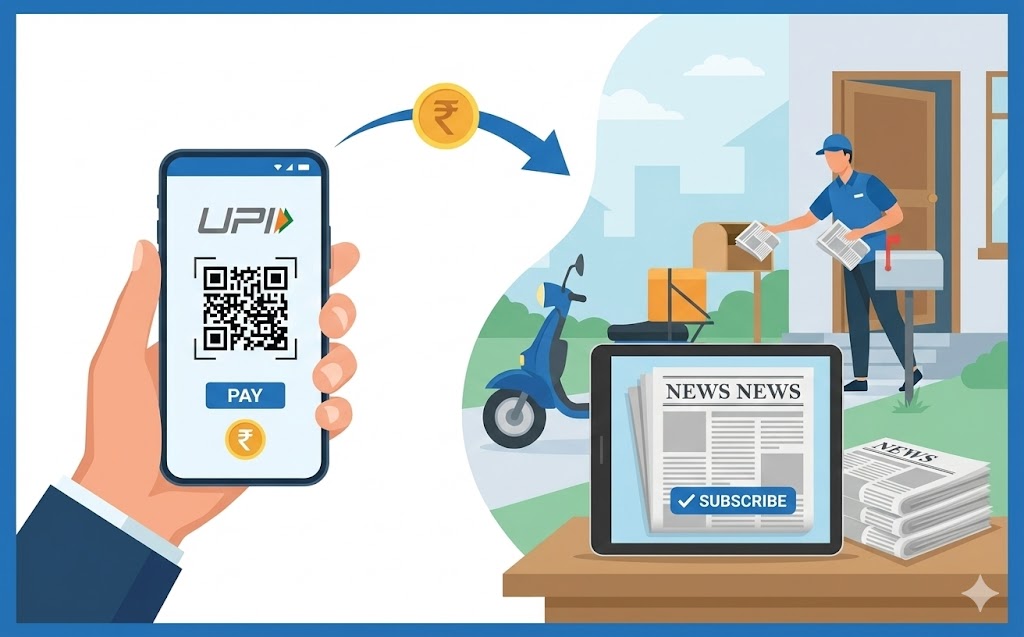
Simplify your newspaper subscription payments using your UPI ID. This guide explains how your unique digital address enables quick, secure, and cashless transactions directly from your bank account. Discover the benefits, including effortless payments and enhanced security. Learn to set up your digital payment app, find your UPI ID, and follow a step-by-step process for paying. Essential safety tips are also provided to protect your financial information.
In today’s fast-paced world, managing your daily tasks can be much simpler with the help of digital tools. One such task is paying for your newspaper subscription. Instead of dealing with cash or remembering due dates, you can use a digital payment identifier to make payments quickly and securely. This guide will help you understand how to use your unique digital payment identifier to ensure your favourite newspaper arrives at your doorstep without any hassle.
Understanding What a Digital Payment Identifier Is and Why It’s Helpful
Digital payments have transformed how we handle money, making transactions easier and more efficient. At the heart of this convenience is your digital payment identifier.Your Unique Digital Address for Payments
Imagine having a special email address, but instead of sending messages, you use it to send and receive money directly from your bank account. That’s exactly what your digital payment identifier is. It’s a unique address, likeyourname@bank or yourname@app, that is linked to your bank account. This clever system was developed by the National Payments Corporation of India (NPCI) to make digital transactions straightforward and accessible for everyone. It means you don’t need to share your bank account number or other sensitive details every time you make a payment, keeping your information private.
Why Digital payments Make Life Easier
Digital payments offer a world of convenience. You can pay for things from anywhere, at any time, using just your mobile phone. There’s no need to carry physical cash or worry about finding the exact change. Whether you’re at home, on holiday, or even just out for a walk, you can manage your payments with a few simple taps. This makes everyday tasks, like paying for your newspaper, much less of a chore and more of a quick, seamless experience.Benefits of Using Digital Payments for Your Newspaper
Switching to digital payments for your newspaper subscription brings several advantages that can make your life simpler and more secure.Quick and Effortless Payments
Think about how long it takes to find cash, count it out, or write a cheque. With a digital payment identifier, paying for your newspaper is incredibly fast. You can complete a transaction in mere seconds, often quicker than it takes to make a cup of tea! This speed means you can manage your subscription payments without interrupting your day, freeing up your time for more important things.Keeping Your Money Safe and Secure
One of the biggest worries people have about digital payments is security. However, using a digital payment identifier is designed to be very safe. Your transactions are protected by advanced encryption technology, and you always need to approve payments with a secret personal identification number (PIN). This adds an important layer of security, similar to how your bank protects your money. The Reserve Bank of India (RBI) sets strict rules for digital transactions to ensure your money is always handled with the utmost care.No Need for Physical Cash
Forgetting to withdraw cash or not having the exact amount for your newspaper subscription can be frustrating. Digital payments solve this problem completely. You no longer need to keep physical money aside for your newspaper. All you need is your phone, and you can pay directly from your bank account. This not only makes payments easier but also helps you keep track of your spending more effectively.Getting Ready to Pay with Your Digital Payment Identifier
Before you can start paying for your newspaper subscription, there are a few important steps to ensure you are fully prepared.Setting Up Your Chosen Digital Payment Application
First, you’ll need a reliable digital payment application on your smartphone. You can download one from your phone’s app store. Once installed, you will need to link your bank account to the application. This process usually involves verifying your mobile number and setting up your secret PIN. Always choose an application that is well-known and regulated, ensuring it adheres to strict security standards.Finding Your Personal Digital Payment Identifier
After setting up your application, you can easily find your unique digital payment identifier. It is typically located in your profile section or under the settings menu within the app. Your identifier will look something likeyourname@bank or a similar format. Make a note of it, as you will need to enter this when making payments.
Making Sure You Have Enough Money in Your Account
Before you make any payment, it’s a good habit to quickly check your bank account balance. This ensures that you have enough funds available to cover the cost of your newspaper subscription. If there isn’t enough money, the payment will not go through, and you might miss out on your daily news.Your Step-by-Step Guide: Paying for Your Newspaper Subscription
Paying for your newspaper subscription using your digital payment identifier is a straightforward process. Follow these steps carefully:Finding Your Newspaper’s Payment Options Online
Start by visiting your newspaper’s official website or their dedicated subscription management portal. Look for sections like “Subscribe,” “My Account,” or “Payment Options.”Choosing the Digital Payment Identifier Method
Once you are on the payment page, you will usually see a list of different ways to pay. Look for the option that says “Digital Payment Identifier” or a similar phrase, and select it.Carefully Entering Your Digital Payment Identifier
This is a crucial step. You will be asked to enter your unique digital payment identifier. Type it in very carefully, making sure every letter and symbol is correct. Just like an email address, even a small mistake could mean the payment doesn’t reach the right place.Reviewing Your Payment Details Before Confirming
Before you finalise anything, a of your payment will appear on the screen. This will include the amount, the newspaper’s name, and your digital payment identifier. Take a moment to check all these details thoroughly. This is your last chance to spot any errors.Approving the Payment Securely Through Your Application
After reviewing, you will usually receive a notification on your digital payment application asking you to approve the payment. Open your app, confirm the details once more, and then enter your secret PIN to authorise the transaction. Remember, your PIN is for your eyes only.Receiving Your Payment Confirmation
Once the payment is successful, you will typically receive an instant confirmation message on your phone screen, via SMS, and often an email from both your payment application and the newspaper provider. Keep these confirmations as proof of your payment.What to Do If Something Goes Wrong
Occasionally, a digital payment might not go as smoothly as planned. Don’t worry, there are clear steps you can take if you encounter an issue.Checking Your Payment Status
Your first step should always be to check the transaction history within your digital payment application. It will show you whether the payment was “successful,” “pending,” or “failed.” This information is vital for understanding what happened.Contacting Your Newspaper Provider for Help
If your payment shows as “successful” in your app, but your newspaper subscription hasn’t been updated or you haven’t received confirmation from them, it’s best to contact your newspaper provider directly. Provide them with the transaction ID from your payment app, as this will help them track your payment.Reaching Out to Your Digital Payment Application’s Support Team
If your payment is “pending” for a long time, or shows as “failed” but money has been deducted from your account, then you should contact the customer support team of your digital payment application. They can investigate technical issues and help resolve the problem.Keeping Your Digital Payments Safe
While digital payments are secure, it’s important for you to play your part in keeping your money and information safe.Protecting Your Secret payment PIN
Your secret payment PIN is like the key to your digital wallet. Never share it with anyone, not even friends, family, or people claiming to be from your bank or payment app. Always create a strong, unique PIN that is hard for others to guess, and avoid writing it down.Being Aware of Online Scams and Frauds
Be very cautious about messages or links that ask for your personal details or PIN. Legitimate organisations will never ask for your PIN. If something looks suspicious, it probably is. Always double-check the sender of any message and avoid clicking on unknown links. If you suspect fraud, report it immediately to your bank and payment application provider.Regularly Checking Your Transaction History
Make it a habit to review your transaction history in your digital payment application regularly. This helps you keep track of all your payments and quickly spot any transactions that you don’t recognise. Catching unusual activity early can help prevent bigger problems.Author

FAQs
What is a digital payment identifier?
It is a unique address, like `yourname@bank`, linked to your bank account for sending and receiving money.
Why are digital payments useful for everyday tasks?
They make transactions easier and more efficient, allowing you to pay from anywhere, at any time, using your mobile phone without needing cash.
What are the main benefits of using digital payments for newspaper subscriptions?
Payments are quick, effortless, secure, and you do not need physical cash.
How secure are digital payments?
They are very safe, protected by advanced encryption, and require a secret personal identification number (PIN) to approve payments.
How do I set up a digital payment application?
Download a reliable app, link your bank account, verify your mobile number, and set up your secret PIN.
Where can I find my personal digital payment identifier?
You can usually find it in your profile section or under the settings menu within your digital payment application.
What should I do if my payment does not go through or there is a problem?
First, check your payment status in your app. If the app shows success but the newspaper hasn't updated, contact the newspaper. If the payment is pending or failed but money was taken, contact your digital payment application's support team.
