

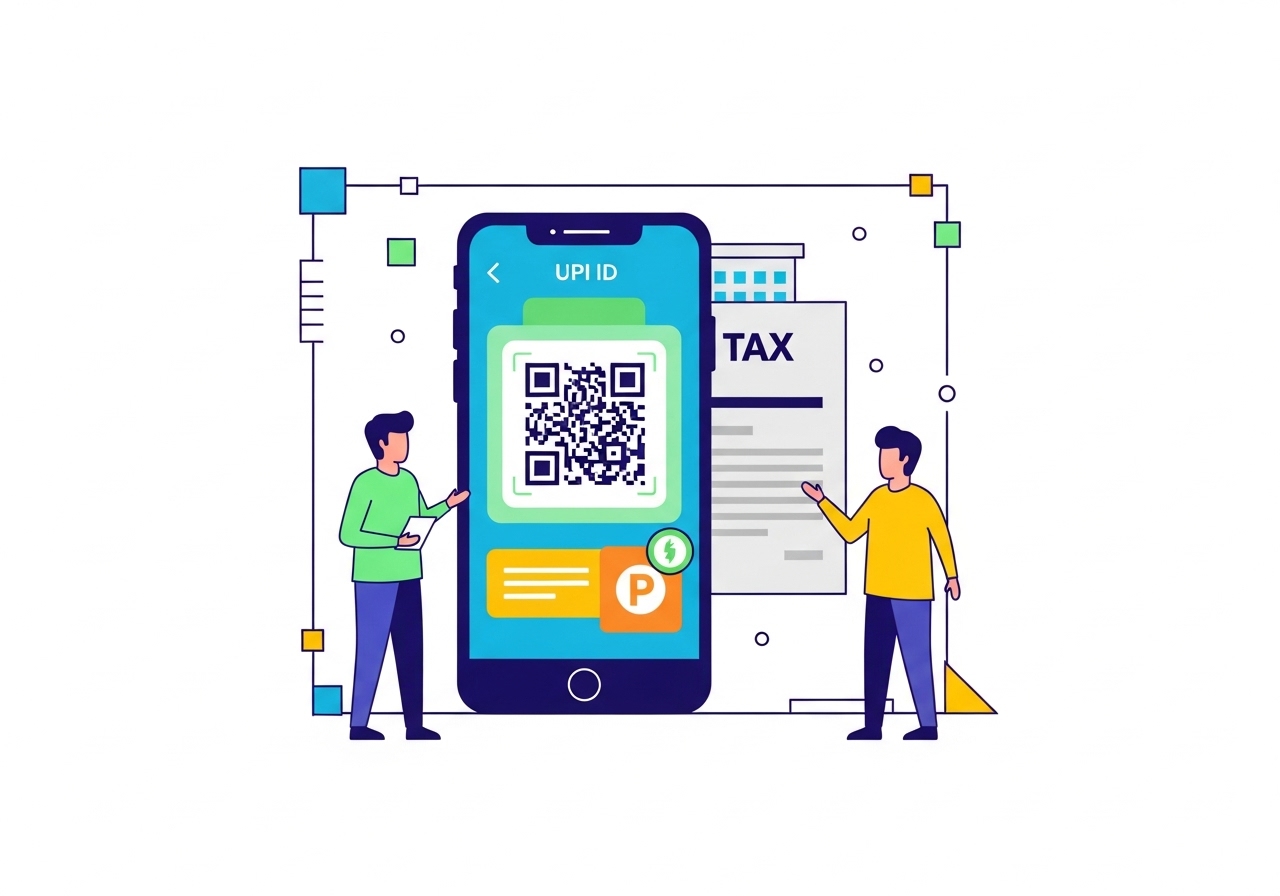
Paying municipal taxes supports essential community services. This guide explains how to use your unique UPI ID for quick, secure online payments, avoiding queues. Learn what UPI is, why online payments are beneficial, and the simple step-by-step process. Ensure your details are ready, use your mobile payment application, and enter your UPI PIN. This modern method simplifies your civic duty and helps your local area thrive.
Paying taxes might sound like a grown-up task, but it’s a really important way we help our local communities thrive. Did you know that paying your municipal taxes can now be as simple as sending a message to a friend? Thanks to modern digital payment methods like UPI, you can complete this important civic duty quickly and easily from your smartphone. This guide will walk you through everything you need to know about using your unique UPI ID to pay your municipal taxes.
Understanding UPI: A Simple Way to Pay
Imagine a system that lets you send and receive money instantly, any time of day, directly from your bank account, just by using a simple ID. That’s essentially what UPI is! It stands for Unified Payments Interface, and it’s a brilliant system developed by the National Payments Corporation of India (NPCI) that links all your bank accounts into one mobile application. This makes paying for things, or even sending money to family and friends, incredibly quick and secure. You don’t need to remember bank account numbers or IFSC codes; your unique UPI ID is all you need for many transactions.What Are Municipal Taxes and Why Do We Pay Them?
Municipal taxes are payments you make to your local city or town council, often called a municipality. Think of them as contributions that help run and improve the area where you live. This money is used for all sorts of essential services that benefit everyone. For example, your municipal taxes help pay for maintaining local roads, ensuring clean water supply, managing waste collection, keeping parks tidy, and even providing streetlights so you can walk safely at night. By paying these taxes, you directly support the services that make your neighbourhood a better place to live for you and your family.Why Paying Taxes Online Is a Good Idea
In the past, paying taxes often meant waiting in long queues at government offices. But now, paying your municipal taxes online offers many wonderful advantages:- Convenience: You can pay from the comfort of your home, at any time that suits you – day or night. No need to take time off work or travel.
- Speed: Online payments are processed very quickly, often instantly, saving you valuable time.
- Safety: You don’t need to handle cash, which reduces the risk of loss or theft. Digital transactions are also protected with strong security measures.
- Clear Records: Every online payment generates a digital receipt, making it easy to keep track of your tax payments for your personal records.
Getting Ready to Pay Your Municipal Taxes with UPI
Before you begin the payment process, a little preparation goes a long way to ensure everything runs smoothly.What You Need Before You Start
Make sure you have these things ready:- A smartphone with an active internet connection.
- A bank account that is linked to a mobile payment application.
- Your unique UPI ID, which you would have set up within your chosen mobile payment application.
- Your UPI PIN, which is your secret code to approve payments.
Finding Your Municipal Tax Details
To pay your taxes, you’ll need specific information about your property or assessment. You can usually find these details on:- Previous tax bills or receipts.
- The official website of your municipality.
- Documents related to your property.
Making Sure Your Mobile Payment App Is Set Up
Before you pay, double-check that your preferred mobile payment application is:- Installed and Updated: Ensure you have the latest version of the app on your phone.
- Linked to Your Bank Account: Confirm that your bank account is correctly connected and active within the app.
- UPI ID Ready: Make sure your unique UPI ID is set up, and you remember your UPI PIN. This is essential for authorising the payment.
Step-by-Step Guide to Paying Municipal Taxes Using Your UPI ID
Now that you’re prepared, let’s go through the steps to pay your municipal taxes using your unique UPI ID.Opening Your Mobile Payment Application
First, simply tap on the icon of your chosen mobile payment application on your smartphone to open it.Finding the Tax Payment Section
Once the app is open, look for a section related to “Bill Pay,” “Utilities,” “Government Payments,” or “Taxes.” The exact name might vary slightly between different applications, but it should be easy to spot.Choosing Your Municipality
Within the tax payment section, you will usually be asked to select your specific local municipality or city. Be very careful to choose the correct one from the list.Entering Your Tax Details
Next, you will need to input your property ID, assessment number, or any other specific details required by your municipality. Double-check these numbers to ensure they are accurate.Confirming the Payment Amount
After entering your details, the application will usually display the amount of tax you owe. Take a moment to verify that this amount matches what you expect to pay.Using Your UPI ID to Complete the Payment
When you’re ready, select the option to pay using your unique UPI ID. The app will then ask you to enter your secret UPI PIN. This PIN authorises the transaction, so make sure you keep it private and never share it with anyone.Receiving Your Payment Confirmation
Once you’ve entered your UPI PIN, the payment will be processed. You should then receive an on-screen message, an SMS, or an email confirming that your payment was successful. This is your first proof of payment!What Happens After You Pay?
After successfully completing your payment, there are a couple of things you should do.Getting Your Payment Receipt
Always make sure to get your official payment receipt. Most mobile payment applications will provide a digital receipt within the app itself, or send it to you via SMS or email. It’s a good idea to save this digital receipt or even print it out for your records. This serves as important proof that you have paid your taxes.Checking Your Payment Status
While payments are usually instant, it’s a good practise to check your payment status after a day or two. You can often do this within your mobile payment application or by visiting the official website of your municipality and using your transaction reference number.Important Things to Remember When Paying with UPI
Using UPI is very safe, but it’s always good to be aware of a few important points to protect yourself.Keeping Your Information Safe
- Never Share Your UPI PIN: Your UPI PIN is like the key to your bank account. Never share it with anyone, not even with people who claim to be from your bank or the app’s support team.
- Strong Security: Use strong passwords for your smartphone and your mobile payment application.
- Be Alert: Be cautious of suspicious messages or links that ask for your personal or banking details. Always use the official app for payments.
What to Do If Your Payment Fails
Occasionally, a payment might not go through as expected. If this happens:- Check Your Internet: Make sure you have a stable internet connection.
- Check Your Bank Balance: Ensure you have enough money in your bank account.
- Try Again: Sometimes, waiting a few minutes and trying again can resolve the issue.
- Contact Support: If money is debited from your account but the payment isn’t confirmed, contact your bank or the customer support of your mobile payment application immediately. They can help track the transaction.
Where to Get Help If You Have Questions
If you have any questions or need assistance, you can reach out to:- The customer support team of your mobile payment application.
- Your bank’s customer service helpline.
- The tax department helpline of your local municipality.
The Benefits of Using UPI for Your Taxes
Using your unique UPI ID for tax payments brings several fantastic benefits.Paying Quickly and Easily
The process is designed to be straightforward and fast. You can complete your tax payment in just a few taps, saving you from queues and paperwork.Keeping Track of Your Payments
All your UPI transactions are recorded digitally within your mobile payment application. This makes it very simple to review your payment history and keep accurate records of your tax contributions.Helping Your Local Community
By paying your municipal taxes promptly and efficiently, you help ensure that your local municipality has the funds it needs to provide and maintain essential services for everyone. This directly contributes to the well-being and development of your neighbourhood.Making Tax Payments Simpler for Everyone
Using your unique UPI ID to pay municipal taxes is a fantastic example of how digital technology can make important tasks much simpler and more convenient. It’s a secure, quick, and easy way to fulfil your civic duty, allowing you more time for the things you enjoy, all while supporting your local community. Embrace this modern way of paying and make tax payments a hassle-free experience for yourself.Author

FAQs
What is UPI?
UPI stands for Unified Payments Interface. It's a system developed by the National Payments Corporation of India (NPCI) that links your bank accounts to one mobile application, letting you send and receive money instantly using a simple ID.
What are municipal taxes for?
Municipal taxes help pay for local services like maintaining roads, clean water supply, waste collection, keeping parks tidy, and providing streetlights in your area.
What are the main benefits of paying municipal taxes online?
Paying online is convenient, fast, safe (as you don't handle cash), and gives you clear digital records or receipts.
What do I need to pay municipal taxes using my unique UPI ID?
You need a smartphone with an active internet connection, a bank account linked to a mobile payment application, your unique UPI ID, and your UPI PIN.
Where can I find my municipal tax details?
You can find your tax details on previous tax bills, the official website of your municipality, or other property documents. You will need your property ID or assessment number.
What should I do after paying my municipal taxes?
Always get your official digital payment receipt and save it for your records. It's also a good idea to check your payment status after a day or two.
What should I do if my payment doesn't go through?
Check your internet connection and bank balance. Try again after a few minutes. If money is taken but the payment isn't confirmed, contact your bank or the mobile payment application's customer support.
