

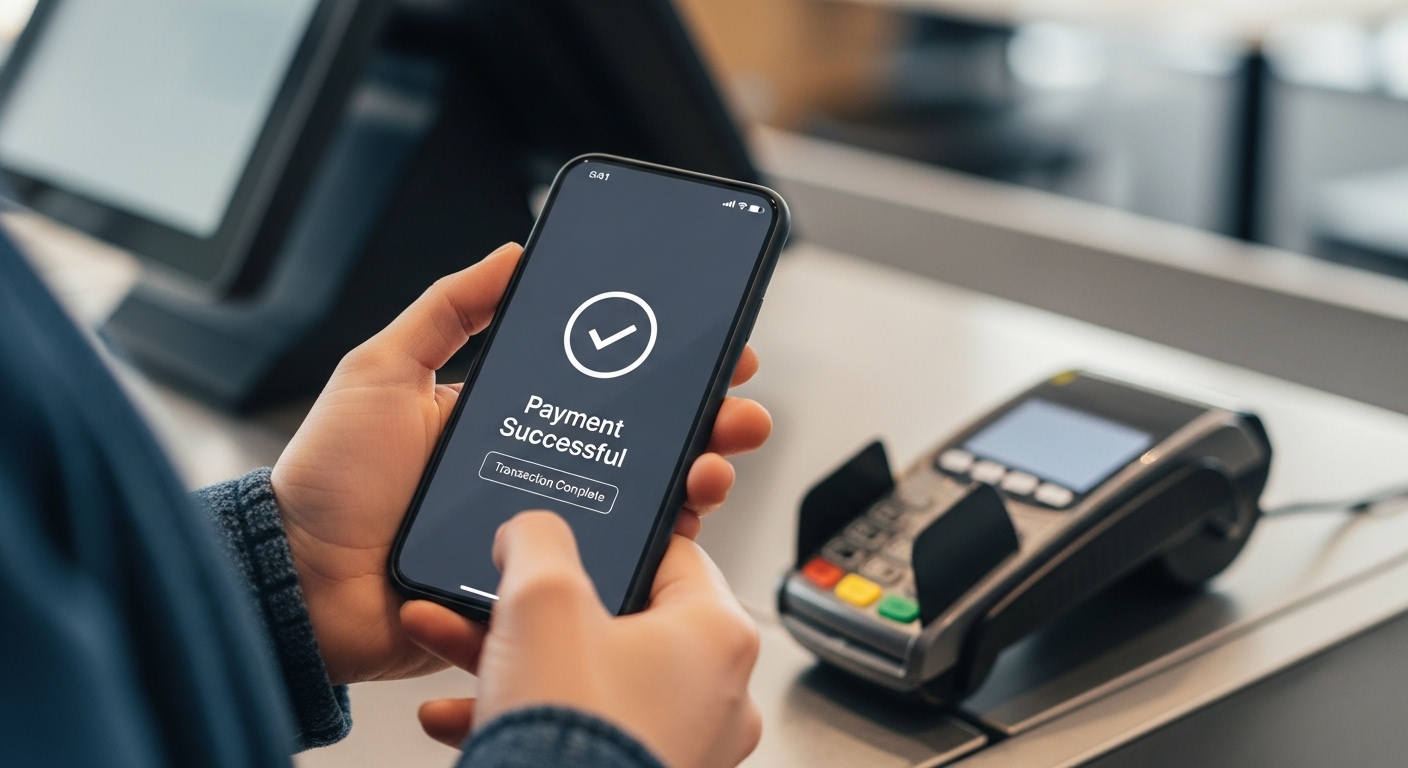
Paying for government services, like taxes or utility bills, has become much simpler and quicker thanks to digital payment systems. One of the most popular and efficient ways to do this is by using your unique payment ID, often called a UPI ID. This guide will help you understand what your unique payment ID is, how it makes paying government entities easy, and how to use it safely and effectively.
Understanding Your UPI ID
Using your unique payment ID for government payments offers a straightforward and secure way to manage your financial responsibilities from the comfort of your home. It’s a modern solution designed to make your life easier.
What Exactly is a UPI ID?
Imagine having a special address that lets you send and receive money directly from your bank account, without needing to share your account number or other sensitive details every time. That’s essentially what your unique payment ID is! It’s a special identifier, often looking a bit like an email address (for example, `yourname@bankname`), that is linked directly to your bank account.
This clever system is managed by the National Payments Corporation of India (NPCI), an organisation set up by the Reserve Bank of India (RBI) and the Indian Banks’ Association. It allows you to make instant payments using your mobile phone, anytime and anywhere, making financial transactions incredibly convenient.
Why Using UPI for Government Payments is a Smart Choice
Choosing to pay government entities using your unique payment ID comes with many excellent benefits:
- Super Convenient: You can make payments from your smartphone, whether you’re at home, school, or anywhere else. There’s no need to visit offices or stand in queues.
- Really Quick: Payments usually happen instantly. This means the money reaches the government department almost immediately, and you get a confirmation straight away.
- Very Secure: Every transaction requires you to enter a personal identification number (PIN), which keeps your money safe. The system also uses strong security measures to protect your details.
- Easy to Track: All your payments are recorded digitally. You can easily check your transaction history in your mobile payment application or bank statement, giving you a clear record of what you’ve paid.
- Efficient for Everyone: By using this digital method, you help government departments process payments much faster and more efficiently, which benefits everyone.
Getting Ready to Pay
Before you can make a government payment using your unique payment ID, there are a few simple things you need to have in place. Getting prepared ensures a smooth and hassle-free experience.
What You Need Before Making a Payment
To ensure your payment goes through without a hitch, please make sure you have the following:
- A Smartphone: You’ll need a mobile phone that can connect to the internet.
- A Bank Account: Your bank account must be linked to your mobile number.
- A Mobile Payment Application: You’ll need to have a mobile application from your bank or a trusted service provider installed on your phone. This is where you will manage your unique payment ID and make payments.
- Your Payment Details: Make sure you have the specific details for the government payment you need to make. This might be a tax identification number, a challan number, or a bill reference number.
- Enough Money: Double-check that you have sufficient funds in your bank account to cover the payment amount.
Finding Your Unique UPI ID
Locating your unique payment ID is usually quite straightforward once you have your mobile payment application set up.
- Open Your Application: Launch the mobile payment application you use on your smartphone.
- Look for Your Profile: Often, your unique payment ID is displayed in a section related to your profile, account settings, or a ‘My Account’ area within the app.
- Identify It: It typically looks like an email address (e.g., `yourname@bankname` or `yourmobile@serviceprovider`). This is your personal identifier for sending and receiving money. If you have multiple unique IDs linked to different accounts, make sure you know which one you want to use.
Making Government Payments with Your UPI ID
Once you’re all set up, making a government payment using your unique payment ID is a simple process. Just follow these steps carefully.
A Simple Step-by-Step Guide
Here’s how you can make a payment to a government entity:
- Open Your Mobile Payment Application: Start by opening the app on your phone.
- Find the Payment Option: Look for options like “Pay,” “Send Money,” “Bill Payments,” or “Government Payments.” Some apps might have a specific section for various government services.
- Enter Payment Details:
- You might be asked to enter the specific payment address (often provided by the government department on their website or bill, for example, `taxdepartment@govtbank`).
- Alternatively, you might need to scan a QR code provided by the government entity.
- If you’re paying a bill, you might enter a biller ID or a reference number, and the app will then use the underlying digital payment system to process it.
- Enter the Amount: Carefully type in the exact amount you need to pay.
- Review Everything: Before you confirm, take a moment to double-check all the details: the government entity’s payment address, the amount, and any reference numbers.
- Confirm with Your PIN: Enter your secure personal identification number (PIN) to authorise the payment. This is a crucial security step.
- Payment Confirmation: Once successful, you will receive an instant confirmation message within the app and usually an SMS to your registered mobile number.
What Happens After You Pay?
After you successfully make a payment, here’s what you can expect:
- Instant Confirmation: You’ll immediately get a confirmation message on your phone, often with a unique transaction ID or reference number. It’s a good idea to keep this number safe.
- Digital Receipt: Many applications allow you to view or download a digital receipt for your payment. This serves as proof of your transaction.
- Account Update: The payment amount will be debited from your bank account, and you can see this updated in your bank statement.
- Government Notification: The government department or service provider will receive notification of your payment, allowing them to process your request or update your account.
Important Things to Keep in Mind
While using your unique payment ID is incredibly convenient and secure, it’s always wise to be aware of a few important points to ensure your payments are always safe and problem-free.
Keeping Your UPI ID Safe and Secure
Your unique payment ID system is built with strong security features, but your active participation in keeping it safe is key:
- Never Share Your PIN: Your PIN is like the key to your money. Never tell it to anyone, not even friends, family, or people claiming to be from your bank or a government office.
- Use a Strong PIN: Choose a PIN that is difficult for others to guess and change it regularly.
- Be Wary of Suspicious Messages: Be very careful about messages or calls asking for your PIN, unique payment ID, or other personal details. Official organisations will never ask for your PIN.
- Use Official Apps: Only download and use mobile payment applications from official app stores or trusted sources.
- Check Transactions: Regularly check your transaction history to spot any unusual activity.
- Remember: You only need your PIN when you are sending money, not when you are receiving it. If someone asks for your PIN to “receive” money, it’s a scam.
How to Check Your Payment Status
If you want to confirm that your payment has gone through and been received, you have a few options:
- Check Your App’s History: Most mobile payment applications have a “Transaction History” or “Past Payments” section where you can see all your completed transactions.
- Review Bank Statements: You can check your bank account statement online or through your bank’s mobile app to see if the amount has been debited.
- Government Portals: Many government websites or service portals have a feature to “Check Payment Status.” You can usually enter your transaction ID or reference number there to confirm receipt.
What to Do if You Encounter a Problem
Sometimes, things don’t go exactly as planned. Here’s what you can do if you face an issue:
- Payment Debited but Not Received by Government: If your money has left your account but the government department hasn’t confirmed receipt, wait for a short period (usually 1-3 working days). Often, such payments are automatically reversed or processed. If not, contact your bank with your transaction ID.
- Incorrect Amount Paid: If you accidentally paid the wrong amount, contact the relevant government department or your bank as soon as possible to report the error and seek guidance on how to correct it.
- Suspicious Activity: If you notice any unauthorised transactions or suspect your account has been compromised, immediately block your unique payment ID or bank account through your mobile app or by contacting your bank’s customer service.
By following these guidelines, you can confidently and securely use your unique payment ID for all your government payment needs, making your life a little bit easier and more efficient.
Author
