

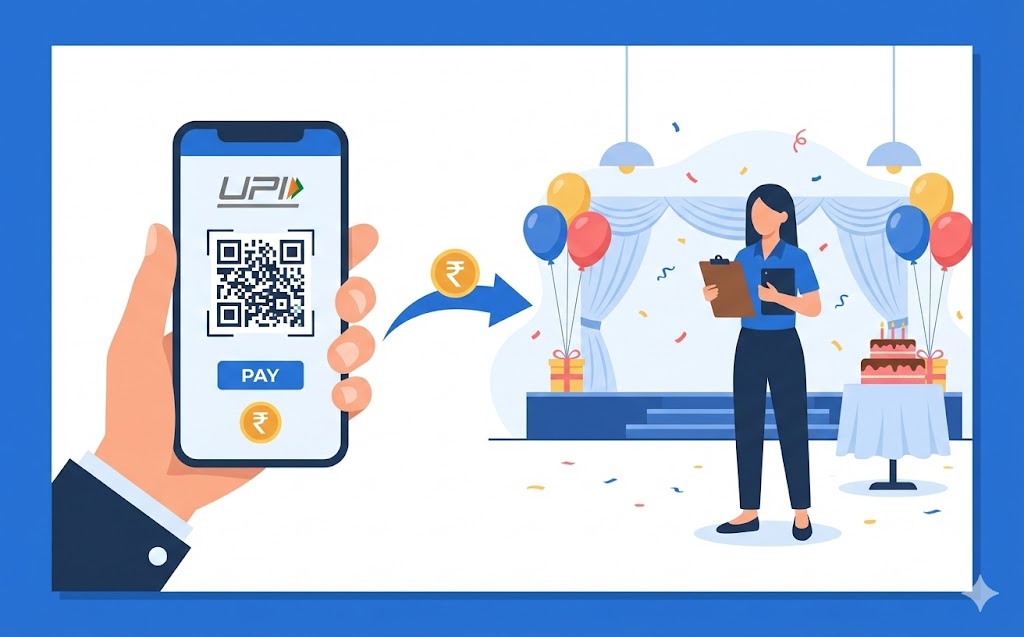
Managing event planner fees is simple with your UPI ID. This digital payment system offers instant, secure transfers directly from your bank account, available 24/7. Ensure you have a UPI-enabled app and your planner accepts this method. The process involves obtaining their UPI ID or scanning a QR code, entering the amount, and authorising with your PIN. Enjoy quick transactions, clear digital records for budgeting, and enhanced security without needing cash.
Planning an event, whether it’s a birthday party, a wedding, or a special gathering, often involves managing many payments. From booking the venue to hiring caterers and decorators, you’ll find yourself needing to pay various service providers. Wouldn’t it be wonderful if you could make these payments simply, quickly, and without fuss? This is where your UPI ID comes in, offering a straightforward way to handle your event planning costs.
Understanding UPI: A Simple Way to Pay
Imagine a system that lets you send and receive money directly from your bank account instantly, at any time of day or night. That’s essentially what UPI does. It has transformed how people in our country manage their everyday financial transactions, making them incredibly convenient.What Exactly Is a UPI ID?
A UPI ID, also known as a Virtual Payment Address (VPA), is like your unique digital address for money. Instead of sharing your bank account number, its type, and the IFSC code (which can be quite a mouthful!), you simply share your UPI ID. This ID links directly to your bank account, allowing you to send and receive money without revealing sensitive bank details. It’s usually something easy to remember, often in the format of ‘yourname@bankname’ or ‘yourmobile@bankname’, making transactions much simpler.Why UPI Is Great for Paying for Services Like Event Planning
Using UPI for services such as event planning brings many advantages. Firstly, payments are instant. This means that when you pay a deposit or the final amount to your event planner, they receive the money almost immediately. There’s no waiting for cheques to clear or bank transfers to process over several hours. Secondly, it’s available 24 hours a day, 7 days a week, including holidays. So, if you need to make a last-minute payment, you can do so at any time. Finally, it removes the need to carry large amounts of cash, making transactions safer and more secure for both you and your event planner.Getting Ready to Make Your Payment
Before you dive into making your payment, there are a few simple things you need to ensure you have in place. Thinking ahead will make the payment process smooth and trouble-free.What You Need Before You Start
To use your UPI ID for payments, you will need just a few essentials:- A Smartphone: You’ll need a smartphone with an active internet connection.
- A Bank Account: Your bank account must be linked to your mobile number.
- A UPI-enabled Application: You need to have a payment application that supports UPI installed on your smartphone and linked to your bank account.
- Your UPI PIN: This is a secret four or six-digit number that you set up when you first registered for UPI. You will need it to authorise any payment you make, ensuring your transactions are secure.
Making Sure Your Event Planner Accepts UPI payments
It’s always a good idea to confirm with your event planner that they accept UPI payments before you attempt to send money. Most modern businesses, especially those in service industries, are keen to offer convenient payment options. They might display a QR code for payments or simply provide you with their UPI ID. A quick chat with them will clarify everything and prevent any misunderstandings.Simple Steps to Pay Your Event Planner with UPI
Once you’ve confirmed that your event planner accepts UPI and you have everything ready, making the payment is incredibly simple. You’ll be surprised at how quickly you can complete the transaction.Finding Your Event Planner’s UPI ID
Your event planner will provide you with their UPI ID. This could be in several ways:- Verbally or in Writing: They might simply tell you their ID or provide it on an invoice or contract. Always double-check the spelling to ensure it’s correct.
- QR Code: Many businesses display a QR code. You can simply open your UPI-enabled application and use its scanner to read the code. This automatically fills in their UPI ID, reducing the chance of errors.
Sending the Money Safely
Here’s a straightforward guide to sending money using your UPI ID:- Open Your UPI Application: Launch the payment application on your smartphone that you use for UPI.
- Choose ‘Send Money’ or ‘Pay’: Look for an option like ‘Send Money’, ‘Pay’, or ‘Scan & Pay’.
- Enter Details:
- If you have their UPI ID, type it carefully into the designated field.
- If they provided a QR code, select the ‘Scan & Pay’ option and point your phone’s camera at the code.
- Enter the Amount: Type in the exact amount you wish to pay your event planner.
- Add a Note (Optional but Recommended): It’s a good practice to add a short note, such as “Event deposit – [Your Name]” or “Final payment for wedding planning”, so both you and the planner know what the payment is for.
- Review and Confirm: Carefully check all the details on the screen – the planner’s name (which usually appears after you enter their UPI ID), the amount, and your note.
- Enter Your UPI PIN: Once you are sure everything is correct, enter your secret UPI PIN to authorise the transaction.
Double-Checking Your Payment Was Successful
After entering your PIN, the payment will process almost instantly. Your UPI application will usually display a confirmation message, indicating whether the transaction was successful. You might also receive an SMS alert from your bank. It’s always a good idea to inform your event planner once you’ve sent the payment so they can also check their records and confirm receipt. This ensures peace of mind for everyone involved.Keeping Your UPI Payments Secure
While UPI offers incredible convenience, it’s vital to remain vigilant about security. Protecting your financial information is always important, especially when making digital payments.Protecting Your Personal Details
Your UPI payments are secure when you follow some simple rules:- Keep Your UPI PIN Secret: Never share your UPI PIN with anyone, not even bank officials or family members. It’s your digital key to your money.
- Do Not Share OTPs: One-Time Passwords (OTPs) are sent to your mobile phone for specific transactions. Do not share these with anyone.
- Use Official Applications: Only download and use UPI-enabled applications from official app stores. Be wary of suspicious links or messages.
- Secure Your Phone: Use a strong passcode, fingerprint, or facial recognition to unlock your smartphone. If your phone falls into the wrong hands, this provides an important layer of protection.
- Be Alert to Scams: Legitimate organisations will never ask you for your UPI PIN or OTP over the phone, via email, or through text messages. If something feels suspicious, it probably is.
What to Do If You Spot a Problem
In the unlikely event that you encounter an issue, such as an incorrect amount being debited or a transaction failing, act quickly:- Contact Your Bank: Immediately get in touch with your bank’s customer service. They can help investigate the issue and guide you on the next steps.
- Use In-App Dispute Feature: Many UPI applications have a ‘raise a dispute’ or ‘report an issue’ feature for failed or incorrect transactions. Utilise this within the app.
- Keep Records: Always keep a record of your transaction details, including the transaction ID and amount, as this will be useful if you need to resolve a problem.
The Benefits of Using UPI for Your Event Fees
Choosing UPI to pay your event planner offers more than just convenience; it provides significant advantages that make managing your event finances much simpler and more transparent.Why It’s So Quick and Easy
The primary benefit of UPI is its incredible speed and ease of use. Imagine needing to pay a deposit quickly to secure a date with your event planner. With UPI, you can do this from anywhere, at any time, without needing to visit a bank or an ATM. This instant transfer capability means your planner receives the funds almost immediately, allowing them to proceed with arrangements without delay. It saves you time and effort, making the entire payment process feel effortless compared to traditional methods.Keeping a Clear Record of Your Payments
Every transaction you make using UPI is digitally recorded. This means you have a clear, easily accessible history of all your payments. You can view your transaction details within your UPI application or through your bank’s online banking or mobile app. This digital trail is incredibly useful for:- Budgeting: You can easily track how much you’ve spent on different aspects of your event.
- Record-Keeping: For larger expenses like event planning, having a precise record helps you manage your finances and ensures you know exactly what has been paid.
- Dispute Resolution: In the rare case of a disagreement, your digital transaction history provides undeniable proof of payment.
Author

FAQs
What is UPI?
It's a system that lets you send and receive money directly from your bank account instantly, at any time of day or night.
What exactly is a UPI ID?
A UPI ID is your unique digital address for money, also known as a Virtual Payment Address. It links directly to your bank account, letting you send and receive money without sharing sensitive bank details. It often looks like 'yourname@bankname'.
Why is this payment system good for paying for services like event planning?
Payments are instant, available 24 hours a day, 7 days a week, and remove the need to carry large amounts of cash, making transactions safer and more secure.
What do I need to make a payment using this system?
You need a smartphone with internet, a bank account linked to your mobile number, a payment application that supports this system, and your secret four or six-digit PIN.
How do I find my event planner's ID for payment?
Your event planner will provide their ID to you, either verbally, in writing on an invoice, or by displaying a QR code that you can scan with your payment application.
How do I send money to my event planner using this system?
Open your payment application, choose 'Send Money' or 'Pay', enter their ID or scan their QR code, type the amount, add a note, review details, then enter your secret PIN to authorise the transaction.
How can I keep my payments secure?
Always keep your secret PIN and One-Time Passwords (OTPs) private. Only use official payment applications, secure your phone with a passcode, and be alert to scams, as no legitimate organisation will ask for your PIN or OTP.
What should I do if a payment goes wrong?
Immediately contact your bank's customer service or use the 'raise a dispute' feature within your payment application. Always keep a record of your transaction details.
