

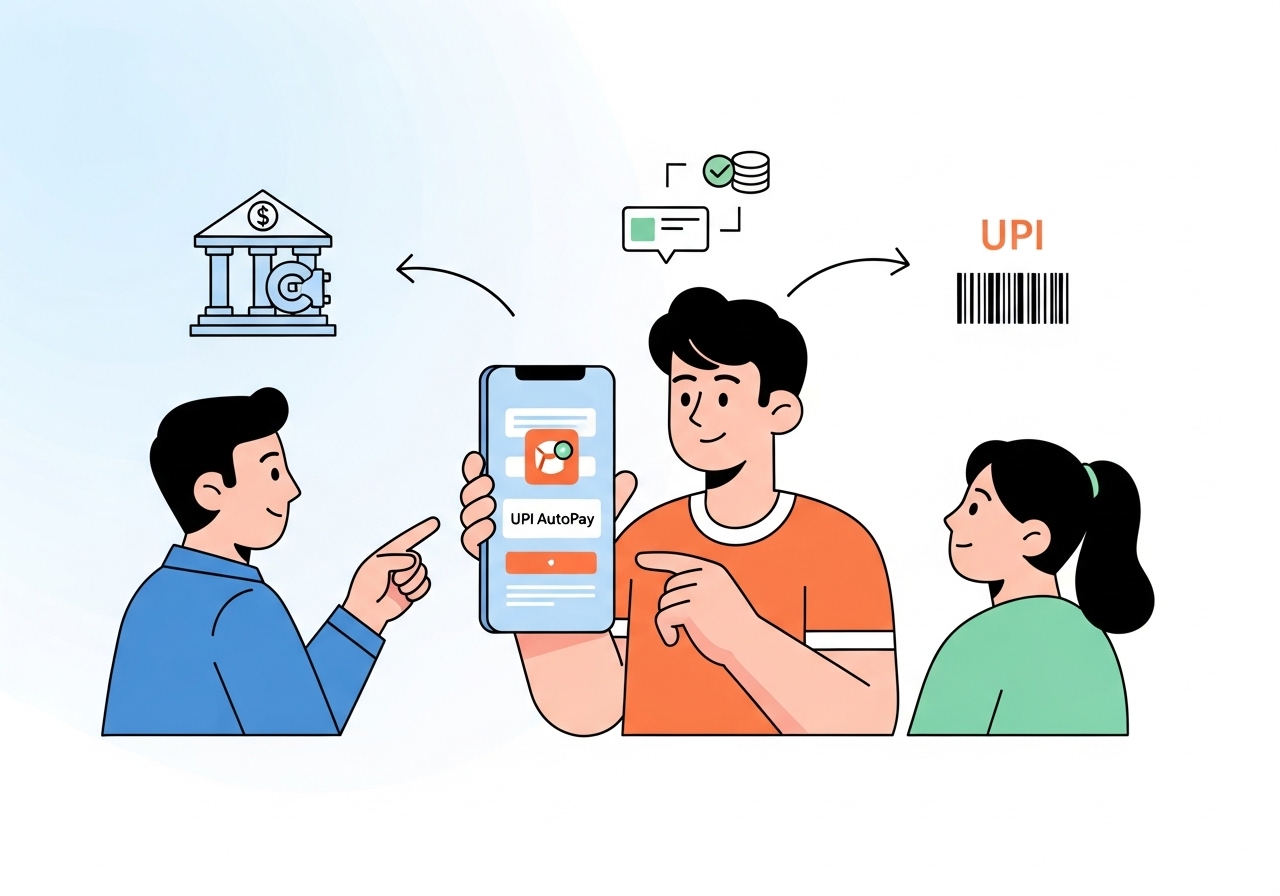
Learn the simple steps to link your bank account for UPI AutoPay, ensuring timely payments and better budget management.
Understanding UPI AutoPay
What is UPI AutoPay?
UPI AutoPay is a feature that allows you to make automatic payments using your bank account linked to a Unified Payments Interface (UPI) application. This means you can set up recurring payments for services such as utility bills, subscriptions, and more without needing to authorise each transaction manually. Once set up, your payments will be deducted automatically on the specified dates.Benefits of Using UPI AutoPay
Using UPI AutoPay offers several advantages:- Convenience: You no longer need to remember due dates or make manual payments. The system takes care of it for you.
- Timeliness: Payments are made on time, reducing the risk of late fees or service interruptions.
- Budget Management: You can plan your finances better by knowing when and how much will be deducted from your account.
- Simplified Tracking: Most UPI apps allow you to track your payments easily, giving you a clear overview of your expenses.
Prerequisites for Linking Your Bank Account
Before you can link your bank account for UPI AutoPay, you need to ensure you have everything in place.Necessary Documents
To link your bank account, you will typically need the following documents:- Identity Proof: This could be your Aadhaar card, passport, voter ID, or any government-issued ID.
- Address Proof: A document that confirms your residential address, such as a utility bill or bank statement.
- Bank Account Details: Your bank account number and IFSC code will be necessary for the linking process.
Compatible Bank Accounts
Ensure that your bank account is compatible with UPI services. Most major banks in India support UPI transactions. You can check the list of participating banks on the official UPI website or your UPI app. If your bank is part of the UPI network, you can proceed with linking your account.Steps to Link Your Bank Account for UPI AutoPay
Linking your bank account for UPI AutoPay is a straightforward process. Follow these steps to get started:Step 1: Open Your UPI App
Begin by opening your preferred UPI application on your smartphone. Make sure you are logged in to your account.Step 2: Navigate to the AutoPay Section
Once you are in the app, look for the AutoPay or ‘Recurring Payments’ section. This is usually found in the main menu or under settings.Step 3: Select Your Bank Account
You will be prompted to select the bank account you wish to link. If you have multiple accounts, choose the one from which you want the payments to be deducted.Step 4: Authorise the Link
The app will ask you to authorise the linking of your bank account. This may involve entering your UPI PIN or providing other verification details. Follow the prompts carefully to complete this step.Step 5: Confirm Your Details
Finally, review the details you have entered. Ensure that your bank account number and other information are correct. Once confirmed, you can proceed to save your settings.Managing Your UPI AutoPay Settings
After linking your bank account, you can manage your UPI AutoPay settings as needed.Viewing Your Active AutoPay Mandates
Most UPI apps provide a section where you can view all your active AutoPay mandates. This allows you to keep track of what payments are scheduled and when they will occur.Modifying or Cancelling AutoPay Mandates
If you wish to change or cancel any of your AutoPay mandates, you can do so easily through the app. Navigate to your list of active mandates, select the one you want to modify or cancel, and follow the prompts to make the necessary changes.Troubleshooting Common Issues
While using UPI AutoPay, you may encounter some common issues. Here’s how to address them:Linkage Errors
If you face problems while linking your bank account, ensure that you have entered all details correctly. Double-check your bank account number and IFSC code. If issues persist, consider contacting your bank’s customer service for assistance.Payment Failures
Sometimes, payments may fail due to insufficient funds or technical glitches. If a payment does not go through, check your account balance and ensure that your UPI app is functioning correctly. If the problem continues, you may need to modify your AutoPay settings or consult your bank.Conclusion
The Importance of Keeping Your Information Secure
As you use UPI AutoPay, it is vital to keep your personal and financial information secure. Always use strong passwords and enable two-factor authentication if available. Regularly monitor your bank statements and UPI transactions to ensure everything is in order. By taking these precautions, you can enjoy the convenience of UPI AutoPay while keeping your financial information safe.Author

