

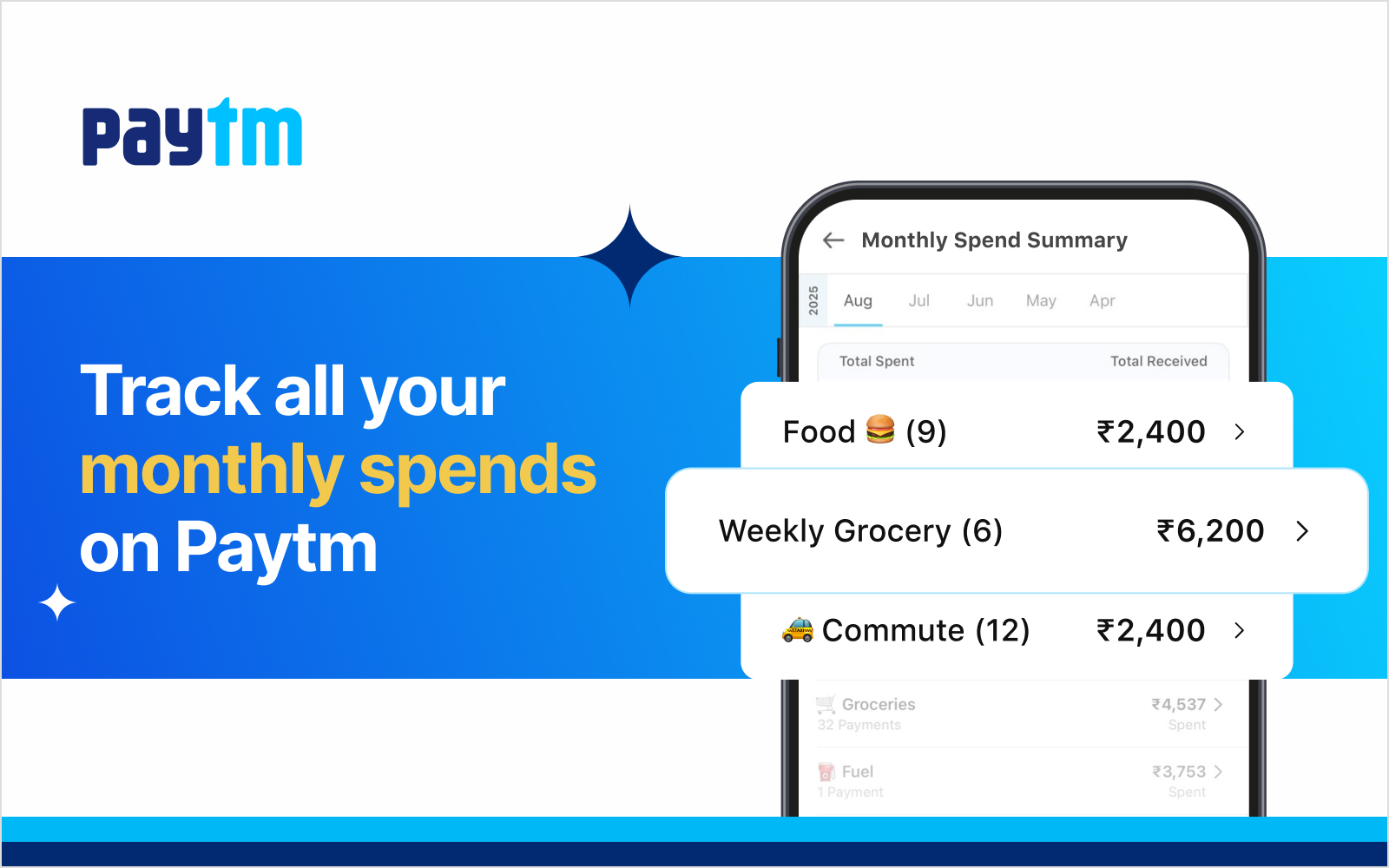
Every month, millions of Indians make several Paytm UPI payments, and most of us have absolutely no idea where the money actually went. Paytm’s Spend Summary changes that completely, auto-categorising every payment
We’ve all been there. It’s the 28th of the month, your balance is lower than expected, and you spend twenty minutes scrolling through your payment history trying to figure out what happened. Was it too many Swiggy orders? That weekend trip? Or just everyday groceries quietly adding up? The answer has always been buried in a series of Paytm UPI payments
What Is Paytm Spend Summary?
Spend Summary is Paytm’s built-in expense tracker. Every time you make a payment through Paytm, whether shopping for your next festive outfit, ordering groceries, or subscribing to a streaming service, the Paytm app intelligently categorises each and every payment.
At the end of the month, or whenever you’re curious, you can open Spend Summary and see a clear, organised breakdown of your spending across categories like groceries, food & dining, rent, entertainment, travel, utilities, health, and more.
The Spending Categories Paytm Tracks For You
Spend Summary sorts your Paytm UPI payments into categories that reflect how real Indian households actually spend money:
- 🛒 Groceries: Supermarkets, kirana stores, fresh produce
- 🍔 Food & Dining: Restaurants, cafes, Swiggy, Zomato
- 🏠 Rent & Housing: Monthly rent, society maintenance charges
- 🎬 Entertainment: OTT subscriptions, movies, live events
- 🚗 Travel & Transport: Cabs, fuel, metro, flight bookings
- 💊 Health & Medical: Pharmacies, doctor visits, lab tests
- 💡 Utilities & Bills: Electricity, mobile recharge, broadband
- 🛍️ Shopping: Apparel, electronics, online orders
How to Access Spend Summary in the Paytm App
- Open your Paytm app (update to the latest version if you haven’t)
- Go to your payment history or UPI passbook
- Look for “Spend Summary”, you’ll see a visual monthly breakdown
- Tap any category to see the individual payments within it
- Switch between months to compare spending over time
Real Ways Spend Summary Helps You Every Month
- End-of-month reality check: Before blaming inflation for your depleted savings, check Spend Summary. You might find that food delivery alone crossed ₹6,000 last month
- Planning next month’s budget. When you can see that you spent ₹3,200 on travel and ₹4,800 on entertainment, setting realistic targets for the coming month becomes far easier than guesswork.
- Spotting patterns you didn’t notice. Many users discover that their “occasional treats”, a movie here, a weekend trip there, form a consistent and significant spending category. Awareness is the first step to making intentional choices.
- Tracking variable expenses. Fixed costs like rent and subscriptions are easy to remember. But groceries, dining out, and transport vary every month. Spend Summary shows you the real figures.
- Checking in mid-month. Halfway through the month and wondering if you’ve already overspent? A quick look at Spend Summary tells you exactly where you stand, with no calculations needed.
Author

