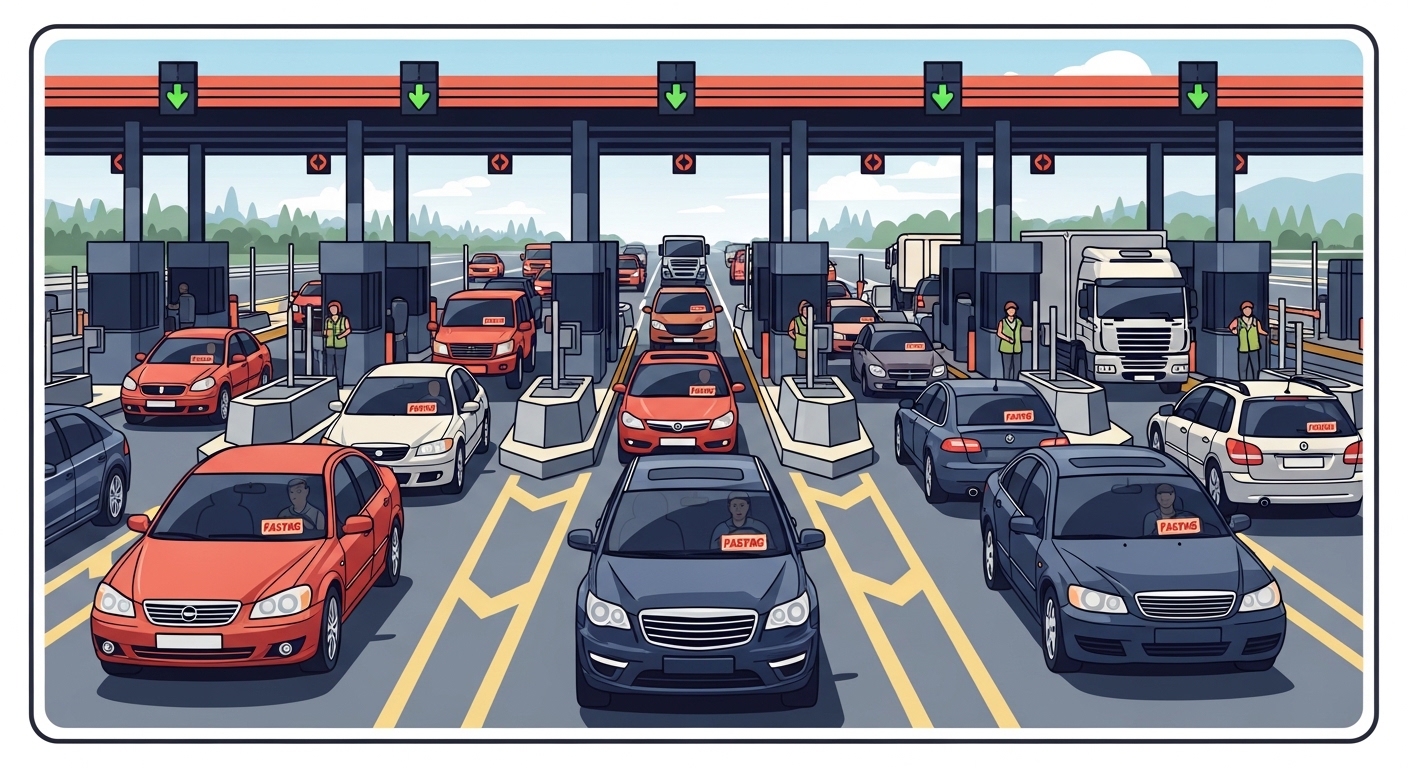
Fastag payments allow vehicles to pass through toll plazas across India without needing to stop. This electronic system, managed by the National Highways Authority of India (NHAI) and supported by various banks and payment providers, has significantly reduced traffic congestion and waiting times at tolls. It’s transformed how millions of drivers experience highway travel.
The convenience of electronic toll collection means you don’t need to carry cash for highway travel anymore, making journeys smoother and more efficient. Understanding how to manage your Fastag, especially topping it up through a popular platform, is essential for seamless travel on national highways.
What Is Fastag And Why Is It Important?
Fastag is a simple sticker that uses special radio technology, called RFID, to let you pay tolls electronically. You stick it on your car’s windscreen, and when you drive through a Fastag lane at a toll plaza, a scanner reads it. The toll amount is then automatically taken from a linked account or prepaid wallet. It’s like having a magic pass for tolls!
Understanding electronic toll collection
This system works by connecting your unique Fastag to a specific account. When the scanner at the toll plaza reads your tag, it identifies your vehicle and deducts the correct toll fee. This all happens very quickly, usually in just a few seconds, letting you keep moving without interruption. It’s a smart way to manage payments on the go.
Benefits for vehicle owners
Using Fastag brings lots of good things for people who own cars. Firstly, you save time because you don’t have to stop and wait in long queues at toll booths. This also means you save fuel, as your engine isn’t idling while you wait. It’s incredibly convenient because you don’t need to carry exact change or worry about cash for tolls. Plus, you get an SMS alert every time money is deducted, so you always know what’s happening.
Mandatory for all vehicles
The Indian government, through the Ministry of Road Transport and Highways, made Fastag compulsory for all four-wheelers and bigger vehicles. This means if you drive on national highways, you must have an active Fastag. If you don’t have one, you might have to pay double the toll fee, which nobody wants!
“The Fastag system has revolutionised highway travel in India, making it smoother and more efficient for millions of commuters every day.”
Do You Already Have A Fastag?
Before you think about recharging, it’s a good idea to check if you already have a Fastag. Many new cars come with one already fitted, or you might have purchased one previously and simply forgotten about it. Knowing whether you have one is the first step to managing it effectively.
Checking your vehicle’s tag
The easiest way to check is to look at your car’s windscreen, usually near the top centre or on the left side. You’ll see a small, rectangular sticker with the Fastag logo and often the name of the bank or company that issued it. If you can’t find it there, you might want to check your vehicle’s documents or any purchase receipts from when you bought your car.
Scenario: Priya from Bengaluru was unsure if her new car came with a Fastag. She checked her car’s windscreen, found the sticker with “ICICI Bank” clearly printed, and then used the bank’s app to link it to her account and check its balance.
Where to get a new tag
If you don’t have a Fastag, getting one is quite straightforward. You can apply for one from many different banks, such as ICICI Bank, HDFC Bank, or Axis Bank. Some payment platforms also offer Fastags. You can even buy them directly at some major toll plazas. When you apply, you’ll need to provide some documents like your vehicle registration certificate (RC), proof of identity, and proof of address.
| Feature | Bank-Issued Fastag | Payment Platform-Issued Fastag |
| Issuer | A specific bank (e.g., HDFC) | A payment platform |
| Linking | Directly to your bank account | To a linked prepaid account |
| Customer Support | Bank’s customer service team | Platform’s customer service team |
| Recharge Method | Bank’s app or website | Platform’s app or website |
| Initial Purchase Location | Bank branches, online | Platform’s app, partner stores |
Things You Need Before Recharging
Before you start the recharge process, it’s helpful to have a few key pieces of information ready. Gathering these details beforehand will make your first Fastag recharge much smoother and quicker. It helps prevent mistakes and ensures your money goes to the right place.
Your vehicle registration number
This is perhaps the most important detail you’ll need. Your Fastag is uniquely linked to your vehicle’s registration number (like “MH01AB1234”). You’ll need to enter this number accurately during the recharge process. Always double-check it to make sure it’s correct before you confirm anything.
Knowing your tag issuer
It’s important to know which bank or company originally issued your Fastag. This information is usually printed on the Fastag sticker itself. For example, it might say “SBI Fastag” or “IDFC First Bank Fastag.” When you recharge, especially on a platform that handles Fastags from many different issuers, you’ll need to select the correct one from a list.
Quick Context: While many platforms allow you to recharge Fastag regardless of the issuer, knowing your issuer can sometimes simplify troubleshooting if you face issues or need to contact specific customer support.
Having enough balance
Just like a prepaid phone, your Fastag needs money in its account to work. Before you start your journey, ensure you have enough balance to cover the tolls you expect to pay. There might also be a minimum amount you can recharge at one time. It’s always a good idea to keep a little extra in your account.
Pro Tip: Always keep a buffer amount in your Fastag account. It helps you avoid delays if you encounter an unexpected toll or if your balance is just short for a transaction. This small habit can save you a lot of hassle on the road.
How To Recharge Your Fastag On Paytm
Recharging your Fastag using a popular payment platform is a very common and convenient way to top up your balance. Here’s a simple, step-by-step guide to help you through the process. Remember to take your time and check each detail carefully.
Opening the application
First things first, open the application on your smartphone. Make sure you have the latest version installed to ensure everything works smoothly. If you haven’t logged in recently, you might need to enter your security PIN or use your fingerprint/face ID to access your account.
Finding the Fastag option
Once you’re logged in, look for the “Fastag Recharge” option. It’s usually prominently displayed on the home screen or within a section often labelled “More Services” or “Financial Services.” You might need to scroll down a bit to find it. The icon usually looks like a car or a toll booth.
Entering vehicle details
After finding and selecting the Fastag option, you’ll be asked for some important details.
- Select your Fastag Issuer: From the list provided, choose the bank or company that issued your Fastag (e.g., “ICICI Bank Fastag,” “HDFC Bank Fastag”). This is crucial for the recharge to go to the correct account.
- Enter Vehicle Registration Number: Carefully enter your vehicle’s registration number (e.g., “UP16AB1234”). Make sure there are no typos, as an incorrect number could lead to problems.
Double-check both the selected issuer and the vehicle number before moving to the next step.
Common Confusion: Some users think they need to select “Paytm” as their issuer if they’re recharging through the platform. Remember, you must select the actual bank or entity that originally issued your Fastag, not the platform you’re using for recharge.
Choosing your recharge amount
Now, you’ll need to enter the amount of money you wish to add to your Fastag account. Be aware that there might be a minimum recharge amount, so make sure your chosen amount meets this requirement. Enter the desired figure, keeping in mind your travel plans and how much balance you’d like to maintain.
Selecting payment method
After entering the amount, you’ll be asked to choose how you want to pay. You’ll typically have options like using a debit card, a credit card, or net banking. Select the method that is most convenient for you and ensure you have the necessary details ready, such as your card number, expiry date, and CVV.
Confirming your transaction
This is the final step before the recharge goes through. Review all the details one last time: the Fastag issuer, your vehicle registration number, and the recharge amount. If everything looks correct, proceed to confirm the transaction. You’ll likely need to enter a PIN or a One-Time Password (OTP) sent to your registered mobile number to authorise the payment. Once confirmed, wait for the success message.
What Happens After A Successful Recharge?
Once you’ve completed the recharge process and received a success message, you’ll want to know what happens next. The system is designed to be quick and efficient, ensuring your Fastag is ready for use without much delay.
Instant balance update
One of the best things about digital recharges is how fast they are. Your Fastag balance should update almost instantly after a successful transaction. This means you can typically use your Fastag at a toll plaza very soon after recharging, without having to wait. It’s a real time-saver, especially if you’re already on your way.
Receiving transaction confirmation
You won’t be left guessing whether your recharge worked. You’ll usually receive an SMS notification from the platform confirming your transaction. Your Fastag issuer might also send you an SMS to let you know your balance has been topped up. These messages are important records, so it’s a good idea to keep them.
Checking your tag status
Even after receiving confirmations, you can always double-check your Fastag status or balance. Many Fastag issuers provide their own dedicated portals or mobile apps where you can log in and view your current balance and transaction history. This gives you complete peace of mind that your tag is active and ready for your journey.
Scenario: After recharging his Fastag, Suresh from Delhi immediately received an SMS confirming the transaction. He then checked his issuer’s app, and saw his balance updated, giving him peace of mind for his upcoming road trip from Delhi to Jaipur.
Facing Issues During Recharge?
Sometimes, things don’t go exactly as planned, and you might encounter an issue during your Fastag recharge. Don’t worry, many common problems have simple solutions. Knowing what to do can save you a lot of frustration.
Payment not going through
If your payment isn’t successful, first check your internet connection to make sure it’s stable. Then, verify the details of your chosen payment method – is your debit or credit card number correct? Is the expiry date valid, and have you entered the correct CVV? It’s also worth checking if you have enough funds in your bank account or card. Occasionally, there might be a temporary issue with your bank’s servers, which usually resolves itself quickly.
Incorrect vehicle number
This is a very common mistake and can cause significant problems. If you accidentally enter the wrong vehicle registration number, your recharge might fail. In some rare cases, the money could even be credited to another vehicle’s Fastag, which can be difficult to reverse. Always, always double-check your vehicle number before confirming the transaction. It only takes a few extra seconds but can save you a lot of hassle.
Contacting customer support
If you’ve checked everything and are still facing issues, it’s time to reach out for help. For problems specifically related to the recharge process itself (like a payment failing or money being deducted but not reflecting), contact the customer support of the platform you used for the recharge. If your Fastag isn’t working at a toll plaza or you see incorrect deductions, then you should contact your Fastag issuer’s customer support. Always have your transaction ID, vehicle number, and any error messages ready when you call.
Useful Tips For Fastag Users
Using Fastag makes highway travel much easier, but a few smart habits can make your experience even better. These tips will help you avoid last-minute stress and ensure your journeys are always smooth.
Always check balance
Make it a habit to check your Fastag balance regularly, especially before you start any long journey. Running out of balance at a toll plaza can cause delays and inconvenience. A quick check can save you from an awkward situation. Many issuer apps and payment platforms allow you to see your balance easily.
Set up automatic reminders
If you tend to forget things, consider setting up automatic reminders for your Fastag recharge. Some payment platforms offer this feature, or you can simply set a recurring reminder on your phone’s calendar. This helps you top up your account before your balance gets too low, ensuring you’re always ready for the road.
Keeping your details updated
Ensure that the mobile number linked to your Fastag account is always current. This is how you receive important SMS alerts about toll deductions and low balance warnings. If you get a new vehicle or sell your old one, make sure your Fastag is correctly linked or deactivated to avoid any future complications. Keeping your details up-to-date is crucial for seamless operation.
“A well-maintained Fastag account means stress-free travel. Regular checks and timely recharges are key to a smooth journey on India’s national highways.”
Conclusion
Understanding Your First Fastag Recharge on Paytm: a Step-by-step Guide for Beginners can help you make informed decisions. By following the guidelines outlined above, you can navigate this topic confidently.
Author

