

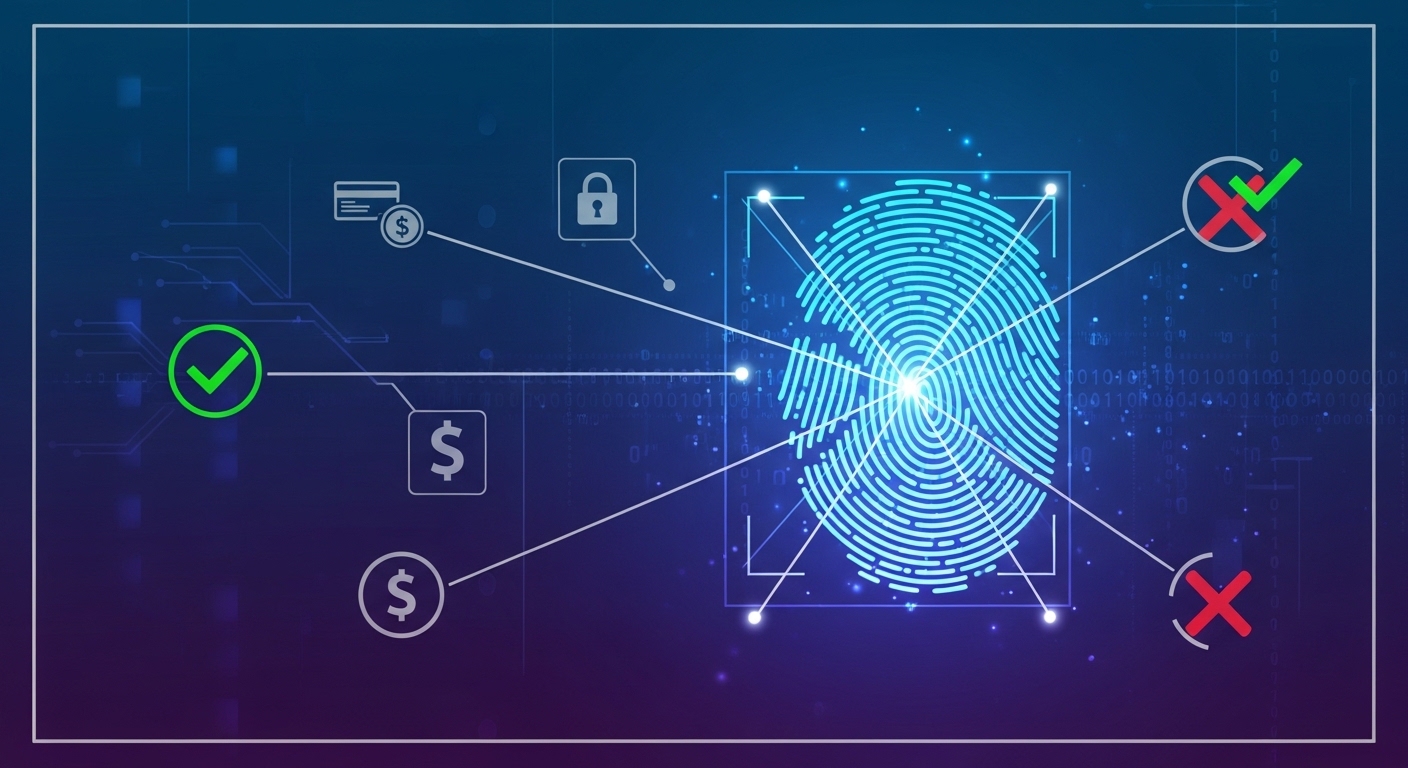
Using digital payment systems has become a vital part of our daily lives, making financial transactions quicker and easier. Among these, the Aadhaar Enabled Payment System, known as AEPS, stands out for its simplicity and reach. It allows you to access banking services using just your Aadhaar number and your fingerprint. However, sometimes your fingerprint scan might not work as expected, which can be frustrating. This guide will help you understand why this happens and what simple steps you can take to ensure your AEPS transactions are always smooth and successful.
Understanding AEPS and Why Your Fingerprint Matters
AEPS is a powerful tool designed to bring banking services closer to everyone, especially in areas where traditional bank branches may not be readily available. Your fingerprint plays a crucial role in making these services both secure and easy to use.
What is AEPS and How Does It Help You?
AEPS stands for Aadhaar Enabled Payment System. It is a payment service that allows a bank customer to use their Aadhaar number, linked to their bank account, to perform basic banking transactions. These transactions are carried out at banking correspondent points or micro-ATMs using a fingerprint scanner.
With AEPS, you can perform several useful actions:
- Cash Withdrawals: Take out money from your bank account.
- Balance Enquiries: Check how much money you have in your account.
- Mini Statements: Get a short of your recent transactions.
- Fund Transfers: Send money from your Aadhaar-linked account to another Aadhaar-linked account.
This system is operated by the National Payments Corporation of India (NPCI) and is a key part of India’s move towards a more inclusive digital economy.
The Importance of Your Fingerprint for AEPS Security
Your fingerprint is incredibly important for AEPS because it acts as your unique digital signature. Unlike a password or a Personal Identification Number (PIN), your fingerprint is something you carry with you always, and it is extremely difficult to copy or fake.
When you use AEPS, your fingerprint is scanned and matched against the biometric information stored with your Aadhaar number. This process, called biometric authentication, ensures that only you can access your bank account. This high level of security helps protect your money and personal information, making your transactions safe and trustworthy.
AEPS: Bringing Banking Services to Everyone
AEPS has been instrumental in expanding banking services to millions of people across India. It helps bridge the gap for those who may not have easy access to bank branches or who find traditional banking methods complicated. By simply using your Aadhaar and fingerprint, you can manage your money conveniently at local service points. This system truly helps in bringing financial services to every corner of the country, promoting financial inclusion for all.
Why Your Fingerprint Scan Might Fail
Even with its many benefits, sometimes your fingerprint scan for AEPS might not work on the first try. Understanding the common reasons for these failures can help you prevent them.
Common Reasons for Fingerprint Scan Issues
Fingerprint scan failures usually fall into a few main categories: problems with your finger, issues with the scanning device, or difficulties with the network connection. Identifying the cause is the first step towards a quick fix.
Problems with Your Finger (e.g., dry, dirty, damaged)
Your finger’s condition is often a major factor in scan failures:
- Dry Skin: If your skin is too dry, especially in cold weather, the scanner might struggle to pick up enough detail.
- Dirty Finger: Dust, dirt, grease, or even ink on your finger can obscure your unique ridges, leading to a failed scan.
- Damaged Finger: Cuts, scrapes, bandages, or even temporary skin changes can alter your fingerprint pattern, making it unrecognisable to the scanner.
- Wet Finger: Too much moisture can also interfere with the scanner’s ability to read your print clearly.
Issues with the Fingerprint Scanner Device Itself
The device you are using to scan your fingerprint can also cause problems:
- Dirty Scanner Surface: Just like your finger, the scanner’s surface can get dirty with dust, smudges, or residues from previous uses.
- Damaged Scanner: Scratches, cracks, or general wear and tear on the scanner’s surface can prevent it from capturing a clear image of your fingerprint.
- Faulty Device: Sometimes, the scanner itself might be old, malfunctioning, or not properly calibrated.
- Incorrect Placement: Not placing your finger correctly and firmly on the scanner can lead to an incomplete or blurry scan.
Network or System Connection Problems
AEPS transactions rely on a stable connection to central systems. If this connection is weak or interrupted, your scan might fail even if your finger and the device are perfect:
- Poor Internet Connectivity: The service point might have a weak or unstable internet connection, preventing the transaction data from being sent and received properly.
- System Downtime: Although rare, the central AEPS system or the bank’s servers might occasionally experience technical issues or maintenance, leading to temporary service unavailability.
- Slow Network: A very slow network can cause the transaction to time out before it can be completed.
Simple Steps to Fix Fingerprint Scan Failures
If your fingerprint scan fails, do not worry. There are several simple steps you can take to resolve the issue quickly and successfully complete your transaction.
Preparing Your Finger for a Successful Scan
Before trying again, make sure your finger is ready:
- Clean and Dry: Gently wipe your finger with a clean cloth to remove any dirt or moisture. Ensure it is completely dry afterwards.
- Moisten Slightly (if too dry): If your skin is very dry, you can rub your hands together or lightly touch a damp cloth to add a tiny bit of moisture, then dry it slightly.
- Use the Correct Finger: Always use the finger you registered with your Aadhaar. If you registered multiple fingers, try the one that usually works best.
- Check for Obstructions: Ensure there are no cuts, bandages, or jewellery on the part of your finger you are scanning.
Cleaning Your Fingerprint Scanner Device Properly
A clean scanner is essential for a clear reading:
- Gentle Wipe: Ask the service provider to gently wipe the scanner’s surface with a soft, clean, lint-free cloth.
- Remove Smudges: Make sure any dust, smudges, or residues are removed from the scanning area.
- Avoid Harsh Chemicals: Do not use any harsh cleaning agents or abrasive materials, as these can damage the scanner.
Trying the Scan Again Carefully
Once your finger and the scanner are ready, try again with care:
- Place Firmly and Flat: Place your finger flat on the scanner, covering the entire scanning area. Apply gentle, steady pressure.
- Hold Still: Keep your finger perfectly still for a few seconds until the scan is complete. Avoid wiggling or lifting your finger too soon.
- Slight Adjustments: If it fails again, try adjusting the angle of your finger slightly or using a different part of the same finger.
Checking Your Device and Internet Connection
If the problem persists, the issue might be with the technology:
- Service Provider’s Device: Ask the service provider to check their device. It should be charged and functioning correctly.
- Internet Signal: Enquire about the internet signal strength at the service point. A strong, stable connection is vital for AEPS.
- Restart Device: Sometimes, simply restarting the service provider’s device can resolve minor technical glitches.
What to Do When Problems Keep Happening
If you have followed the simple steps and are still facing issues, there are further actions you can take to complete your transaction or find a solution.
Trying a Different Finger for Authentication
If your usual finger is consistently failing, and you have registered other fingers with your Aadhaar, you can try using one of those. Remember, only fingers that are officially linked to your Aadhaar can be used for authentication. This can be a useful alternative if one of your fingers has a temporary issue.
Visiting Another AEPS Service Point Near You
AEPS services are widely available across various locations. If one service point is consistently causing problems, it might be due to their specific device, network, or location. You can try visiting another AEPS service point or banking correspondent in your vicinity. A different location might offer a better network connection or a more reliable scanning device.
Getting Help from Customer Support
If you continue to face persistent issues, it is best to seek expert help:
- Contact Your Bank: Reach out to your bank’s customer support service. They can help you investigate if there are any issues with your Aadhaar linkage or your bank account.
- Contact the Service Provider: If you are at a merchant or a banking correspondent, they may have their own customer support that can assist with device or network-related problems.
- NPCI Grievance: The National Payments Corporation of India (NPCI), which operates AEPS, also has mechanisms for addressing customer grievances.
Understanding AEPS Transaction Rules and Limits
It is also important to be aware of the rules and limits associated with AEPS transactions. Banks and NPCI often set daily transaction limits, both in terms of the amount of money and the number of transactions allowed. If you exceed these limits, your transaction will fail, regardless of your fingerprint scan. Familiarising yourself with these rules can prevent unnecessary failures. Also, there might be a limit on the number of failed biometric attempts before you are temporarily blocked from trying again.
Keeping Your AEPS Transactions Smooth and Secure
AEPS is a fantastic system that offers convenience and security. By following best practices and understanding how it works, you can ensure your transactions are always smooth and your money remains safe.
Best Practices for Using Your Fingerprint Scanner
To make the most of AEPS, consider these best practices:
- Keep Aadhaar Private: Always keep your Aadhaar number confidential and share it only when absolutely necessary for a transaction.
- Cleanliness is Key: Ensure both your finger and the scanner are clean and dry before every attempt.
- Be Patient: Take your time when placing your finger and hold it steady. Rushing can lead to failed attempts.
- Regular Biometric Updates: If your fingerprints have changed significantly over time due to age or work, consider updating your biometrics at an Aadhaar enrolment centre. This ensures your latest fingerprint data is on record.
- Verify Transaction Details: Always double-check the transaction details, such as the amount, before confirming with your fingerprint.
How AEPS Keeps Your Money Safe
AEPS is built on a foundation of strong security measures:
- Biometric Authentication: Your unique fingerprint serves as a highly secure form of identification, making it extremely difficult for unauthorised individuals to access your account.
- Real-Time Processing: Transactions are processed in real-time, meaning your account balance is updated immediately, reducing the risk of errors.
- Transaction Records: Every AEPS transaction is recorded, providing a clear audit trail. This helps in tracking and resolving any disputes.
- Regulatory Oversight: AEPS is regulated by the Reserve Bank of India (RBI) and managed by NPCI, ensuring that it operates under strict guidelines designed to protect consumers.
The Future of Easy digital payments in India
AEPS represents a significant step towards a truly digital and financially inclusive India. It continues to empower millions by providing easy access to essential banking services. As technology advances, we can expect even more innovative and secure digital payment solutions to emerge, further simplifying financial transactions for everyone. By embracing systems like AEPS, you are contributing to and benefiting from India’s journey towards a modern and efficient digital economy.
Author
