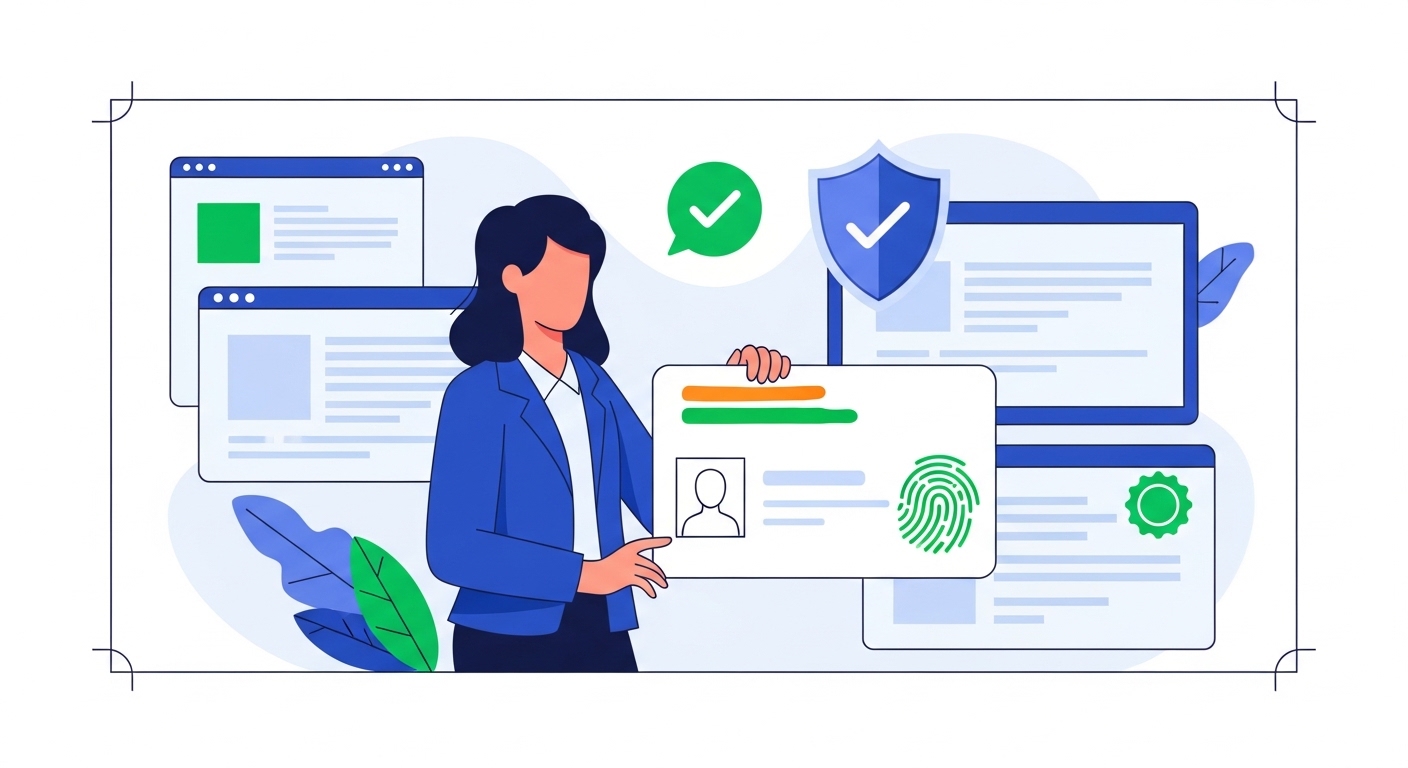
According to UIDAI (2026), over 1.4 billion Aadhaar numbers have been issued, making digital identity verification a daily necessity for millions across India. Many transactions in Tier-2 cities now rely on quick Aadhaar QR scans, but a poor network can halt everything. Dealing with network errors affecting Aadhaar QR verification often means you can’t complete essential services, from banking to accessing government schemes.
This guide explains why your Aadhaar QR verification might fail due to network issues and provides simple, actionable steps to fix them. You’ll learn how to quickly troubleshoot common problems, ensuring your important transactions in places like Nashik or Mysuru aren’t delayed. We’ll also cover essential tips to help make your future verifications smooth and reliable.
Table of Contents
What Is Aadhaar QR Verification?
Aadhaar QR verification is a secure digital identity process overseen by the Unique Identity Authority of India (UIDAI), designed to simplify identity checks. It uses a QR code, found on your physical Aadhaar card or e-Aadhaar, to instantly verify your identity details with the UIDAI database through a scanning application.
According to UIDAI (2026), Aadhaar authentication services process billions of transactions annually, with eKYC being a key component for various services. Without successful Aadhaar QR verification, you might be unable to open new bank accounts, receive government subsidies, or open various essential digital services that require identity proof.
If you face persistent issues or need to update your Aadhaar details, you can visit the nearest Aadhaar Seva Kendra or the official UIDAI Resident Portal for assistance and information.
Aadhaar QR verification is a quick and simple way to prove who you are without needing physical documents. It’s especially helpful in Tier-2 cities where digital services are rapidly expanding, making everyday tasks much faster. This system ensures your identity is confirmed securely and efficiently for various needs, from applying for a new mobile connection to receiving government subsidies.
When you use Aadhaar QR, a scanning device, often a smartphone with a dedicated app, reads the encrypted information embedded in the code. This information is then securely sent to UIDAI for real-time authentication against your stored profile. This strong process helps prevent fraud and ensures that only the rightful person is accessing services linked to their Aadhaar, boosting trust in digital transactions.
The Basics of Aadhaar QR
The QR code on your Aadhaar card contains your demographic details like name, address, date of birth, and gender, along with your photo. It’s a compact, digital representation of your identity, designed to be read by specific applications compliant with UIDAI standards. This makes sharing your information safer than handing over physical copies, as the data is encrypted and only authorised entities can decrypt it.
Using Aadhaar QR speeds up many processes that used to take a long time with paper forms and manual checks. For example, opening a new bank account or getting a new SIM card becomes much quicker, often completed in minutes rather than hours. It significantly reduces paperwork, minimises human error, and ensures a more consistent experience for everyone.
For residents in places like Vadodara or Coimbatore, Aadhaar QR means less waiting time and more convenience at banks, government offices, and even for local merchants. It offers a reliable and trusted method for identity verification, making digital transactions and open to services more accessible. This system is crucial for India’s push towards a more digitally inclusive economy, especially in regions rapidly adopting digital solutions.
Pro Tip: Always Keep Your Aadhaar Updated
Ensure your Aadhaar details like address and mobile number are current on the UIDAI Resident Portal. Outdated information can cause verification failures, even with a perfect network.
- Key Benefits of Aadhaar QR for You
- Instant identity verification, saving time and effort.
- Reduced need for physical document copies, enhancing security.
- open to various government and private services more quickly.
- Helps prevent identity fraud with secure, encrypted data sharing.
Why Your Aadhaar QR Verification Fails
Even with the best intentions, your Aadhaar QR verification can sometimes fail, often because of underlying network issues, which can be particularly prevalent in certain pockets of Tier-2 cities. Understanding these common problems can help you diagnose and fix them quickly, preventing unnecessary delays. It’s not always about the QR code itself, but the essential digital connection that makes it work reliably.
The primary culprit is usually a weak or unstable internet connection, especially common in areas with fluctuating mobile network coverage or during peak usage times. Other factors, like busy government servers during high-demand periods or issues with your mobile device’s software, can also play a significant role. These technical glitches can be incredibly frustrating when you’re trying to complete an urgent task like a bank transaction or a government form submission.
Understanding Common Failure Points
If you’re in a basement, a crowded market, or an area with poor mobile tower connectivity, your phone might struggle to maintain a strong signal. This weak signal means data takes longer to travel, leading to timeouts during the verification process. Your device needs a consistent connection to communicate with the UIDAI servers for a successful authentication.
Sometimes, you might have a signal, but your mobile data plan has run out or is very slow, perhaps due to exceeding your daily limit. Aadhaar QR verification requires a small amount of data to send and receive information from the UIDAI database. If your data is exhausted, the verification won’t complete, leaving you stuck.
During peak hours, like early mornings or around government scheme deadlines, the UIDAI servers can experience exceptionally high traffic. This heavy load can slow down response times significantly, causing your verification attempt to time out and fail. It’s like too many people trying to open a single, popular digital service at the same moment.
Outdated operating systems or an old version of the scanning app on your phone can also cause problems. Software bugs or compatibility issues might prevent the app from properly reading the QR code or establishing a stable internet connection. Always keep your apps and phone software updated to ensure optimal performance and security.
Common Confusion: Misconception about QR Failures
It is commonly assumed that a failed Aadhaar QR scan means your Aadhaar card is invalid or has an error.
The truth is, most failures are due to temporary technical issues like network problems or device glitches, not an invalid Aadhaar or incorrect personal data.
- Common Reasons for Aadhaar QR Verification Failure
- Unstable or weak mobile data/Wi-Fi connection.
- Insufficient mobile data balance on your device.
- High server traffic at UIDAI during peak times.
- Outdated Aadhaar scanning application or phone software.
- Physical damage or poor print quality of the QR code itself.
What Happens During Network Errors?
When your Aadhaar QR verification hits a network snag, you’ll usually notice specific, frustrating signs that clearly indicate a problem. These aren’t minor delays; they can completely prevent you from completing your critical task, whether it’s opening an account or collecting a parcel. Recognising these signs quickly helps you understand that a network issue is at play, allowing you to react appropriately.
The most common outcomes are extended waiting times that feel endless, the QR code failing to scan altogether even after multiple attempts, or various explicit error messages popping up on your screen. You might feel incredibly frustrated as your important transaction hangs, unable to proceed with your day. It’s important to remember these are almost always temporary technical hitches that can often be resolved with simple steps.
Recognising the Signs of Network Failure
Instead of an instant scan, the application might keep “loading” or “processing” for an unusually long time, often showing a spinning wheel. This delay happens because your device is struggling to send the QR data to the UIDAI servers and get a response back. Eventually, it might time out, leading to a failed attempt.
The scanner might fail to recognise the QR code, even when held correctly and in good lighting. This isn’t always a problem with the camera; it often means the app can’t establish a stable connection to initiate the data transfer. The scanning interface might freeze or show a generic “No QR code found” message, even if the code is visible.
You’ll often see specific error messages like “Network Error,” “Connection Timed Out,” “Unable to Connect to Server,” or “Please Check Your Internet Connection.” These messages are direct indicators that the problem lies with your connectivity, not necessarily your Aadhaar data or the service provider’s system. Pay close attention to what they say for better troubleshooting.
After several tries, the system will eventually report a “Verification Failed” status, sometimes with a specific error code. This outcome means the process couldn’t be completed within the allowed time due to the unreliable network connection. You won’t be able to move forward with your transaction until the underlying network issue is effectively resolved.
Pro Tip: Note Down Error Codes
If you see an error code (e.g., “Error 100”), make a note of it. This code can be very helpful when you need to contact support, as it gives them a specific starting point for troubleshooting and can speed up resolution.
| Common Network Error Signs | What You See | What It Means |
| Extended Loading Screen | App shows spinning wheel, no progress | Device struggling to communicate with UIDAI servers |
| QR Not Scanning | Camera doesn’t recognise code, no feedback | App can’t initiate data transfer due to poor connection |
| Specific Error Messages | “Network Error,” “Timed Out,” “Server Unavailable” | Direct indication of connectivity problems |
| Verification Failed | Final status after multiple tries | Process couldn’t complete due to unstable network |
Simple Fixes for Network Problems
When facing Aadhaar QR verification issues due to network problems, there are several simple, yet highly effective, steps you can take to quickly resolve them. You don’t always need expert help; often, a few basic troubleshooting actions can get you back on track and complete your transaction. These fixes are designed to be easy to perform, even if you’re not particularly tech-savvy.
Many of these solutions involve a quick check of your device and your immediate environment, helping you significantly improve your connectivity for a successful scan. By systematically going through these steps, you can identify and fix the most common network-related obstacles that hinder Aadhaar verification. Don’t give up after the first failed attempt; persistence with these methods often pays off.
Step-by-Step Troubleshooting
Step 1: Check your internet connection by opening a reliable web page or another app that uses data, like a messaging service. If other online services are also slow or not working, your internet is indeed the problem. Try switching from mobile data to Wi-Fi, or vice-versa, if a stable alternative is available in your location.
Step 2: Ensure your mobile data is turned on and you have an active data plan with sufficient balance. Sometimes, toggling mobile data off and on again can refresh the connection and improve its stability, especially after moving between network zones. You’ll often see your signal bars refresh on your screen after this, indicating a renewed connection attempt.
Step 3: Turn your phone completely off, wait for about 30 seconds, and then turn it back on. Restarting clears temporary glitches in your phone’s operating system and refreshes its network connection modules. This simple action often resolves many underlying connectivity issues that accumulate over time, giving your device a fresh start.
Step 4: Go to your phone’s app store (Google Play Store for Android or Apple App Store for iOS) and check if there’s an update available for the Aadhaar scanning application you’re using. Outdated apps can have bugs that affect network performance or QR scanning compatibility with newer UIDAI protocols. Updating ensures you have the latest features, security patches, and bug fixes, improving reliability.
Step 5: If the issue seems to be with busy UIDAI servers, which can happen during peak hours or around major deadlines, waiting a few minutes or trying again during off-peak hours can often help. Weekday afternoons, for instance, are generally less busy than early mornings or evenings. This patience can save you frustration from repeated failed attempts against overloaded systems.
Step 6: Physically move to an area with better mobile network reception. This might mean stepping outside a building, moving closer to a window, or finding an open space away from obstructions. In Tier-2 cities, signal strength can vary greatly even within short distances, so a slight relocation can make a big difference. You’ll notice your signal bars increase, indicating a stronger connection.
Common Confusion: Internet Speed and Verification
The misunderstanding here is that a fast internet speed guarantees successful Aadhaar QR verification.
While speed helps, stability is more critical; a fluctuating but fast connection can still cause timeouts during the precise data exchange required for authentication, making a consistent connection more reliable.
Tips for Smooth Aadhaar Verification
Beyond fixing immediate network problems, you can adopt several practices to ensure your Aadhaar QR verifications are consistently smooth and trouble-free. These proactive measures help minimise the chances of encountering errors in the first place. Think of them as preventative steps for a better digital experience, especially in a rapidly digitising environment.
By paying attention to your device, its software, and your environment, you’re setting yourself up for success. This approach is particularly useful in dynamic environments like those found in Tier-2 Indian cities, where connectivity can be unpredictable. You’ll save time and avoid unnecessary stress, making your digital interactions much smoother.
Ever wondered why some people seem to have no trouble with digital verifications while you always struggle? The key often lies in these simple habits.
Always try to perform Aadhaar QR verification when you have open to a stable internet connection, whether it’s strong mobile data or reliable Wi-Fi. Avoid attempting verification in areas known for poor reception, such as basements or crowded public transport hubs.
A consistent signal is far more important than a super-fast one for successful authentication.
Regularly update your phone’s operating system and all applications, especially the one you use for Aadhaar QR scanning. Software developers frequently release updates that improve performance, fix bugs, and enhance security. An updated app works more efficiently with the latest UIDAI protocols, reducing compatibility issues.
Ensure the QR code is well-lit when you’re scanning it. Poor lighting can make it difficult for your phone’s camera to clearly capture the code, leading to scanning failures.
Avoid direct glare or shadows that might obscure the code’s pattern, as this disturbs the image. Natural daylight is often best for clear scans.
Dust, smudges, or scratches on your physical Aadhaar card’s QR code can prevent it from being read correctly by the scanner. Before scanning, quickly wipe the QR code area with a soft, clean cloth to remove any obstructions. This simple action ensures the camera has a clear image to process, improving accuracy.
When scanning, hold your mobile device steady and at an appropriate distance from the QR code, typically 6-12 inches away. Jerky movements or holding the phone too close or too far away can result in blurry images and failed scans. Allow the app a moment to focus properly on the code before attempting to capture it.
Pro Tip: Practice with Non-Critical Scans
Before an important verification, try scanning a non-critical QR code (like one from a website or a product barcode) with your app to check camera focus and app responsiveness. This helps you get comfortable with the process and ensures your app is working correctly.
When You Need More Help
Despite your best efforts, there might be times when network issues affecting Aadhaar QR verification persist, and the simple fixes don’t work. In such situations, it’s important to know when and where to seek official assistance. Don’t hesitate to reach out if you’re facing ongoing problems, especially for critical services.
Remember that official channels are there to support you, especially for critical identity services like Aadhaar. Knowing the right contacts and procedures ensures you get accurate help and avoid potential scams or misinformation. You’re not alone in dealing with these technical challenges, and help is readily available.
If you’ve tried all the troubleshooting steps and still can’t complete your Aadhaar QR verification, contact the helpline of the service provider you’re trying to use (e.g., your bank’s customer service). For general Aadhaar-related queries, you can contact the UIDAI helpline at 1947. This number is accessible across India and provides support in multiple languages, making it easy to get help.
For issues that might be related to your Aadhaar data itself, or if you prefer in-person assistance, visiting an Aadhaar Seva Kendra (ASK) is a reliable option. These centres are equipped to handle various Aadhaar services, including updates, biometric verifications, and addressing complex issues. You can find your nearest ASK on the UIDAI Resident Portal, which also allows you to book an appointment.
If you believe there’s a wider issue with network connectivity in your area affecting Aadhaar services, you can also report it to your mobile network operator. While they might not fix Aadhaar-specific problems, they can address general network performance, which indirectly helps Aadhaar verification. This helps improve overall digital infrastructure for everyone in your locality.
Common Confusion: Aadhaar Verification Fees
A widespread myth is that you need to pay a fee to resolve Aadhaar verification issues.
While some services at Aadhaar Seva Kendras might have nominal charges for updates or new enrolments, basic troubleshooting and reporting network errors through official helplines are usually free.
Conclusion
Successfully navigating network errors during Aadhaar QR verification is crucial for smooth open to digital services in 2026. By regularly updating your apps and ensuring a stable internet connection, you can significantly reduce verification failures. This proactive approach ensures your identity checks are quick and reliable, saving you time and hassle in your daily transactions.
How can I troubleshoot Aadhaar QR verification failures due to network issues?
What are the common signs that a network problem is causing my Aadhaar QR verification to fail?
Can I use Aadhaar QR verification even if my mobile data signal is weak or inconsistent?
Why is a stable internet connection crucial for successful Aadhaar QR verification, rather than a fast one?
What are the main benefits of using Aadhaar QR verification for identity checks compared to traditional methods?
Is Aadhaar QR verification truly secure against identity fraud, especially when dealing with digital transactions?
What steps should I take if my Aadhaar QR code is physically damaged or difficult to scan?
What should I do if I've tried all the troubleshooting steps for Aadhaar QR verification and it still fails?
Author