

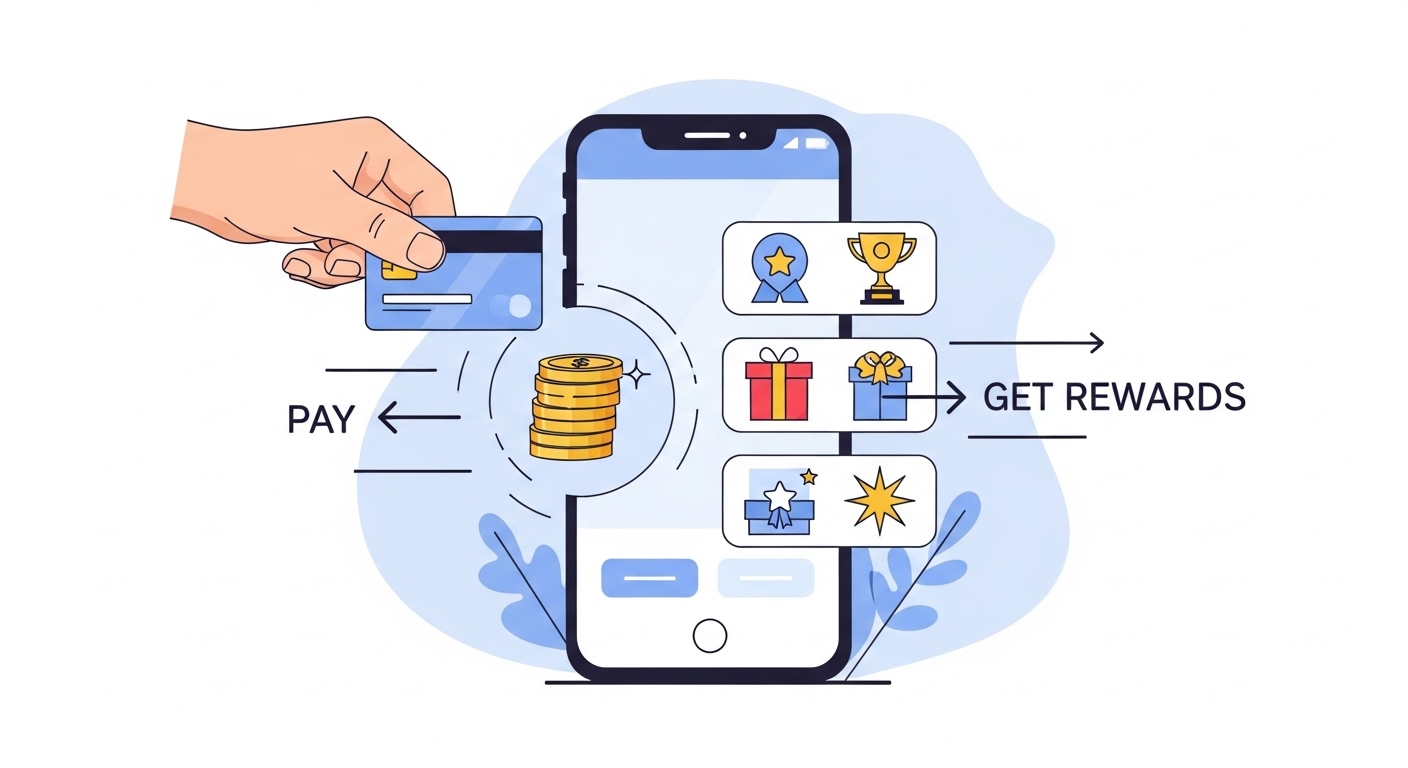
Linking your RuPay Credit Card to a payment application offers a smarter way to manage finances. This guide explains how to connect your card for seamless digital payments, unlocking convenience, exclusive rewards, and enhanced security. Learn the simple steps, from preparation to verification, and understand important considerations like eligibility and transaction limits. Embrace modern, efficient transactions, making everyday spending hassle-free and more rewarding. Terms and conditions apply.
In today’s fast-paced world, managing your finances and making payments has become wonderfully simple, thanks to digital technology. Imagine a world where you can pay for almost anything with just a few taps on your phone. This is becoming a reality for many people, especially with the rise of digital payment solutions in India. By linking your RuPay Credit Card to a payment application, you open up a world of convenience, security, and exciting rewards. Let us explore how you can make your financial life easier and more rewarding.
Understanding RuPay Credit Cards and Digital Payments
Before we dive into the ‘how-to’, it is helpful to understand the key players in this digital payment journey.What is a RuPay Credit Card?
A RuPay Credit Card is a type of credit card issued by various banks in India, operating on the RuPay network. What makes RuPay special is that it is India’s very own card payment network, developed by the National Payments Corporation of India (NPCI). Just like other credit cards, a RuPay Credit Card allows you to make purchases and pay for services, borrowing money from your bank up to a certain limit. You then repay this amount later, often with interest if not paid on time. It is a powerful tool for managing your spending and accessing credit when you need it.The Power of Digital Payments in India
Digital payments have truly transformed how we handle money in India. No longer do you need to carry large amounts of cash or worry about finding exact change. With digital payments, you can pay for groceries, utility bills, online shopping, and much more, directly from your mobile phone or computer. This shift towards a cashless society brings immense convenience, speed, and transparency to everyday transactions, making your life smoother and more efficient.Why Link Your Credit Card to a Payment Application?
You might already use your credit card for online purchases, but linking it to a payment application takes convenience to another level. Imagine checking out at a shop or paying for your electricity bill instantly, without even reaching for your physical card. When your RuPay Credit Card is linked, it becomes readily available within your chosen payment application, allowing for quick, seamless transactions. This integration means you can enjoy the benefits of your credit card, such as rewards and offers, with the added ease of digital payments.A Simple Guide to Linking Your RuPay Credit Card
Connecting your RuPay Credit Card to a payment application is a straightforward process. Here is what you need to do to get started.Getting Ready: What You Will Need
Before you begin, make sure you have a few things prepared:- Your Active RuPay Credit Card: Ensure your card is valid and not expired.
- Your Registered Mobile Number: The phone number linked to your credit card account is crucial for verification.
- A Payment Application: Make sure you have a reputable digital payment application installed on your smartphone.
- A Stable Internet Connection: You will need this to complete the linking process.
Step-by-Step: Connecting Your Card to Your Payment Application
The exact steps might vary slightly between different payment applications, but the general process is quite similar:- Open Your Payment Application: Launch the digital payment application on your mobile phone.
- Find the ‘Add Card’ Option: Look for an option like ‘Add Bank Account’, ‘Link Credit Card’, ‘Wallets & Cards’, or similar in the application’s menu or settings.
- Select ‘Credit Card’: Choose the option to add a credit card. You might be asked to select the card network; here, you would choose ‘RuPay’.
- Enter Card Details: Carefully input your RuPay Credit Card number, its expiry date, and the CVV (the three-digit security code usually found on the back of your card).
- Verify Your Card: The application will typically send a One-Time Password (OTP) to the mobile number registered with your bank. Enter this OTP into the application to confirm your identity and authorise the linking.
Confirming Your Link: Ensuring Everything is Set
Once you have entered the OTP, the payment application will usually show a confirmation message, letting you know that your RuPay Credit Card has been successfully linked. You should also see your card listed among your payment options within the application. To be extra sure, you could try a very small transaction, like recharging a mobile phone for a minimal amount, to test if everything is working perfectly.Enjoying the Benefits: Pay Smart, Earn Rewards
Linking your RuPay Credit Card to a payment application brings a host of advantages that make your financial life better.Convenient Payments for Everyday Needs
Imagine paying for your morning coffee, buying groceries, or settling utility bills with just a few taps on your phone. Your linked RuPay Credit Card makes these everyday transactions incredibly quick and hassle-free. You no longer need to search for your wallet or worry about carrying enough cash. This means more time for you and less time spent on mundane tasks.Unlocking Exclusive Rewards and Offers
One of the most exciting aspects of using your RuPay Credit Card is the potential for rewards. When you link and use your card through a payment application, you can often continue to earn cashback, reward points, or discounts on your purchases. Many banks and payment applications also offer special promotions and deals specifically for RuPay cardholders, giving you even more reasons to use your card for smart savings.Secure Transactions You Can Trust
Security is paramount when it comes to your money. Linking your RuPay Credit Card to a reputable payment application provides a secure way to transact. Your card details are encrypted, and every significant transaction usually requires an OTP verification, adding an extra layer of protection. Banks and payment platforms employ advanced security measures to keep your financial information safe, giving you peace of mind with every payment.Tracking Your Spending with Ease
Digital payment applications often come with excellent features for managing your money. You can easily view your transaction history, categorise your spending, and even set budgets. This makes tracking your expenses and understanding where your money goes much simpler, helping you to manage your finances more effectively and make informed spending decisions.Important Things to Remember (Terms Apply)
While linking your RuPay Credit Card is beneficial, it is important to be aware of a few key details.Eligibility for Linking Your RuPay Credit Card
Not all RuPay Credit Cards might be immediately eligible for linking to every payment application. Generally, your card must be issued by a participating bank and be active. Always check the specific terms and conditions set by your bank and the payment application to ensure your card qualifies.Understanding Transaction Limits and Charges
Your bank and the payment application may have daily or monthly limits on how much you can spend using your linked credit card. It is a good idea to familiarise yourself with these limits. While many transactions are free, some payment applications might levy a small convenience fee for certain types of payments. Always review the charges before completing a transaction.Protecting Your Account: Security Tips
Your security is also in your hands. Always use strong, unique passwords for your payment application and never share your OTP with anyone. Regularly check your transaction history for any suspicious activity and report it to your bank immediately. Keeping your payment application and phone’s operating system updated also helps protect you from potential threats.Where Can You Use Your Linked RuPay Credit Card?
Once linked, your RuPay Credit Card can be used at a vast number of merchants and service providers that accept digital payments. This includes online retailers, utility billers, and many physical stores that display QR codes for payment or accept card payments via compatible point-of-sale systems. The widespread acceptance means you can enjoy seamless transactions almost anywhere.Making the Most of Your Digital Payment Experience
Embracing digital payments is not just about convenience; it is about being part of a modern, efficient financial ecosystem.Future of Digital Transactions in India
India is at the forefront of the digital payment revolution. We can expect even more innovations, wider acceptance, and enhanced features in the coming years. Linking your RuPay Credit Card is a step towards being ready for this exciting future, where financial transactions are even more integrated into our daily lives, making everything smoother and more accessible.Your Next Step Towards Smarter Payments
By linking your RuPay Credit Card to a payment application, you are not just making a simple connection; you are choosing a smarter, more efficient way to manage your money. You are stepping into a world of convenience, security, and rewarding experiences. So, why wait? Take your next step towards smarter payments today and enjoy the many benefits that await you.Author

