

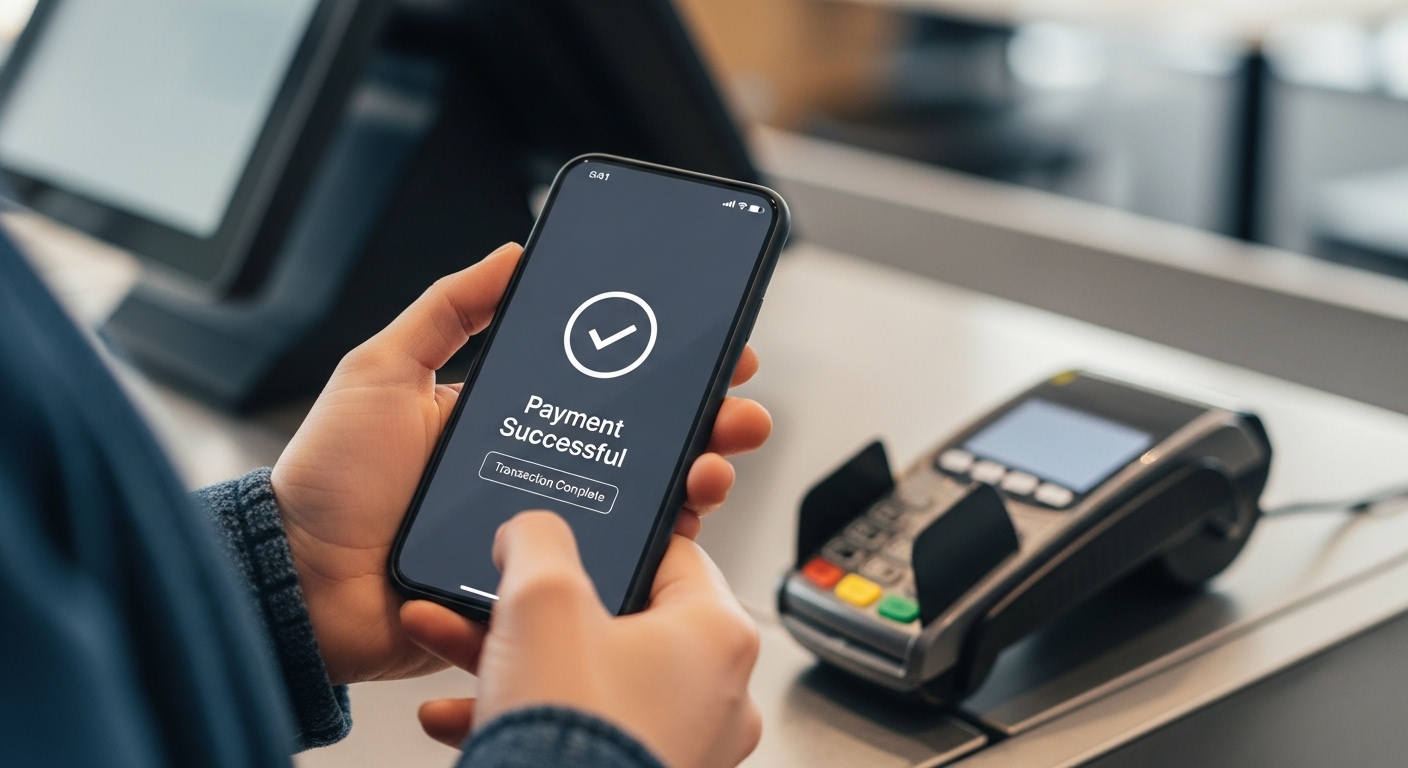
Imagine finishing a lovely meal at your favourite restaurant. The food was delicious, and the company was great. Now comes the moment to pay the bill. Instead of fumbling for cash or swiping a card, what if you could pay instantly and securely using just your phone? This is where a UPI ID comes in handy. It’s a wonderfully straightforward way to handle payments, making your dining experience even smoother.
What Exactly is a UPI ID and Why Should You Use It?
You might have heard the term “UPI” before, but what does it really mean, and why should you consider using it, especially when settling your restaurant bill? Simply put, UPI stands for Unified Payments Interface, and it’s a clever system that allows you to send or receive money directly from your bank account using just your mobile phone. It’s a very popular and secure way to manage digital payments in India.
Understanding Your Unique UPI ID
Think of your UPI ID as your unique digital address for money. Just like your home has a unique address, your bank account, when linked to UPI, gets its own special identifier. This ID is usually very easy to remember, often looking like an email address, such as ‘yourname@yourbank’ or ‘yourmobilenumber@yourbank’. It’s what allows people to send money directly to your bank account without needing to know your account number or IFSC code, and it’s what you’ll use to make payments too. Every UPI ID is securely linked to one of your bank accounts, making transactions both simple and safe.
The Clever Benefits of Using UPI for Your Restaurant Bills
Using UPI to pay your restaurant bill brings a host of advantages that make life much easier. Firstly, it offers incredible convenience. You no longer need to worry about carrying enough cash or having the right change. Secondly, it’s remarkably fast. Payments happen almost instantly, meaning less waiting around at the end of your meal. Thirdly, it’s very secure, as transactions go directly from your bank account to the restaurant’s bank account, often with several layers of protection. You also get a digital record of every payment, which can be very helpful for keeping track of your spending. It’s a modern, efficient, and reliable way to handle your finances on the go.
Getting Ready for a Smooth UPI Payment
Before you can enjoy the ease of paying with your UPI ID at a restaurant, there are a couple of simple steps to ensure you’re all set up. These preparations are quick and only need to be done once, paving the way for many hassle-free payments in the future.
Making Sure You Have a UPI-Enabled App on Your Phone
To use UPI, you’ll need a special app on your smartphone. Many banks offer their own UPI-enabled apps, and there are also several other trusted digital payment apps available. You can easily download one of these official applications from your phone’s app store, whether it’s for Android or Apple devices. Once installed, you’ll go through a simple registration process within the app to link it to your bank account.
How Your Bank Account Connects to UPI
The magic of UPI is that it directly connects to your bank account. When you set up your chosen UPI app, you will link your preferred bank account to it. This means that any money you send using your UPI ID will come straight from that bank account, and any money you receive will go directly into it. This direct connection ensures that your payments are always secure and transparent, giving you peace of mind.
Your Step-by-Step Guide to Paying at the Restaurant
When it’s time to settle your bill, paying with UPI is incredibly straightforward. Here’s a simple guide to walk you through the process, ensuring a smooth and quick transaction every time.
Time to Pay: Getting Your Bill
First things first, after enjoying your meal, simply ask the restaurant staff for your bill. It’s always a good idea to quickly check the bill to make sure everything is correct before you proceed with payment.
Choosing Your Way to Pay: Scanning a QR Code
Many restaurants now display a QR code specifically for UPI payments. This is often the quickest method.
- Open your UPI-enabled app on your phone.
- Look for an option like ‘Scan & Pay’ or a QR code icon.
- Point your phone’s camera at the restaurant’s QR code.
- The app will automatically read the details and show you the restaurant’s name and the amount to pay (sometimes you might need to enter the amount yourself).
Choosing Your Way to Pay: Entering a UPI ID
If there isn’t a QR code, or if you prefer, you can ask the restaurant for their UPI ID.
- Open your UPI-enabled app.
- Look for an option like ‘Pay to UPI ID’ or ‘Send Money’.
- Carefully enter the restaurant’s UPI ID.
- Once entered, the app should display the restaurant’s name for you to confirm.
- Then, you will enter the exact amount from your bill.
Double-Checking the Details Before You Pay
This is a very important step! Before you authorise any payment, always take a moment to double-check the details on your screen. Make sure the amount matches your bill exactly and that the recipient’s name (the restaurant’s name) is correct. A quick check can prevent any accidental payments.
The Final Step: Entering Your Secure UPI PIN
Once you are happy with all the details, your app will ask you to enter your secret UPI PIN. This is a special multi-digit number that only you know, and it acts like your digital signature, authorising the payment. Enter your PIN carefully and discreetly.
What Happens After You Tap ‘Pay’?
Once you’ve entered your UPI PIN and tapped ‘Pay’, the transaction happens almost instantly. But what exactly should you expect next?
Seeing Your Payment Confirmation
Immediately after your payment is processed, you will typically see a confirmation message on your UPI app screen. This message will usually state that your payment was successful. You will also often receive an SMS message from your bank confirming that money has been debited from your account for the transaction. These confirmations offer immediate reassurance that your payment has gone through.
Getting Your Digital Receipt
For your records, your UPI app will keep a history of all your transactions. This serves as a digital receipt. Some restaurants might also offer to send you a digital receipt via SMS or email, or even provide a printed one. It’s always a good practice to keep these records, just in case you need to refer to them later.
Keeping Your UPI payments Super Safe
While UPI is designed with strong security features, it’s also important for you to take a few simple precautions to ensure your payments remain super safe and secure.
Always Protecting Your Secret UPI PIN
Your UPI PIN is the key to your payments, so it’s absolutely vital to keep it secret. Never share your PIN with anyone, not even with bank officials or customer service representatives. No legitimate organisation will ever ask you for your PIN. It’s also a good idea to change your PIN regularly and to avoid writing it down where others might find it. If you ever suspect your PIN has been compromised, change it immediately through your UPI app.
Spotting and Avoiding Payment Scams
Unfortunately, sometimes people try to trick others. Be very cautious of any unexpected requests for money or messages asking you to ‘approve’ a payment you didn’t initiate. Remember, when you are receiving money, you do not need to enter your UPI PIN. You only enter your PIN when you are sending money. If something feels suspicious, it’s always best to stop and verify. Never click on suspicious links or provide your PIN to anyone who asks for it. If you encounter anything that seems like a scam, it’s important to report it to your bank or the appropriate authorities.
Enjoying Your Meal and the Ease of Digital Payments
Using your UPI ID to pay at restaurants is a modern, efficient, and secure way to handle your dining expenses. It frees you from the hassle of cash and cards, allowing you to focus on enjoying your meal and the company. With these simple steps and safety tips, you can confidently embrace the convenience of digital payments and make your restaurant visits even more enjoyable.
Author
