

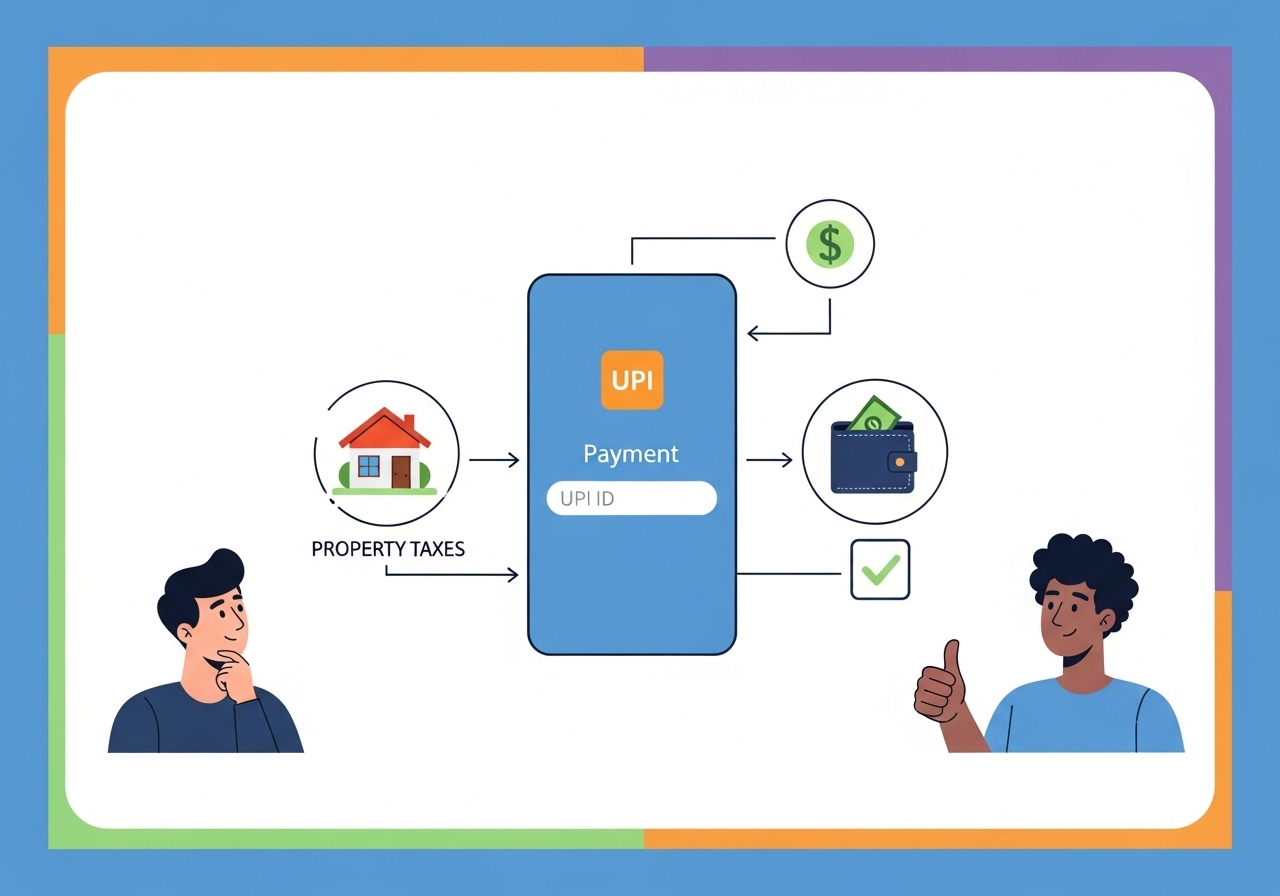
This guide simplifies paying property tax using your unique digital identity. Learn what this ID is, how it enables secure, instant payments, and the role of the NPCI. We provide a clear, step-by-step process, from finding your property details on local government websites to confirming payment in your banking app. Discover the convenience, speed, and security of digital property tax payments, ensuring your civic duty is fulfilled effortlessly. Embrace this efficient method for a streamlined financial future.
Welcome to Easier Property Tax Payments
Paying your property tax is a very important civic duty, and it helps your local community thrive. For many years, this often meant visiting an office, waiting in queues, and handling physical documents. However, times have changed, and digital payments are here to make your life much simpler and more convenient.Why digital payments Make Life Simpler
Imagine being able to complete an important task like paying your property tax from the comfort of your home, at any time of day or night. That is the magic of digital payments. They remove the need for physical visits, save you precious time, and offer a secure way to manage your financial responsibilities. It is all about making things straightforward and hassle-free for you.What You Will Discover Here
In this guide, you will learn all about using your unique digital identity, often called a UPI ID, to pay your property tax. We will walk you through what a UPI ID is, how to prepare for your payment, and a clear, step-by-step process to ensure your payment is successful. You will also find helpful tips and answers to common questions, making sure you feel confident and informed.Understanding Your UPI ID
What Exactly is a UPI ID?
Think of your UPI ID as your unique digital address for sending and receiving money directly from your bank account. It is a simple, easy-to-remember name, often looking like an email address (for example, yourname@bankname), that is linked directly to your bank account. This special identification allows you to make payments without needing to share your bank account number or other sensitive details every time.How UPI Helps You Pay Safely and Quickly
One of the best things about using UPI is how safe and quick it is. When you make a payment, you simply use your UPI ID and confirm the transaction with a secure PIN. This means your money moves instantly from your bank account to the recipient’s, all while being protected by strong security measures. It is a reliable way to ensure your payments reach their destination without delay.The Organisation Behind UPI: NPCI
You might wonder who makes all this possible. The system that powers UPI was developed by an organisation called the National Payments Corporation of India (NPCI). They are a special organisation set up by banks in India to create and operate retail payment and settlement systems. NPCI ensures that digital payments are secure, efficient, and available to everyone, building trust in the digital payment landscape.Getting Ready to Pay Your Property Tax
Before you make your payment, a little preparation goes a long way to ensure everything runs smoothly.Finding Your Property Tax Information
To pay your property tax, you will need specific details about your property. This usually includes your property ID number, assessment year, and perhaps your name as registered with the local government. Make sure you have these details handy.Where to Look for Your Property Details Online
The best place to find your property details and the amount you owe is on your local municipal corporation’s or government’s official website. These websites usually have a dedicated section for property tax payments where you can look up your information.Checking How Much Property Tax You Owe
Once you are on the official website, you can typically enter your property ID or other identifying details to view your outstanding property tax amount. It is a good idea to confirm this amount before proceeding to pay.Your Step-by-Step Guide to UPI Property Tax Payment
Paying your property tax using UPI is a straightforward process. Just follow these steps:- Visiting Your Local Government’s Payment Website: Open your web browser and go to the official website of your municipal corporation or local government body.
- Choosing “Property Tax” for Your Payment: Look for a section clearly labelled “Property Tax,” “Online Services,” or “Citizen Services” and select the option to pay property tax.
- Carefully Entering Your Property Details: You will be prompted to enter your unique property ID, assessment year, or other required information. Please double-check these details to ensure they are correct.
- Selecting UPI as Your Way to Pay: After confirming your property details and the amount due, you will be shown various payment options. Choose “UPI” or “Unified Payments Interface” from the list.
- Using Your UPI ID or Scanning a QR Code:
- Using your UPI ID: You might be asked to enter your UPI ID. Once entered, you will receive a payment request on your banking app linked to that ID.
- Scanning a QR Code: Alternatively, a QR code might appear on your screen. You can open your banking app, choose the “Scan & Pay” option, and scan this QR code.
- Confirming the Payment in Your Banking App: Whichever method you use, you will need to open your banking app, review the payment details (the amount and who it’s going to), and then enter your secure UPI PIN to authorise the transaction.
- Receiving Your Official Payment Receipt: After your payment is successful, you will usually receive an instant confirmation on the website and within your banking app. It is very important to download or print your official payment receipt for your records.
Important Tips for a Smooth Payment
Always Double-Check Your Payment Information
Before you confirm any payment, take a moment to review all the details – the property ID, the amount, and the recipient. A quick check can prevent mistakes and ensure your payment goes to the right place.Keeping Your Payment Proof Safe
Your official payment receipt is very important. It serves as proof that you have fulfilled your tax obligation. Keep it saved digitally or in a physical file for future reference, just in case you ever need it.What to Do if Your Payment Doesn’t Go Through
Sometimes, a payment might not go through immediately. If this happens, first check your bank account statement to see if the money has been debited. If it has been debited but you haven’t received a receipt, wait for a short while (usually up to 48 hours), as sometimes there can be a slight delay. If the issue persists, contact the customer support of your local government body or your bank for assistance.The Great Advantages of Paying with UPI
Using UPI for your property tax payments offers many benefits: it is incredibly convenient, allowing you to pay anytime, anywhere; it is fast, with transactions happening almost instantly; and it is secure, protecting your financial information. It truly makes the process much easier for everyone.Common Questions About UPI Property Tax Payments
Is Paying Property Tax with UPI Secure?
Yes, paying property tax using UPI is very secure. The system uses advanced encryption technology and requires your unique UPI PIN for every transaction. This ensures that your financial details are protected and only you can authorise payments from your account.What if I Don’t Have a UPI ID Yet?
If you do not have a UPI ID, it is very simple to get one. Most banking apps allow you to create a UPI ID directly within their application. You will just need to link your bank account, and the app will guide you through setting up your unique ID and PIN.Can I Pay Property Tax for Another Person?
Yes, you can certainly pay property tax for another person using your UPI ID, as long as you have their correct property details (like the property ID number). Just make sure you enter their property information accurately on the local government’s payment website.Making Property Tax Payments Simple for Everyone
Recap of the Ease and Benefits
We have seen how using your UPI ID transforms the often-dreaded task of paying property tax into a simple, quick, and secure process. From understanding what UPI is to following a clear step-by-step guide, you now have all the information to manage your payments effectively. The convenience of paying from anywhere, at any time, truly makes a difference.Embracing Digital Payments for the Future
The move towards digital payments is not just about convenience; it is about building a more efficient and transparent system for everyone. By embracing methods like UPI for your property tax, you are contributing to a future where essential services are easily accessible and managed with just a few taps. It is a smart way to stay organised and ensure your contributions to your community are made smoothly.Author

FAQs
What is a digital identity for payments?
It's your unique digital address for sending and receiving money directly from your bank account. It often looks like an email address (e.g., yourname@bankname) and is linked to your bank account, allowing payments without sharing sensitive details.
Is paying property tax with this digital identity secure?
Yes, paying property tax using this digital identity is very secure. The system uses advanced encryption and requires your unique PIN for every transaction, protecting your financial details.
What if I don't have a digital identity for payments yet?
It is simple to get one. Most banking apps allow you to create a digital identity directly within their application. You just need to link your bank account, and the app will guide you to set it up along with your PIN.
Can I pay property tax for another person using my digital identity?
Yes, you can certainly pay property tax for another person using your digital identity. You just need their correct property details, like the property ID number, and must enter them accurately on the local government's payment website.
What property details do I need to pay my tax?
You will need specific details such as your property ID number, the assessment year, and possibly your name as registered with the local government.
Where can I find my property tax details online?
The best place to find your property details and the amount you owe is on your local municipal corporation's or government's official website. They usually have a dedicated section for property tax payments.
What should I do if my payment doesn't go through?
First, check your bank account to see if the money has been debited. If it has but you haven't received a receipt, wait for up to 48 hours. If the problem continues, contact the customer support of your local government body or your bank for assistance.
