

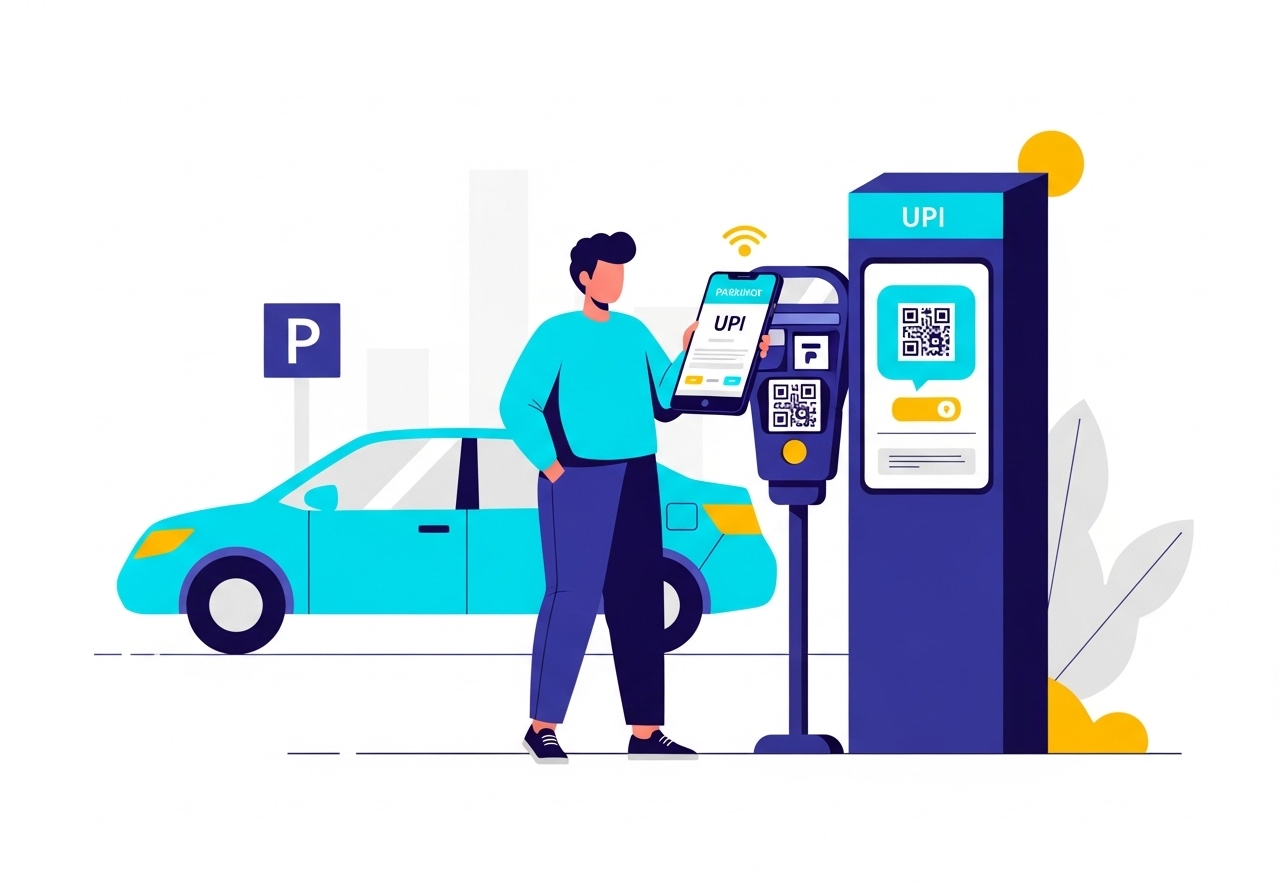
This guide explains how to use your Unique Payment Identifier (UPI) ID for hassle-free parking payments. Learn to link your bank account to a digital payment app, create your confidential PIN, and confidently pay by scanning a QR code or entering a UPI ID. Enjoy quick, secure, and convenient transactions, eliminating the need for cash or paper tickets. Ensure a smooth experience by checking rules and your balance.
Parking your vehicle should be a straightforward experience, and paying for it can be just as simple, thanks to modern digital payment methods. This guide will help you understand how to use your Unique Payment Identifier (UPI) ID to pay for parking quickly and securely, making your day a little easier.
Why Digital Payments Make Parking Simpler
Imagine a world where you never have to scramble for loose change or worry about an ATM being too far away. Digital payments have transformed how we handle everyday transactions, and parking is no exception.The Convenience of Paying Without Cash
One of the biggest advantages of using digital payments for parking is the sheer convenience. You no longer need to carry specific coins or notes, nor do you have to queue at a payment machine. With just a few taps on your smartphone, you can complete your payment, leaving you more time for what truly matters. It’s a hassle-free way to ensure your vehicle is parked legally and without stress.Quick and Secure Transactions for Everyone
Digital payment systems are designed to be both fast and highly secure. Transactions happen almost instantly, meaning you get confirmation quickly. Furthermore, these systems use advanced security measures, much like those used by banks, to protect your money and personal information. This makes them a reliable choice for everyone, from busy commuters to families on a day out. The National Payments Corporation of India (NPCI) has established a robust framework to ensure these transactions are safe and efficient.Understanding Your UPI ID
To make parking payments with your digital payment app, it’s important to understand what a UPI ID is and how it functions.What a UPI ID Is and How It Works
A UPI ID is a unique address that allows you to send and receive money directly from your bank account using a digital payment app. Think of it like an email address for your money; it’s easy to remember and makes transactions straightforward. This innovative system, developed by NPCI, allows for instant money transfers between different bank accounts, all through a single mobile application. It removes the need to share sensitive bank details for every transaction.Linking Your Bank Account to Your Digital Payment App
Before you can use your UPI ID, you need to link your bank account to your chosen digital payment app. This is typically a one-time process. You will download the app, register using your mobile number (which must be linked to your bank account), and then select your bank to connect it. The app will guide you through verifying your account, usually by sending an SMS from your registered mobile number. Once linked, you will create a confidential PIN, which acts as your digital signature for authorising payments.Getting Ready to Pay for Parking
A little preparation goes a long way in ensuring a smooth parking payment experience.Making Sure Your Digital Payment App is Set Up
Before you even leave for your destination, take a moment to ensure your digital payment app is fully set up and ready. This means you have successfully linked your bank account, created your UPI ID, and set up your confidential PIN. It’s also a good idea to ensure the app is updated to its latest version for the best performance and security.Checking Your Bank Balance Before You Park
It is always wise to quickly check your bank balance before you park. This simple step ensures you have enough funds available to cover the parking fee, preventing any last-minute payment issues or delays. Most digital payment apps allow you to check your balance directly within the application, offering peace of mind.A Step-by-Step Guide to Paying for Parking with Your UPI ID
Paying for parking using your UPI ID is a simple process once you know the steps.Finding the Right Parking Spot and Payment Sign
First, locate a parking spot and look for signs indicating how to pay. Many modern parking areas will display a QR code or a specific UPI ID for payments. These signs usually include the parking fees and instructions.Opening Your Digital Payment App
Once you’ve found the payment details, open your chosen digital payment app on your smartphone.Scanning the QR Code or Entering the UPI ID
You will typically have two options:- Scan the QR Code: Most parking payment systems use a QR code. Simply select the ‘Scan’ option in your app and point your phone’s camera at the QR code displayed on the sign.
- Enter the UPI ID: If there’s no QR code, or if you prefer, you can manually enter the UPI ID provided on the sign into your app’s payment section.
Double-Checking the Payment Details
After scanning or entering the ID, the app will usually display the parking operator’s name and the amount to be paid. It is very important to carefully check these details to ensure they are correct before proceeding. This helps prevent any accidental payments to the wrong recipient or for the wrong amount.Confirming Your Payment with Your PIN
Once you are satisfied with the details, confirm the payment. Your app will then ask you to enter your confidential PIN. This PIN is crucial for authorising the transaction and keeping your money secure. Enter your PIN carefully to complete the payment.After Your Payment is Complete
Once you have made your payment, there are a few things to keep in mind.Receiving Your Payment Confirmation
Immediately after entering your PIN, you should receive a payment confirmation. This will usually appear as a message within your digital payment app and often as an SMS to your registered mobile number. This confirmation is your proof of payment.What to Do if You Need a Receipt
For your records, or if required by your employer, you might need a formal receipt. Many digital payment apps allow you to view your transaction history, where you can often download or email a digital receipt. If a physical receipt is needed and not automatically provided, check the parking sign for contact details or instructions on how to obtain one.Avoiding Parking Fines with a Valid Payment
It is absolutely essential to ensure your payment is successful and confirmed. A valid payment protects you from receiving parking fines. Always keep your payment confirmation handy, especially if you are concerned about enforcement officers, as it serves as proof that you have paid for your parking.The Benefits of Using UPI for Parking
Using your UPI ID for parking payments offers several distinct advantages that enhance your overall experience.Keeping Your Money Safe and Secure
One of the primary benefits is the enhanced security. You don’t need to carry large amounts of cash, reducing the risk of loss or theft. All transactions made through UPI are encrypted and protected by your confidential PIN, ensuring your financial details remain private and secure. This robust security framework is a cornerstone of the UPI system.Saving Time with Faster Payments
Digital payments are incredibly quick. The entire process, from scanning a QR code to confirming your payment, often takes less than a minute. This efficiency saves you valuable time, especially when you are in a hurry, and helps to reduce queues at payment machines.The Eco-Friendly Way to Pay
By choosing digital payments, you are also making an environmentally conscious choice. You reduce the need for paper tickets and receipts, contributing to less waste and a greener environment. It’s a small step that collectively makes a big difference.Important Reminders for Smooth Parking Payments
To ensure every parking experience is stress-free, keep these important reminders in mind.Always Check the Parking Rules and Fees
Parking rules and fees can vary significantly from one location to another. Always take a moment to read the signs carefully. Pay attention to parking durations, restricted hours, and any special conditions that apply. This diligence will help you avoid unexpected charges or fines.What to Do if You Have a Problem
Occasionally, you might encounter an issue, such as a payment failure or difficulty scanning a QR code. If this happens, first try restarting your app or checking your internet connection. If the problem persists, look for a customer service number or an attendant at the parking location. You can also contact the support team of your digital payment app for assistance. They are usually well-equipped to help resolve payment-related issues promptly.Author

FAQs
What is a Unique Payment Identifier (UPI) ID?
It's a special address for your money, like an email address, that lets you send and receive money directly from your bank account using a digital payment app.
How do I link my bank account to my digital payment app?
Download the app, register with your mobile number (which must be linked to your bank), select your bank, and follow the steps to verify your account and create a confidential PIN.
What should I do before paying for parking with my digital app?
Make sure your app is fully set up, your bank account is linked, your Unique Payment Identifier (UPI) ID is created, and your confidential PIN is ready. Also, ensure the app is updated and check your bank balance.
How do I make the payment for parking using my digital app?
First, find the QR code or Unique Payment Identifier (UPI) ID on the parking sign. Then, open your app and either scan the QR code or manually type in the ID.
What should I check before confirming my parking payment?
Always carefully check the parking operator's name and the amount displayed by your app to ensure they are correct before you confirm.
How do I know my parking payment was successful?
You should get a payment confirmation message in your digital payment app and often an SMS to your registered mobile number. Keep this as proof.
What are the benefits of using a digital app for parking payments?
It keeps your money safe, saves time with faster payments, and is eco-friendly by reducing paper waste.
What should I do if I have a problem with my parking payment?
First, try restarting your app or checking your internet connection. If the problem continues, look for customer service at the parking spot or contact your digital payment app's support team.
