

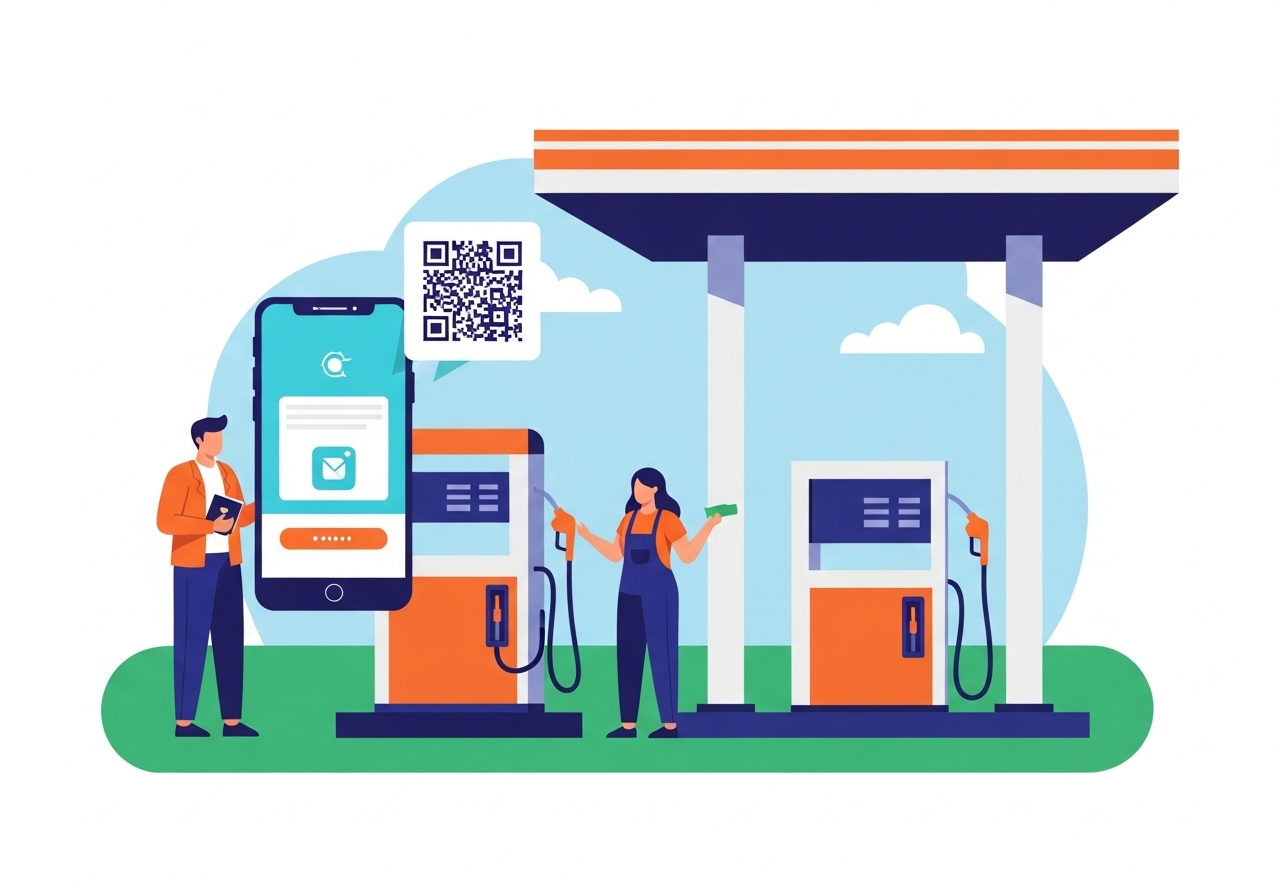
This guide explains how to use your UPI ID for quick and secure fuel payments. A UPI ID is a unique digital identifier linking directly to your bank account, enabling instant transactions via a mobile app. Learn to set up your UPI app, link your bank, and create your secret PIN. At the petrol station, simply scan the QR code, enter the amount, and authorise with your PIN. Enjoy fast, secure payments and easy spending tracking.
Paying for things has changed a lot over the years, and now, thanks to digital technology, it’s easier and quicker than ever before. One of the best ways to pay for everyday items, like your fuel, is by using something called a UPI ID. This guide will help you understand what a UPI ID is, how to get ready to use it, and how to make a smooth payment at the petrol station. It’s all about making your life a little simpler and your transactions more secure.
Understanding Your UPI ID
Before you start using your UPI ID, it’s helpful to know what it is and why it’s such a clever way to handle your money.What exactly is a UPI ID?
Imagine you have a special address just for receiving money directly into your bank account, much like an email address for messages. That’s essentially what a UPI ID is! UPI stands for Unified Payments Interface, and it’s a system that allows you to send and receive money instantly, directly from one bank account to another, using just your mobile phone. Your unique UPI ID acts as your identifier, meaning you don’t have to share your bank account number or other sensitive details every time you make a payment. It’s a secure and quick way to move money around, developed right here to make digital payments easy for everyone.Why paying with UPI is smart for fuel
When you’re at the petrol station, you often want to pay quickly so you can be on your way. This is where your UPI ID truly shines. Instead of searching for cash or fumbling with cards, you can simply use your phone. It’s fast, convenient, and means you don’t have to worry about carrying exact change or waiting for a card machine to process your payment. Plus, because the money goes straight from your bank account, you have a clear record of your spending, which is always a good thing.Getting Ready to Pay at the Pump
Before you drive up to the petrol station, there are a few simple steps you need to take to make sure your UPI ID is ready for action.Making sure you have a UPI app
The first thing you’ll need is a mobile application that supports UPI. Many banks offer their own apps that include UPI features, and there are also other popular payment applications available that you can download onto your smartphone. Just make sure the app you choose is from a trusted source and is officially linked to the UPI system. Once you have it installed, you’re halfway there!Connecting your bank account to your app
Once you have your UPI app, you’ll need to link your bank account to it. This process is usually very straightforward. You’ll typically open the app, look for an option like ‘add bank account’ or ‘link bank account’, and then select your bank from a list. The app will then often verify your details using the mobile number registered with your bank account. It’s very important that the mobile number on your phone is the same one your bank has on file for you.Setting up your secret UPI PIN
To keep your money safe, every UPI payment needs to be approved by you. This is done using a secret number called your UPI PIN (Personal Identification Number). Think of it as a password for your payments. When you first link your bank account, you’ll be asked to set up this PIN, often using details from your debit card. Remember, this PIN is for your eyes only, and you should never share it with anyone, not even bank staff or family members.Your Step-by-Step Guide to Paying for Fuel
Now that you’re all set up, let’s walk through the process of paying for your fuel using your UPI ID. It’s much simpler than it sounds!What to do when you’re at the petrol station
Once you’ve pulled up to the pump and filled your vehicle, simply tell the attendant that you wish to pay using your UPI ID. They will then direct you to a QR code. A QR code is a square-shaped barcode that your phone can read.How to scan the QR code
Open your UPI app on your smartphone. You’ll usually find a ‘scan’ or ‘QR code’ button within the app. Tap this button, and your phone’s camera will open. Point your camera at the QR code displayed at the petrol station. Your app will quickly read the code and automatically show you the name of the petrol station – this helps you confirm you’re paying the right place.Putting in the correct amount
After scanning the QR code, your app will ask you to enter the amount you need to pay. Carefully type in the exact amount for your fuel. It’s a good idea to double-check this number before moving on, just to be sure.Finishing your payment with your UPI PIN
Once you’ve entered the amount, the app will show you the details of the transaction. Look over the amount and the name of the petrol station one last time. If everything looks correct, the app will then prompt you to enter your secret UPI PIN. This is the moment you authorise the payment. Enter your PIN carefully.Seeing your payment confirmation
After you enter your PIN, the payment will usually go through in just a few seconds. You’ll see a confirmation message on your app’s screen, letting you know that your payment was successful. Often, you’ll also receive a message from your bank confirming the deduction. The petrol station attendant will also get a confirmation on their system, so you can then collect your receipt and drive away.The Benefits of Using UPI for Your Fuel
Using your UPI ID for fuel payments isn’t just about convenience; it brings several other great advantages too.Paying quickly and easily
One of the biggest benefits is how incredibly fast and simple it is. There’s no need to handle physical cash, count out change, or wait for a card machine to connect and print a slip. A quick scan, a few taps, and you’re done! This speed is especially useful when you’re in a hurry or when there’s a queue at the pump.Keeping your money safe and secure
Security is a major concern for everyone, and UPI payments are designed with strong safety features. Your UPI PIN protects every transaction, meaning no one can make a payment from your account without it. Also, because the money moves directly from your bank to the merchant’s bank, your sensitive bank details are never shared with the petrol station, adding an extra layer of protection. This system is overseen by national payment authorities, ensuring a secure environment for your money.Tracking your fuel spending
Every time you make a payment using your UPI ID, your app keeps a record of it. This means you have a clear and instant history of all your fuel purchases. It’s a fantastic way to keep an eye on how much you’re spending on fuel each month, helping you manage your budget more effectively without needing to keep physical receipts.Important Things to Remember for Smooth Payments
While using your UPI ID is generally very smooth, keeping a few key things in mind can help ensure every payment goes perfectly.Always double-check the amount
Before you enter your UPI PIN, always take a moment to double-check the amount shown on your screen. Mistakes can happen, and making sure the number matches your fuel bill prevents you from accidentally paying too much or too little. It’s a small step that can save you a lot of trouble.Keeping your UPI PIN private
Your UPI PIN is the key to your money. It is absolutely vital that you keep it secret. Never write it down, never tell it to anyone, and be suspicious of anyone who asks for it, even if they claim to be from your bank or a payment service. No legitimate organisation will ever ask you for your UPI PIN.What to do if you have a problem
On rare occasions, a payment might not go through as expected. If this happens, don’t worry. First, check your app’s transaction history to see the status. If the payment shows as ‘pending’ or ‘failed’, you can usually find an option within your UPI app to raise a dispute or contact customer support. You can also reach out to your bank directly for assistance. The system is designed to help resolve such issues quickly and safely, so your money is always protected.Author

FAQs
What exactly is a UPI ID?
A UPI ID is like a special address for your bank account, letting you send and receive money instantly using your mobile phone. It means you don't have to share your bank details when you pay.
Why is paying for fuel with a UPI ID a good idea?
It's a fast and convenient way to pay, so you don't need cash or cards. It also gives you a clear record of your spending on fuel.
What do I need to do before I can use my UPI ID for payments?
First, you need a mobile application that supports UPI. Then, you must link your bank account to this app and set up your secret UPI PIN.
How do I link my bank account to a UPI app?
Open your UPI app and look for an option like 'add bank account' or 'link bank account'. Select your bank from the list. The app will usually verify your details using the mobile number registered with your bank account.
What is a UPI PIN and why is it important?
A UPI PIN is a secret number, like a password, that you use to approve every payment. It keeps your money safe, and you should never share it with anyone.
How do I pay for fuel at the petrol station using my UPI ID?
Tell the attendant you want to pay with your UPI ID. They will show you a QR code to scan with your app. Enter the amount, then confirm the payment by entering your secret UPI PIN.
How secure are UPI payments?
UPI payments are designed with strong safety features. Your secret UPI PIN protects every transaction, and your sensitive bank details are never shared with the petrol station. The system is also overseen by national payment authorities.
What should I do if a UPI payment doesn't go through as expected?
First, check your app's transaction history. If the payment shows as 'pending' or 'failed', you can usually raise a dispute or contact customer support through your UPI app, or contact your bank directly for help.
