

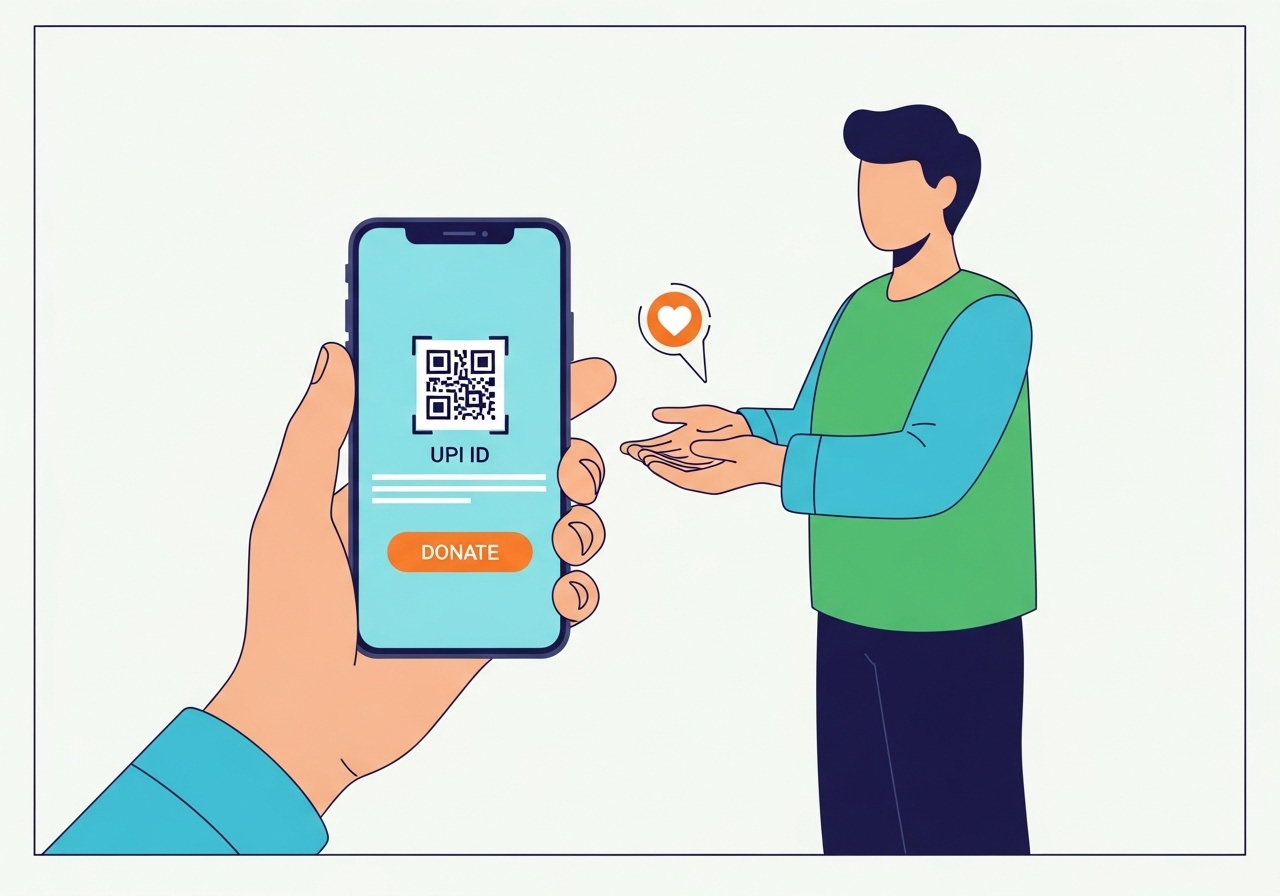
This guide explains how to easily donate to non-governmental organisations (NGOs) using your unique digital payment ID. Learn why this method is quick and convenient. Discover how to find and verify an NGO's official ID, then follow simple steps to make your donation securely. Remember vital safety tips, like verifying details and keeping your PIN secret, to ensure your generosity reaches legitimate causes effectively and safely.
Giving to good causes can bring a wonderful feeling of making a difference in the world. Whether you want to help children, protect animals, or support local communities, your contributions can have a real impact. In today’s digital world, donating money has become much simpler and faster, thanks to tools like your unique digital payment ID. This guide will help you understand how to use this easy method to support the non-governmental organisations (NGOs) you care about, ensuring your generosity reaches the right hands safely and efficiently.
Understanding Your digital payment ID: A Simple Way to Pay
Before we dive into how to donate, let’s first understand what your unique digital payment ID is and why it’s such a helpful tool for sending money, including donations.What Exactly is a Digital Payment ID?
Think of your unique digital payment ID as a special address for your bank account, but much simpler than a long account number and bank code. It’s like having an email address, but for sending and receiving money directly from your bank account. This ID is unique to you and links directly to your bank account, allowing you to make payments or receive money using just this simple identifier. It’s managed by the National Payments Corporation of India (NPCI) and makes transactions incredibly straightforward.Why Your Digital Payment ID Makes Donating Easy and Quick
Using your digital payment ID for donations offers several fantastic benefits:- Instant Transfers: Your donation reaches the NGO almost immediately, which is great for urgent causes.
- Always Available: You can send money any time of day or night, every day of the year, even on holidays.
- No Fussy Details: You don’t need to remember complicated bank account numbers or IFSC codes. Just the NGO’s unique digital payment ID is enough.
- Convenient: You can make donations directly from your mobile phone, wherever you are, as long as you have an internet connection.
Finding and Checking the NGO You Want to Support
Before you open your digital payment application, it’s very important to find the correct digital payment ID for the NGO and make sure they are real and trustworthy.How to Find an NGO’s Official Digital Payment ID
When you decide to support an NGO, finding their official digital payment ID is the first step. Always look for this information on their official communication channels:- Official Website: Most legitimate NGOs will prominently display their donation options, including their unique digital payment ID, on their official website.
- Official Social Media Pages: Check their verified social media accounts for donation details.
- Direct Contact: If you can’t find it, or if you’re unsure, it’s always best to contact the NGO directly through their official phone number or email address to ask for their correct digital payment ID.
Making Sure the NGO is Real and Trustworthy
It’s crucial to ensure your donation goes to a legitimate and well-run organisation. Here’s how you can check:- Government Registration: Real NGOs are usually registered with the government. In India, you can often verify their registration through portals like the NITI Aayog Darpan portal, which lists many registered NGOs.
- Tax Exemption Certificates: Look for whether the NGO has 80G and 12A certificates. An 80G certificate means your donation might be eligible for tax benefits, and both certificates show the NGO is officially recognised and follows rules set by the Income Tax Department.
- Transparency: Reputable NGOs often share their annual reports, showing how they use their funds, on their websites. This helps you see their work and financial practices.
Your Step-by-Step Guide to Donating with Your Digital Payment ID
Once you’ve found the correct digital payment ID and confirmed the NGO’s legitimacy, donating is a straightforward process.Opening Your Digital Payment Application
First, open the digital payment application you usually use on your mobile phone. This could be any of the widely available applications that support digital payment transactions.Choosing the “Pay” or “Send Money” Option
Look for an option like “Pay,” “Send Money,” or “Transfer” on the app’s main screen. This is usually a clear button or icon designed for sending funds.Entering the NGO’s Digital Payment ID Carefully
You will then be asked to enter the recipient’s digital payment ID. Type the NGO’s unique digital payment ID very carefully into the designated field. Double-check every character to avoid sending money to the wrong place.Double-Checking the NGO’s Name
After you enter the digital payment ID, your app will usually display the name of the organisation linked to that ID. Make sure the name that appears on your screen exactly matches the NGO you intend to support. This is a vital step to confirm you’re sending money to the right place.Putting in Your Donation Amount
Next, enter the exact amount of money you wish to donate. Always review this amount to ensure it is correct.Confirming Your Payment Securely
Finally, you will be asked to enter your secure PIN. This is your personal secret code, like a password, that authorises the payment from your bank account. Enter it carefully and confirm the transaction. You will usually receive an instant confirmation that your donation has been successful.Important Things to Remember for Safe Donations
While using your digital payment ID is very convenient, it’s also important to keep some safety tips in mind to protect your money and ensure your donations are effective.Always Verify Before You Pay
Never rush when making a payment. Always take a moment to confirm all the details – the NGO’s name, their digital payment ID, and the amount – before you authorise the transaction. If something feels wrong, pause and re-verify.Keeping Your Digital payment PIN a Secret
Your digital payment PIN is like the key to your money; it should be kept absolutely secret. Never share it with anyone, not even friends, family, or anyone claiming to be from your bank or the digital payment application. Banks and legitimate payment services will never ask for your PIN.What if Your Donation Doesn’t Go Through?
Occasionally, a digital payment might not go through successfully. If this happens:- Check Your Internet: Ensure you have a stable internet connection.
- Check Your Bank Balance: Make sure you have enough funds in your bank account.
- Contact Support: If the issue persists, contact your bank or the customer support of your digital payment application for assistance. Keep a record of the transaction details.
Understanding Donation Limits
Please be aware that there might be daily transaction limits set by your bank or the digital payment system. These limits are in place for your security. If you plan to make a very large donation, you might need to check these limits beforehand.Getting Your Donation Receipt
After a successful donation, your digital payment application will usually provide a digital transaction receipt. It’s a good idea to keep this record. For tax purposes (if the NGO has an 80G certificate), you should also request an official donation receipt directly from the NGO. This receipt will be important if you wish to claim any tax benefits.Making a Difference, One Digital Payment Donation at a Time
Using your digital payment ID makes donating to good causes incredibly easy and secure. By following these simple steps and keeping safety tips in mind, you can confidently support the NGOs that are working tirelessly to improve our world. Your thoughtful contributions, no matter the size, truly help to make a significant positive impact on the lives of many. Thank you for making a difference!Author

FAQs
What is a unique digital payment ID?
It is a special address for your bank account, like an email address, that lets you send and receive money directly. It is unique to you and links to your bank account.
Why is using a unique digital payment ID good for donations?
It makes donations instant, available any time, and means you don't need complex bank details. You can also donate easily from your mobile phone.
Where can I find an organisation's official unique digital payment ID?
You should look on their official website, verified social media pages, or contact the organisation directly by phone or email.
How can I check if an organisation is real and trustworthy?
Check if they are registered with the government. Look for 80G and 12A tax certificates, and see if they share annual reports showing how they use funds.
What should I do first when donating with a digital payment application?
First, open the digital payment application you use on your mobile phone.
What details should I check before confirming my donation?
You should always check the organisation's name, their unique digital payment ID, and the amount you want to donate.
What if my donation does not go through?
Check your internet connection and ensure you have enough money in your bank account. If it still doesn't work, contact your bank or the support for your digital payment application.
Why must I keep my digital payment PIN secret?
Your digital payment PIN is like a key to your money and must be kept secret. Never share it with anyone, as banks will never ask for it.
Can I get a receipt for my donation?
Yes, your digital payment application usually gives a digital receipt. You should also ask the organisation for an official donation receipt, especially if you want to claim tax benefits.
