

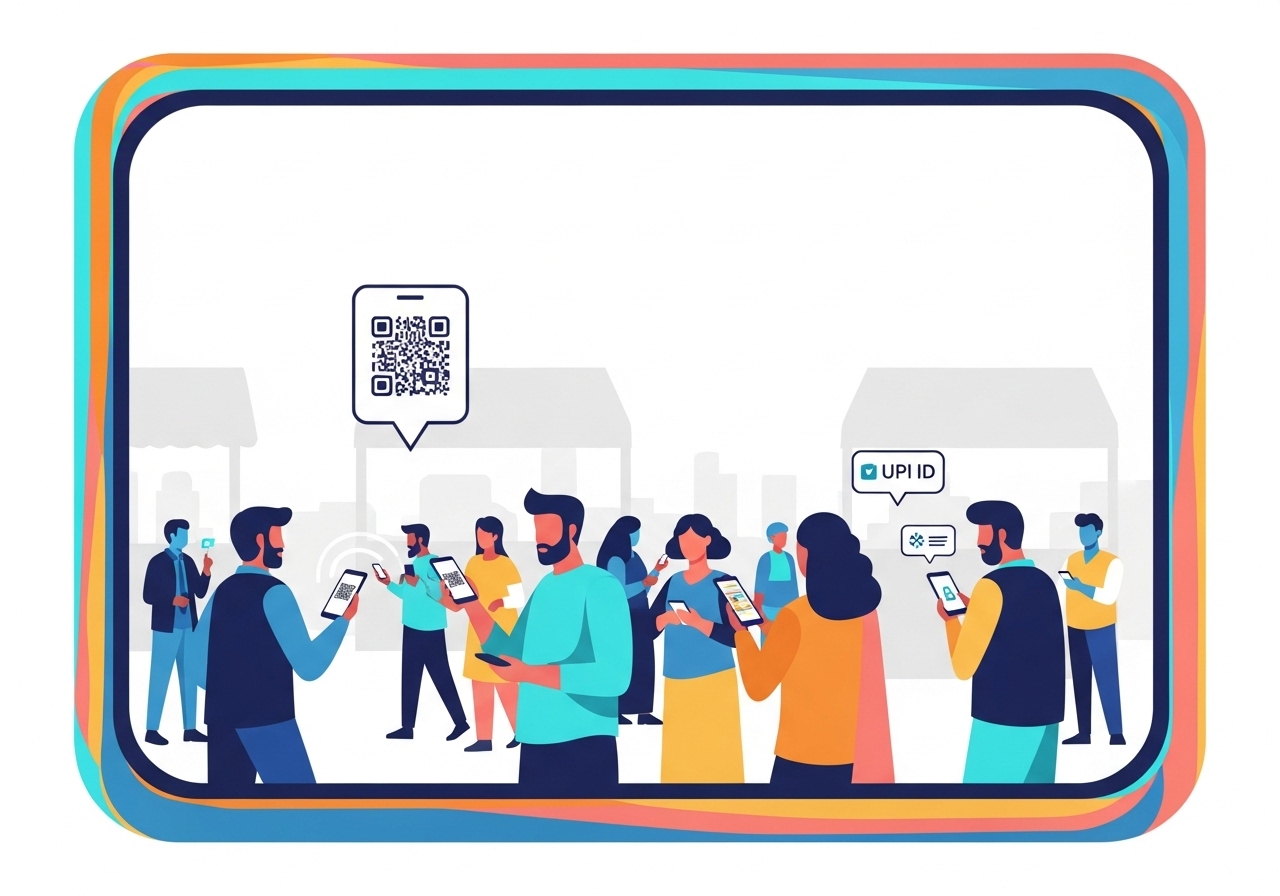
Organising a community event? Discover how a UPI ID simplifies financial management. This unique address enables instant, secure bank-to-bank transfers via mobile apps, making payments for tickets, donations, and merchandise effortless for attendees. For organisers, it ensures easy transaction tracking and smoother event operations. Learn to set up a dedicated UPI ID, share it effectively, and maintain security, fostering a more connected community through hassle-free payments.
Organising a community event, whether it is a local charity drive, a school fair, or a neighbourhood get-together, often involves managing money. Collecting payments for tickets, donations, or merchandise can sometimes feel a bit tricky. This is where a UPI ID can truly shine, making everything much simpler and smoother for everyone involved. Imagine an event where payments are quick, easy, and secure – that is precisely what using a UPI ID can help you achieve.
Understanding What a UPI ID Is
Before we dive into how UPI IDs can transform your community event, let us first understand what this clever tool really is.What is a UPI ID, really?
A UPI ID is essentially your unique address for sending and receiving money directly from your bank account, using a mobile payment application. Think of it like a special email address, but instead of sending messages, you are sending and receiving money instantly. This system, known as Unified Payments Interface (UPI), was created by the National Payments Corporation of India (NPCI) and is regulated by the Reserve Bank of India (RBI). It links directly to your bank account, meaning you do not need to share your bank account number or other sensitive details every time you make a payment. It is designed to be very straightforward and secure, making digital transactions accessible to millions.How does a UPI ID help you send and receive money?
Using a UPI ID makes financial transactions incredibly easy. Once you have linked your bank account to a mobile payment application, your UPI ID becomes active. When you want to send money, you simply open your app, enter the recipient’s UPI ID, type in the amount, and confirm with your secure PIN. The money is then transferred almost instantly, 24 hours a day, 7 days a week. Receiving money is just as simple; someone sends funds to your UPI ID, and it lands directly in your linked bank account. This removes the need for traditional bank transfers that often require lots of details and can take longer.Why UPI IDs are Great for Community Events
For community events, the benefits of using UPI IDs are numerous, making life easier for both organisers and attendees.Making payments super easy for everyone
Imagine not having to worry about carrying enough cash or finding a card machine at an event. With a UPI ID, attendees can pay for tickets, food, or donations directly from their mobile phones. This convenience means fewer queues, faster transactions, and a much more pleasant experience for everyone. It also makes your event more accessible, as most people now carry a smartphone.Keeping track of event money simply
Handling cash at events can be a real headache. Counting money, dealing with change, and then reconciling everything at the end can be very time-consuming and prone to errors. When payments are made via UPI, every transaction is digitally recorded. This creates a clear and accurate log of all money coming in, making it much easier to track funds, manage your budget, and ensure transparency for your community group.Helping your event run smoothly
By simplifying the payment process, UPI IDs allow your event to run much more efficiently. Your volunteers can focus on helping attendees and managing activities, rather than spending time on cash handling. Faster payments mean less waiting, which keeps the energy of the event positive and flowing. It also gives your community event a modern and professional feel.Getting Your Event Ready with a UPI ID
Setting up your event to accept payments via UPI is a straightforward process.Setting up your unique UPI ID for the event
To ensure clarity and good management, it is a great idea to set up a specific UPI ID for your event or community group. This ID should ideally be linked to a dedicated bank account for the event, making it easier to separate event funds from personal finances. For example, your ID could be something likeYourEventName@bankname. This dedicated approach helps with clear accounting and builds trust within your community.
Sharing your UPI ID clearly with attendees
Once your UPI ID is ready, you need to make sure everyone at your event knows how to find it. You can display it prominently on posters, banners, and digital screens around the venue. Creating a QR code linked to your UPI ID is also a brilliant idea, as people can simply scan it with their mobile payment application to initiate a payment. Make sure to include clear, simple instructions on how to pay.Keeping your event’s money safe and sound
UPI transactions are highly secure, protected by your personal PIN and advanced encryption. However, as an organiser, you should regularly monitor the transactions coming into your event’s account. Always use a reputable mobile payment application and ensure that access to the event’s linked bank account is secure and managed by trusted individuals. This ensures that the money raised for your community stays safe.How People Can Pay for Your Event Using a UPI ID
Paying with a UPI ID is very simple for attendees.Finding the event’s UPI ID
Attendees will typically find the event’s UPI ID or QR code displayed in various places: at ticket counters, food stalls, donation points, or on the event’s website or social media pages. Look out for clear signs that show the unique ID or a scannable QR code.Sending money using your mobile payment app
Once you have found the event’s UPI ID or QR code, simply open your preferred mobile payment application on your smartphone.- Look for an option like “Send Money,” “Pay,” or “Scan & Pay.”
- If you have the UPI ID, type it into the designated field. If there is a QR code, use your app’s scanner to read it.
- Enter the exact amount you wish to pay – for example, the ticket price or donation amount.
- Carefully check the name of the recipient (which should be your event’s name) to ensure you are paying the correct place.
- Confirm the payment using your secure UPI PIN.
Checking if your payment went through
After you have confirmed your payment, your mobile payment application will usually show an instant confirmation message, letting you know the transaction was successful. You can also check your transaction history within the app to see a record of your payment. For added peace of mind, event organisers might also provide a quick confirmation once they see your payment come through.Important Tips for Using UPI IDs Safely
While UPI is very secure, it is always good to be mindful of a few safety tips.Always double-check the UPI ID
Before you finalise any payment, take a moment to double-check the UPI ID. Ensure every letter and number is correct. Also, verify the name associated with the ID – it should clearly match the event or organisation you intend to pay. Sending money to the wrong ID can be a hassle to resolve, so a quick check can save you trouble.Keeping your personal details private
Remember, you should never share your UPI PIN, bank account details, or mobile payment app password with anyone. Legitimate payment requests will only ask for your PIN when you are sending money, never when you are receiving it. Be very wary of any messages or calls asking for your personal financial information.What to do if something goes wrong
If you accidentally send money to the wrong ID, or if you notice any suspicious activity related to your UPI transactions, act quickly. Contact your bank immediately to report the issue. Many mobile payment applications also have a “dispute resolution” feature that you can use to report problems. The National Payments Corporation of India (NPCI) and the Reserve Bank of India (RBI) have guidelines in place to help resolve such issues.Making Your Community Event a Success with UPI
Embracing UPI for your community event is a forward-thinking step that brings numerous advantages.Enjoying hassle-free payments for everyone
By using UPI, you are offering a modern, convenient, and secure way for people to participate financially in your event. This creates a hassle-free experience for attendees, who can pay with ease, and for organisers, who can manage funds transparently and efficiently. It truly simplifies the financial side of event management.Building a stronger, more connected community
Ultimately, when the payment process is smooth and reliable, it allows everyone to focus on what truly matters: the event itself and the community spirit it fosters. Using UPI helps your community event feel organised and professional, encouraging greater participation and building a stronger, more connected community that is ready to embrace digital solutions for collective benefit.Author

FAQs
What is a UPI ID?
A UPI ID is your unique address for sending and receiving money directly from your bank account using a mobile payment application. It links to your bank account, so you do not need to share your bank details for transactions.
How does a UPI ID help you send and receive money?
Once your bank account is linked to a mobile payment application, your UPI ID becomes active. To send money, you enter the recipient's UPI ID, the amount, and confirm with your secure PIN. To receive money, someone simply sends funds to your UPI ID, and it goes straight into your linked bank account.
Why are UPI IDs good for community events?
They make payments easy for attendees, as they can pay from their mobile phones. For organisers, all transactions are digitally recorded, making it simple to track money and manage the budget. This helps events run more smoothly.
How do you set up a UPI ID for an event?
It's a good idea to create a specific UPI ID for your event or community group. This ID should ideally be linked to a dedicated bank account for the event, helping to keep event funds separate from personal money.
How should an event's UPI ID be shared with attendees?
Display the UPI ID clearly on posters, banners, and digital screens at your event. Creating a QR code linked to the ID is also very helpful, as people can simply scan it with their mobile payment application to pay.
How do people pay at an event using a UPI ID?
Attendees find the event's UPI ID or QR code, then open their mobile payment application. They choose to "Send Money" or "Scan & Pay," enter the ID or scan the QR code, type in the amount, check the recipient's name, and confirm with their secure PIN.
What should you do if you accidentally send money to the wrong ID?
If you send money to the wrong ID or notice suspicious activity, contact your bank immediately. Many mobile payment applications also have a "dispute resolution" feature you can use to report problems.
