

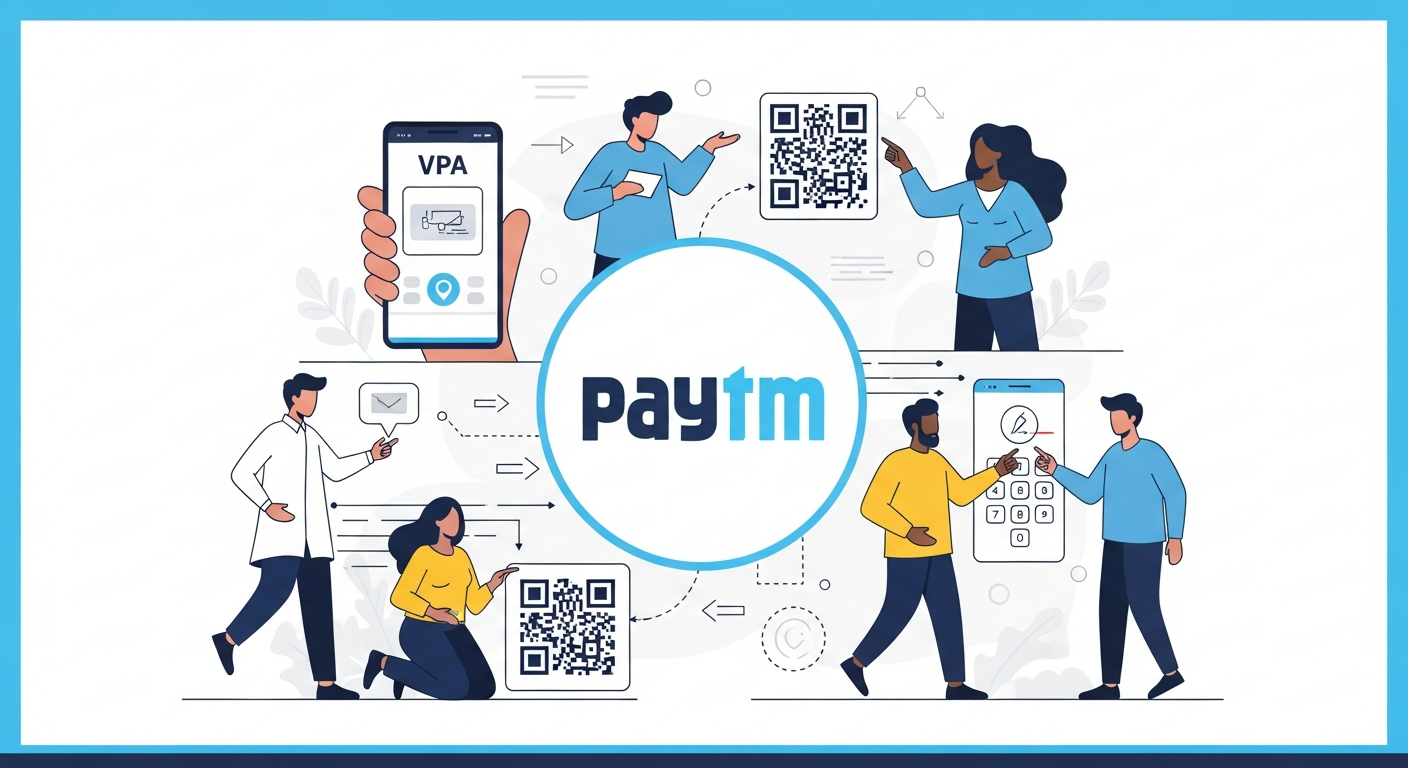
If you are new to the world of digital payments in India, the terminology can be confusing. QR codes, UPI PINs, linking bank accounts—it can feel overwhelming. You need an app that is intuitive, widely accepted, and easy to navigate.
When asking “Which UPI app is best for beginners?”, the answer is Paytm.
Despite the crowded market, Paytm remains the most user-friendly entry point for anyone looking to start their cashless journey. It was the pioneer of QR code payments in India, and its interface is designed to make bank-to-bank transfers as simple as sending a text message.
Here is why Paytm is the ideal choice for first-time users and how you can get started.
1. The “Scan & Pay” Simplicity
For a beginner, the most critical feature is the ability to pay at a shop. Paytm prioritizes this above everything else. When you open the app, the “Scan & Pay” icon is located prominently in the center at the bottom (or the top center depending on your version).
Unlike other apps that might clutter the screen with investment options or social feeds, Paytm keeps the payment button front and center. You simply:
- Tap “Scan & Pay”.
- Point your camera at the merchant’s QR code.
- Enter the amount and your UPI PIN.
- The money moves directly from your bank account to the shopkeeper’s bank account.
2. The Trust of the Soundbox
One of the biggest anxieties for beginners is: “Did the payment go through?”
Paytm invented the “Soundbox”—the small speaker you see on almost every shop counter in India. When you pay using the Paytm app, the merchant’s device instantly speaks out the amount received. This audio confirmation provides immense peace of mind for beginners, eliminating the awkwardness of showing your phone screen to the shopkeeper to prove you paid.
3. Works with Any Bank Account (TPAP Model)
You do not need a special account to use Paytm. The app operates as a Third-Party Application Provider (TPAP), which means it acts as a secure bridge between you and your existing bank.
Even if you have an account with any bank, you can link it to Paytm. The app partners with major banks (like Axis Bank, HDFC Bank, SBI, and YES Bank) to ensure your transactions are processed smoothly on the UPI network.
4. PIN-Less Small Payments (UPI Lite)
For beginners, entering a 4 or 6-digit PIN for every ₹10 chai or ₹20 auto ride can be annoying and increases the risk of someone seeing your PIN.
Paytm offers a feature called UPI Lite. This allows you to set aside a small amount from your bank account for low-value transactions (under ₹500). When you use this mode, the payment happens instantly with one tap—no PIN required. It makes the experience faster and feels much smoother for daily errands.
5. All-in-One Utility
Once you master scanning QR codes, Paytm makes it easy to graduate to other digital tasks without downloading new apps. As a beginner, you can easily find options to:
- Recharge your mobile prepaid plan.
- Pay electricity and water bills.
- Book train or movie tickets.
The icons are clearly labeled with visuals, so you don’t need to be a tech expert to figure out how to pay your broadband bill.
How to Get Started (Step-by-Step)
Setting up Paytm is a one-time process that takes less than 5 minutes.
- Download and Install: Get the Paytm app from the Google Play Store or Apple App Store.
- Verify Mobile Number: Enter the mobile number that is linked to your bank account. The app will send an SMS to verify it.
- Link Bank Account: Tap on the profile icon and select “Link Bank Account”. Select your bank from the list. Paytm will automatically fetch your account details securely.
- Set UPI PIN: If you haven’t used UPI before, you will need your Debit Card details (last 6 digits and expiry date) to set a 4 or 6-digit secret PIN.
- Start Paying: You are now ready to scan your first QR code.
Safety Tips for Beginners
- Never Share Your PIN: No one from Paytm or your bank will ever ask for your PIN.
- PIN is Only for Paying: Remember, you only enter your PIN when sending money. If someone asks you to enter your PIN to “receive” a prize or refund, it is a scam.
- Check the Name: When you scan a QR code, Paytm displays the name of the person or shop. Always read this name before clicking “Pay” to ensure it is going to the right person.
Author

