

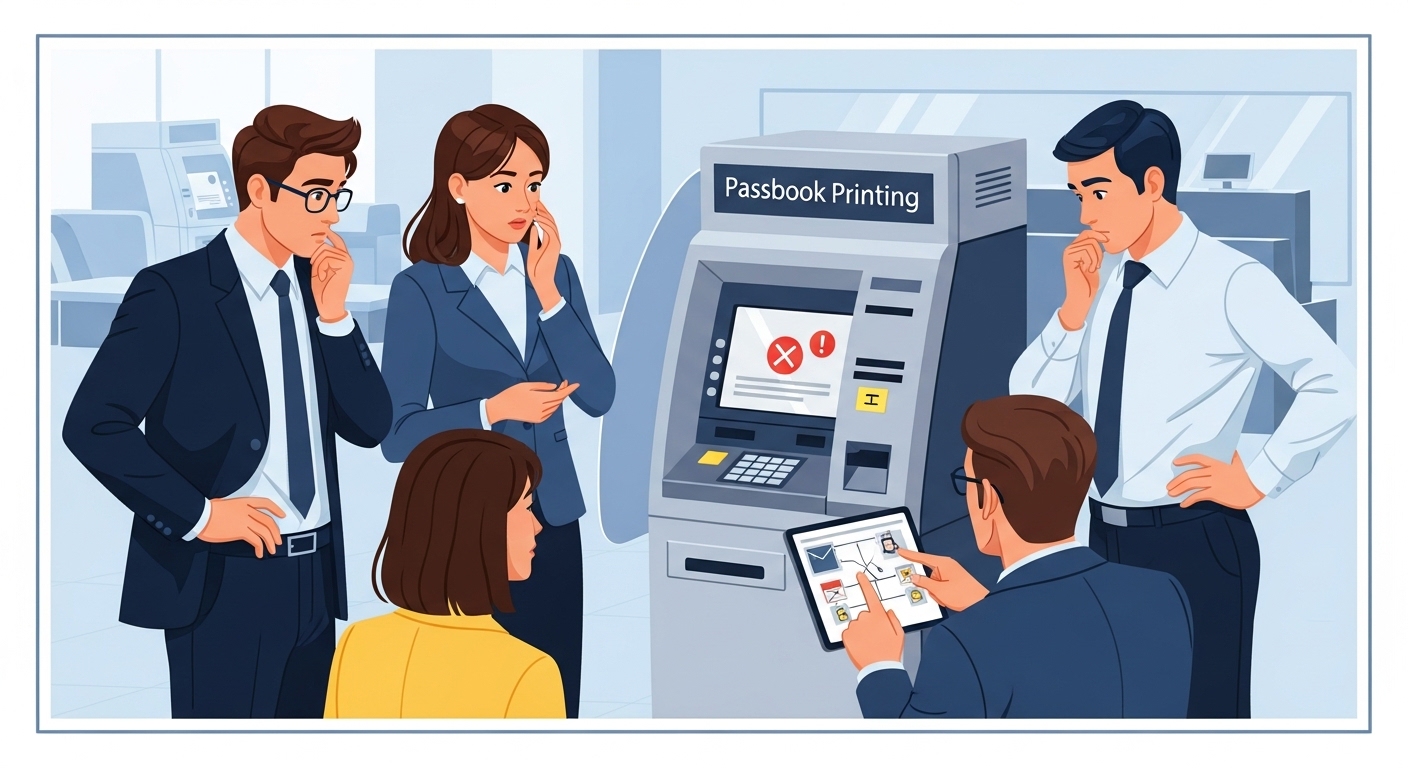
Having a bank account is a really important step in managing your money, and your passbook acts like a special diary for all your financial comings and goings. It’s a physical record that helps you keep track of everything. So, when you go to update it and find it hasn’t changed, it can feel a bit confusing or even worrying. Don’t fret, though! This guide will help you understand why this might happen and what simple steps you can take to get your passbook back on track.
Why Your Passbook Is So Important
Your passbook isn’t just a small book from the bank; it’s a crucial tool for understanding your money. Think of it as your personal financial history book.
What Your Passbook Shows You
Your passbook provides a clear, printed record of every transaction that happens in your savings account. This includes money you’ve put in (deposits), money you’ve taken out (withdrawals), and any interest your money has earned. Each entry will typically show the date, a description of the transaction, and how much money was involved. It’s a handy way to see exactly when and where your money moved.
Keeping Track of Your Money
Regularly updating your passbook helps you keep a close eye on your finances. By reviewing the entries, you can:
- Understand your spending: See where your money is going each month.
- Spot any mistakes: Quickly notice if a transaction looks incorrect or if there’s an unfamiliar entry.
- Plan for the future: Having a clear record helps you make smart decisions about saving and spending.
- Provide proof: Sometimes, you might need your passbook as proof of your financial history for things like applying for a student loan or scholarship.
Common Reasons Your Passbook Might Not Update
It’s quite normal for a passbook to sometimes not update straight away. Several things can cause this, and most are quite easy to sort out.
Bank System Hiccups
Just like any other technology, bank systems can sometimes have small issues.
- Technical problems: Occasionally, the bank’s computers or updating machines might experience a temporary glitch.
- Maintenance: Banks sometimes perform updates or maintenance on their systems, which can briefly affect services.
- High demand: During very busy times, the system might be a bit slower to process updates.
Things About Your Account
Sometimes, the issue might be related to your specific account.
- Infrequent use: If you haven’t used your account for a very long time, it might become inactive, requiring a re-activation before updates can occur.
- Account restrictions: In rare cases, an account might be temporarily frozen or have certain restrictions, which would prevent updates. This usually happens for security reasons or if there are certain details missing from your account profile.
- Recent changes: If you’ve recently updated your address, phone number, or other personal details with the bank, there might be a short delay while these changes are fully processed.
Issues with Your Passbook Itself
Believe it or not, the physical passbook can sometimes be the cause of the problem.
- Damage: If your passbook is torn, wet, or has crumpled pages, the machine might struggle to read it properly.
- Full pages: If all the pages in your passbook are full, you will need to get a new one issued by the bank.
- Magnetic strip problems: Some passbooks have a magnetic strip on the back, and if this gets damaged, the updating machine might not be able to read your account information.
Your Bank’s Specific Rules
Different banks can have slightly different ways of doing things.
- Update locations: Some banks might only allow passbook updates at specific branches or designated machines.
- Transaction limits: Very rarely, there might be a limit to how many transactions can be printed at once, especially if you haven’t updated it for a very long time.
Simple Steps to Help Fix the Problem
Don’t worry, most passbook update issues can be resolved with a few simple steps.
Try the Basics First
Before you do anything else, try these straightforward solutions:
- Check bank hours: Ensure the bank or the self-service machine is operational.
- Try again: Sometimes, simply trying to update your passbook at a different machine or counter can solve the issue.
- Verify account number: Double-check that you are using the correct passbook for your account.
Contact Your Bank Directly
If the basic steps don’t work, the best thing to do is speak to your bank.
- Visit a branch: Go to your nearest bank branch and explain the situation to a bank official. They are usually very helpful.
- Call customer service: Most banks have a customer service helpline. Have your account number ready when you call.
- Use online support: Some banks offer chat support or email services through their official websites or mobile applications.
When you contact them, clearly explain that your passbook is not updating and mention when you last successfully updated it.
What to Do if Your Passbook Is Damaged
If your passbook is damaged or full, you will need a new one.
- Report the damage: Inform your bank about the damaged passbook.
- Request a duplicate: The bank will guide you through the process of getting a new passbook. There might be a small fee for issuing a duplicate, so it’s always good to ask about this beforehand.
Important Things to Remember
Keeping your passbook in good order and regularly checking your account is key to good money management.
Keeping Your Passbook Safe
Your passbook contains sensitive information about your account.
- Store securely: Keep your passbook in a safe place at home, just like you would with other important documents.
- Don’t share details: Never share your account number or other personal details from your passbook with anyone you don’t trust or who claims to be from the bank without verifying their identity.
- Report loss immediately: If you ever lose your passbook, contact your bank straight away so they can take necessary precautions.
Updating Your Passbook Regularly
Making a habit of updating your passbook often has many benefits.
- Easier to track: It’s much simpler to review a few transactions than hundreds.
- Catch errors early: You can spot and report any unusual activities or errors much faster.
- Less hassle: Regular updates mean less waiting time at the bank, as fewer entries need to be printed. Aim to update it at least once a month, or after a significant number of transactions.
Checking Your Account Statements Online
In today’s digital world, many banks also offer online access to your account information, which can be a fantastic alternative or complement to your physical passbook.
- Bank’s official website or app: You can usually view your transaction history, check your balance, and download account statements through your bank’s secure website or official mobile application.
- Real-time updates: Online statements often show transactions almost instantly, giving you a very up-to-date view of your money.
- Convenience: You can check your account from anywhere, at any time, without needing to visit a bank branch.
Always ensure you are using your bank’s official and secure platforms when checking your account online.
Getting Your Passbook Back on Track
An updated passbook is an essential tool for managing your money wisely and keeping your financial records accurate. While it can be a little frustrating when it doesn’t update, most issues are easily fixed. By understanding the common causes and knowing the simple steps to take, you can ensure your passbook always reflects your true financial picture. Remember, your bank is there to help, so never hesitate to reach out to them if you need assistance.
Author

